Audio Tools · Articles
Articles on game audio in Unity
Practical notes on audio in Unity: why sounds play late, preparing audio files, peak versus loudness normalization, MP3 loop gaps and building audio tooling.
 November 11, 2026
Prepare audio files for Unity: editing and import settings checklist
Good game audio starts before the import settings: trim the silence, fade the cuts, set the level, pick a sensible source format. Then choose load type and compression for each kind of sound. A checklist for both halves.November 2, 2026Why MP3 loops have a gap in Unity
An MP3 loop that plays perfectly in a music player can stutter in a game. The reason is encoder delay and padding, which gapless players remove and plain decoders keep. How it works and four ways to get a seamless loop in Unity.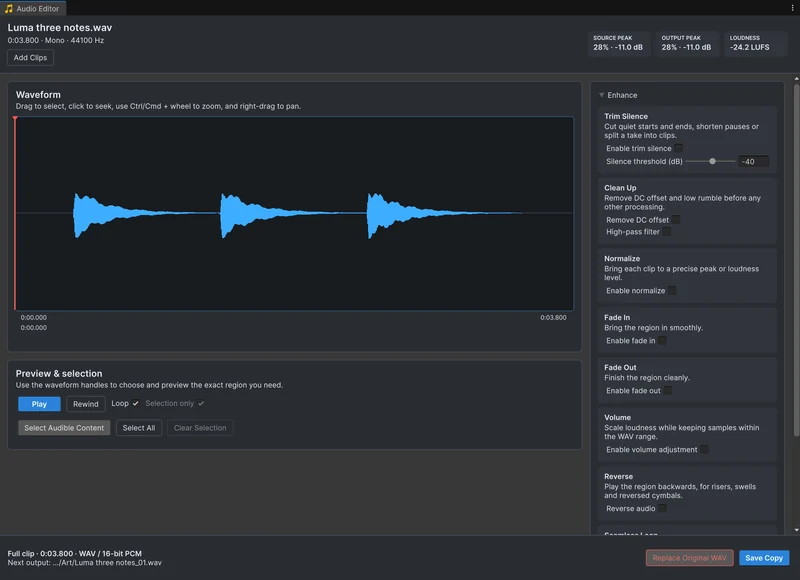 October 10, 2026
Why sound effects play late in Unity
A late sound has one of a handful of causes, and the most common one sits in the file, not in Unity's settings. Check them in this order: silence in the file, the output device, the DSP buffer, loading, decoding and timing in code.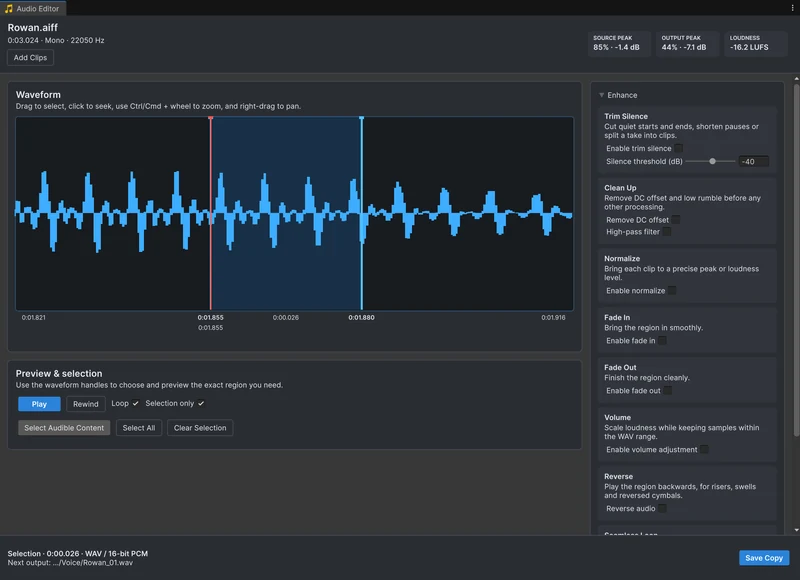 September 19, 2026
Building a responsive waveform editor in UI Toolkit
Audio Tools 1.1 rebuilt the editor from IMGUI to UI Toolkit. The parts that make it feel fast: a peak cache built off the main thread, a mesh drawn per pixel column, versioned previews from the original samples, and session state that survives reloads. September 15, 2026
Peak or loudness normalization for game sound effects
Normalizing every clip to the same peak does not make them equally loud. What peak and loudness normalization each do, what Unity's Normalize options really are, and a practical way to level a purchased sound pack.Audio Tools