Prepare typewriter and UI sounds for Text Studio
Key clicks and UI blips must start on the first sample. Trim, level and fade them in Unity, then play them as typewriter sounds in Text Studio.
A typewriter effect reveals text one character at a time, often with a key click for each one. Text Studio has this built in: a Typewriter Audio Set holds the clips that play as characters appear, and its samples include classic typewriter, dialogue and sci-fi terminal sets. What makes these effects feel right or wrong is mostly the sound files. A click that starts 30 milliseconds late lags behind every letter. A blip that ends abruptly clicks a second time. A set where one key is louder than the others sounds uneven within a single word.
Open the whole set
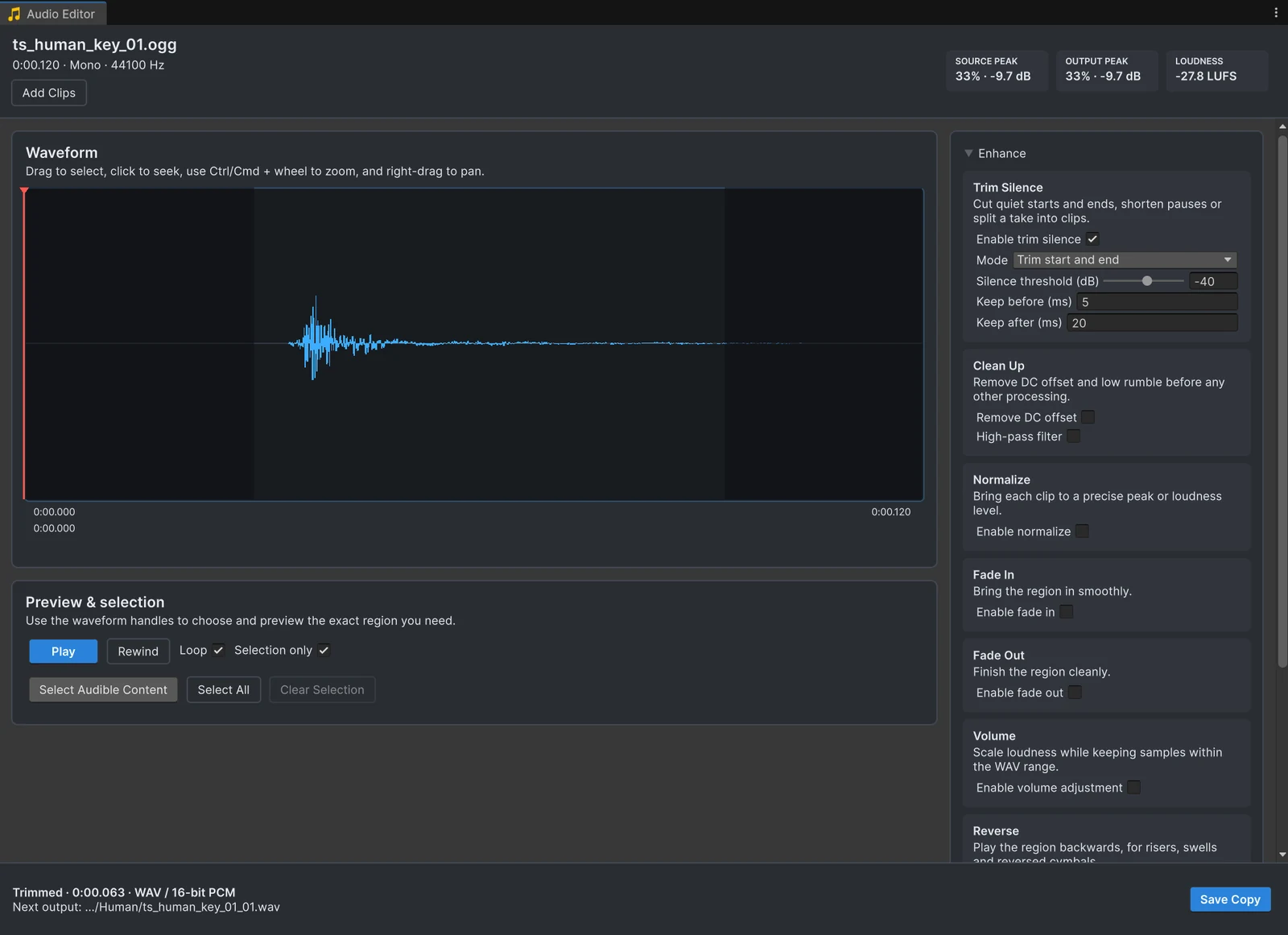
Select all the clicks of a set, or their folder, in the Project window and choose Edit Audio. Every sound opens in the same editor, and the settings below apply to all of them at once; the batch guide explains the details. Short sounds are easier to judge zoomed in: hold Ctrl or Cmd and use the mouse wheel. The example on this page is a key click of 0.12 seconds from the Text Studio samples; with Trim Silence at its defaults, 63 ms of it remain.
Trim each sound to its first sample
Enable Trim Silence with Trim start and end. Keep Keep before (ms) small, so the click starts almost on its first audible sample, and lower the Silence threshold (dB) if it cuts into the soft attack of a key press. The waveform dims what will be cut.
Level the set
Enable Normalize with the mode Peak and one Target peak (dB) for the whole set. For sounds this short, peak level is a better guide than loudness, which needs longer audio to measure. Press Analyze to see the gain every sound gets, then listen to the set in a row in Text Studio and adjust single sounds with Volume if one still stands out.
Fade the tail
A key click that is cut off can click again at its end. Enable Fade Out with a few milliseconds. For blips and tones, a slightly longer fade-out sounds softer when many sounds overlap during fast reveals.
Save and assign
Press the primary button to write a new WAV next to every original, numbered _01. Add the new clips to a Typewriter Audio Set in Text Studio and preview the reveal. If a sound still feels late, the silence guide and the article on late sounds cover the other causes.
Frequently asked questions
Why do my typewriter sounds feel out of sync with the text?
Usually because each sound starts with silence. A delay that goes unnoticed on a single click is obvious when a sound plays for every character. Trim the start to the first audible sample.
How loud should UI and typewriter sounds be?
Quieter than you think, and consistent with each other. Normalize a set of clicks to the same peak first, then balance them against music and dialogue with AudioSource volume or a mixer group.
Does Text Studio need Audio Tools?
No. Text Studio plays any AudioClip. Audio Tools is a free way to prepare those clips inside Unity.
Trim, fade and normalize audio without leaving Unity.
Keep reading
 Use case
Remove the silence that makes sounds play late
Many sound files start with a few hundred milliseconds of silence, and in a game that reads as lag. The Trim Silence card cuts it at the start and end, shortens long pauses inside a clip, and works on a whole folder in one pass. Use case
Normalize audio clips to a peak or loudness level
Unity's Normalize setting only works together with Force To Mono, and the Audio Normalize Effect never touches your files. Audio Tools normalizes clips to a peak or to a loudness in LUFS, for one file or a whole folder, and shows the result before you save.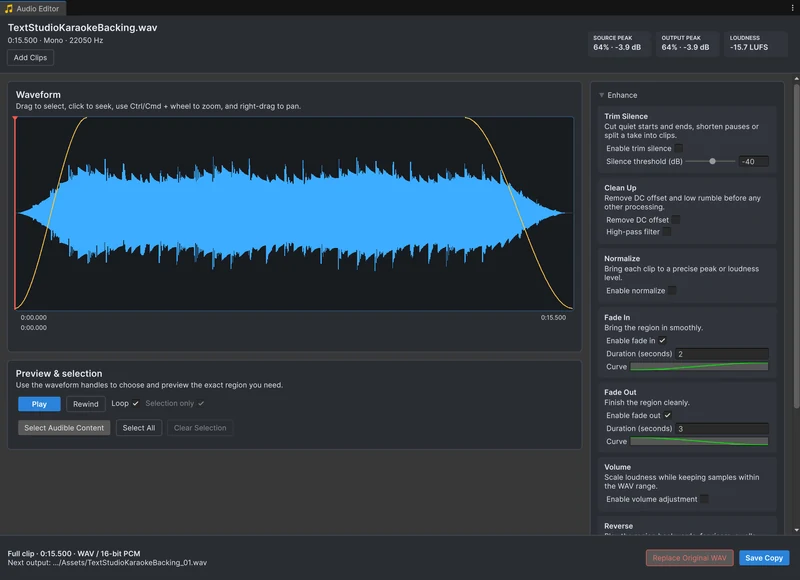 Use case