LED Studio vs LED previsualization software
disguise, Vectorworks, Capture and Depence plan and run real LED shows. LED Studio puts believable LED screens inside Unity projects. Where each one is the right tool.
People who search for LED wall design software usually want one of two things: to plan a real installation, or to show what a screen will look like in a space. This page is honest about where LED Studio fits, because for the first job it is not the right tool.
Where the professional tools are the better choice
- Driving real hardware: mapping content to LED processors, genlock and refresh settings, DMX or Art-Net control and running the show live.
- Technical planning: panel libraries, numbering and reports on size, resolution, power, data and weight. Vectorworks’ LED video wall tool and disguise Mapping Matter are built for this; LED Studio has no such reports.
- Lighting and console previsualization: Capture, Depence and WYSIWYG connect to lighting consoles and simulate whole rigs, not just screens.
- Real LED stages for film: in-camera visual effects on physical LED volumes run on tools such as Unreal Engine’s nDisplay or disguise. Unity’s own Cluster Display project on GitHub is archived, with its last update in January 2024.
The tools at a glance
| Tool | Made for | Pricing as published | Unity connection |
|---|---|---|---|
| disguise Designer | Show design and programming for disguise servers | Starter free; Pro US$159 per month or US$1,500 per year | RenderStream plugin for Unity |
| disguise Mapping Matter | Planning projection and LED installations, with LED tile libraries and pixel analysis | US$99 per user per month or US$1,068 per year | Exports CSV files and 3D meshes |
| Vectorworks Spotlight with Vision | Event CAD and previsualization; the LED video wall tool handles panels, pitch, numbering and reports | Vision is included with annual Vectorworks plans | None documented |
| Capture | Lighting design and previsualization with video input over NDI and CITP | See the vendor | None documented |
| Depence R4 | Stage, laser and fountain show simulation | Stage module €1,900 | None documented |
| Resolume Arena | VJ playback and mapping content to real LED processors | €799 one-time | Receives Unity output over Spout, Syphon or NDI |
| TouchDesigner | Interactive media and pixel mapping to real walls | Free non-commercial; US$600 Commercial; US$2,200 Pro | Receives Unity output over Spout or NDI |
Prices and features come from the vendors’ pages, checked on the date above. WYSIWYG is sold through CAST by subscription or lease without public prices.
Where LED Studio fits
LED Studio is for the case where the LED screen is part of a Unity project:
- Games: stadium screens, perimeter boards, concert stages, arcades, city signage and sci-fi interfaces that must look like hardware up close and far away.
- Virtual venues and XR events: screens inside a space people move through, fed by live text, video and cameras.
- Interactive visualization and mockups: planning how a curved wall, a ribbon or a sphere reads from different seats or camera positions, using real pitch and cabinet sizes, and recording a walkthrough. The LED wall previsualization guide shows that workflow and its limits.
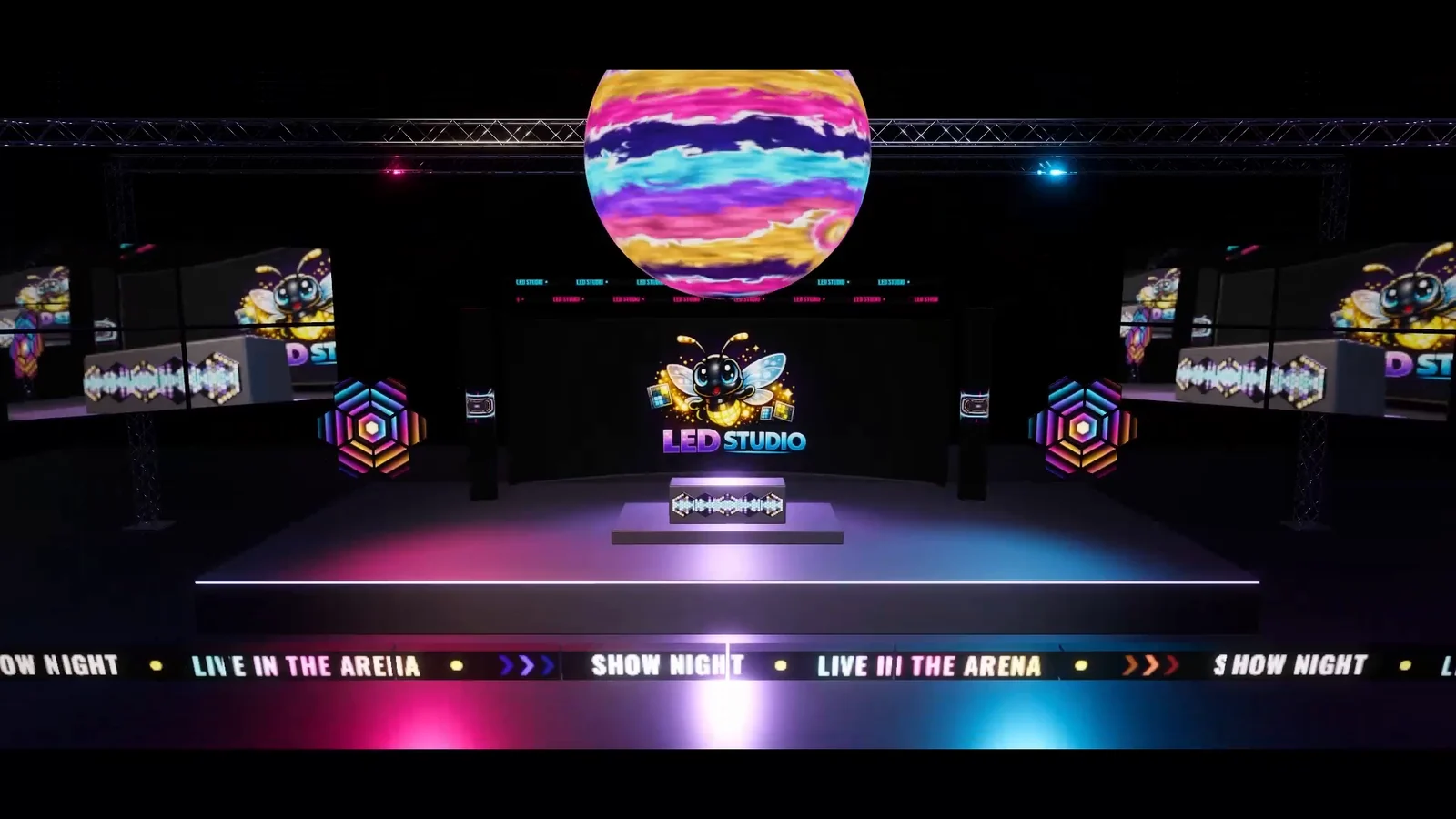 A frame from the arena film made with LED Studio: every screen in the shot is an LED Studio board inside one Unity scene.
Using them together
The tools combine well when Unity produces content for a real show: disguise can render Unity content through RenderStream, and Resolume or TouchDesigner can take Unity output over Spout or NDI, for example with Keijiro Takahashi’s KlakSpout and KlakNDI. In that setup the show tool drives the physical wall. LED Studio’s role is different: it makes screens inside the Unity scene look and behave like LED hardware.
Verdict
For real shows, use a previsualization suite; LED Studio cannot honestly be called the more complete option there. For LED screens that live inside Unity, the dedicated show tools do not apply, and LED Studio is built for exactly that job.
Frequently asked questions
Can LED Studio replace disguise or Vectorworks for a live show?
No. Show tools map content to real LED processors, handle show control and produce technical reports on power, data and weight. LED Studio simulates LED displays inside Unity scenes and builds; it does not drive physical walls.
Can Unity content reach a real LED wall?
Yes, through tools built for it. disguise offers a RenderStream plugin for Unity, and Resolume or TouchDesigner can receive Unity output over Spout or NDI, for example with Keijiro Takahashi's KlakSpout and KlakNDI plugins.
When is LED Studio the better choice?
When the LED screen lives inside a Unity project: a game, a virtual venue, an interactive visualization or a mockup that people walk through, where the display has to look like real hardware and show live content.
LED screens, walls and signs that look like real hardware.
Keep reading
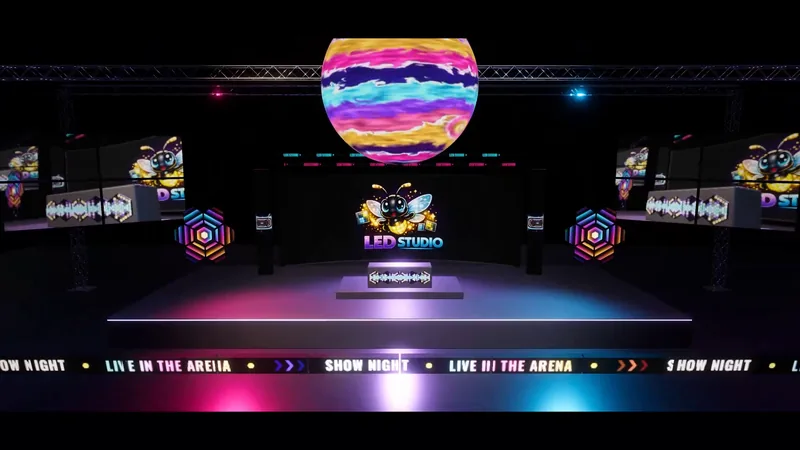 Use case
LED wall previsualization in Unity
Plan screens in physical units, judge them from real seat and camera positions, play the actual content, sequence a show on the Timeline and record a mockup video, with an honest list of what LED Studio does not do compared with show previz suites.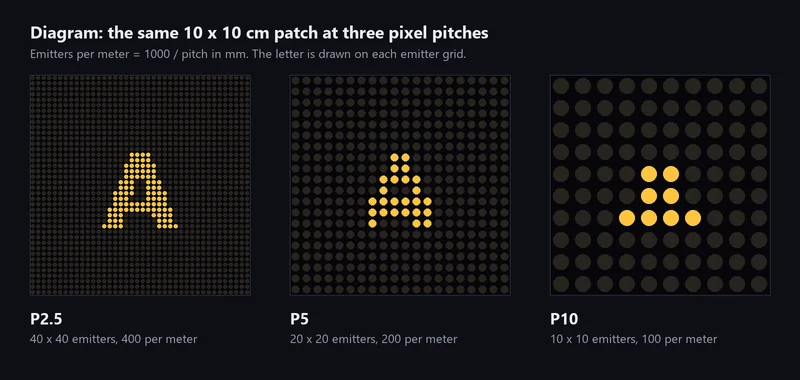 Article
Pixel pitch for game developers
What P2.5, P3.9 and P10 mean, how to turn pitch into emitters per meter and cabinet resolutions, why vendors' viewing distance rules disagree, and how to size an emitter grid for a game camera. Use case