What you can build with LED Studio
Everyday LED display jobs in Unity with LED Studio: realistic LED screens, scrolling tickers, scoreboards, video walls, curved and spherical screens and more.
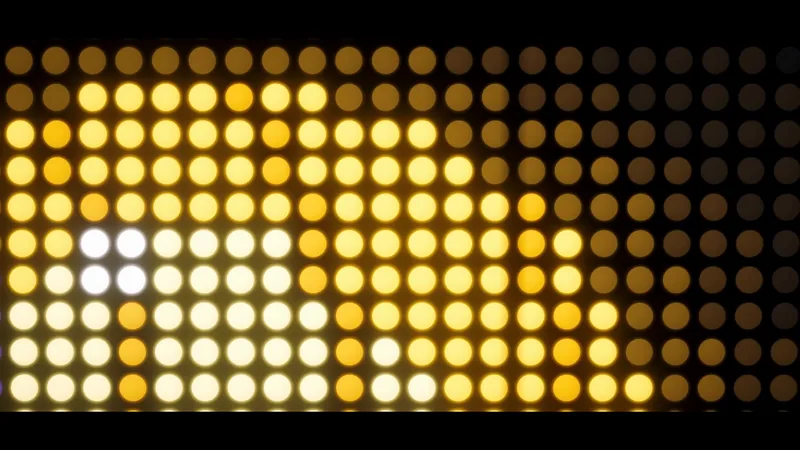
Make a realistic LED screen in Unity
An emissive texture with a dot mask stops looking like an LED wall once the camera moves. LED Studio models pitch, emitters and cabinets first, then its LED Board shader presents them from close-ups to the far end of a venue.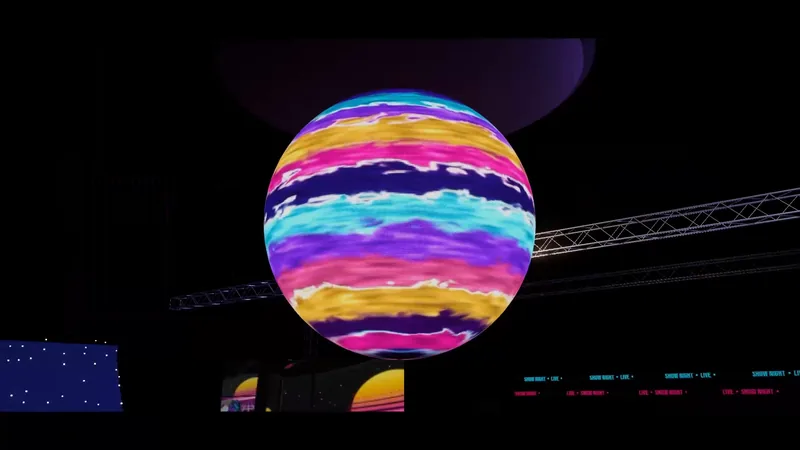
Curved, cylinder and spherical LED screens in Unity
Mapping video onto a curved mesh by hand means UV distortion and seams. LED Studio generates curved, corner, cylinder, pipe-wrap and spherical boards around one rectangular emitter grid, plus honeycomb walls, rear bodies and front frames.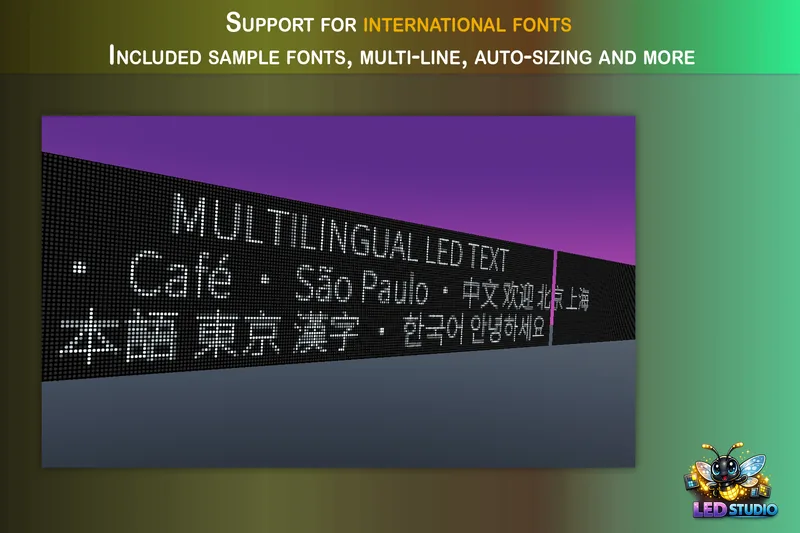
Scrolling LED text and news tickers in Unity
Build a ticker or marquee on a real LED emitter grid: horizontal or vertical scrolling with seamless wrapping, blinking, sizing and crisp rasterization for pixel fonts, four text renderers, zones under a score, runtime text updates and playlists.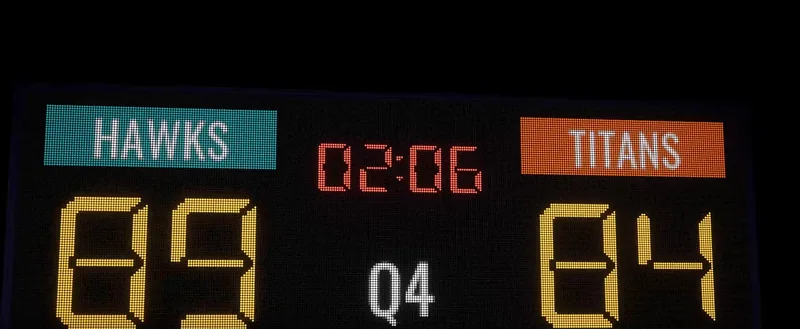
Stadium screens, scoreboards and perimeter boards in Unity
A venue needs a center screen, a scoreboard, ribbon boards and perimeter signage that look like real LED hardware. LED Studio covers them with wizard presets, score and timer sources, sponsor playlists, synced panel groups and boards on stadium meshes.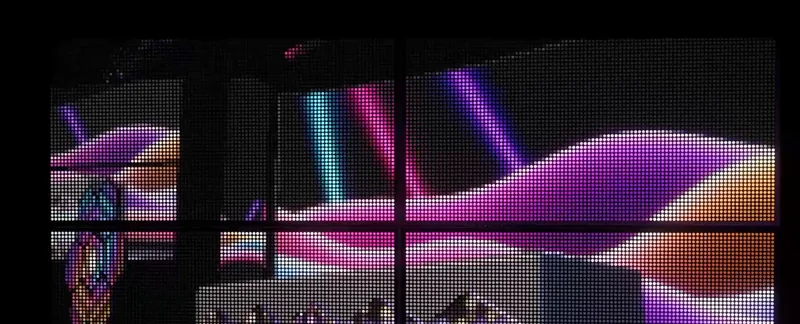
Video and live camera feeds on LED screens in Unity
A Video Player writing into a render texture on a quad gives a flat TV. LED Studio takes the same video, camera or UI output as a source, reduces it to an emitter grid, layers it with graphics, sequences it in playlists and keeps screens in step.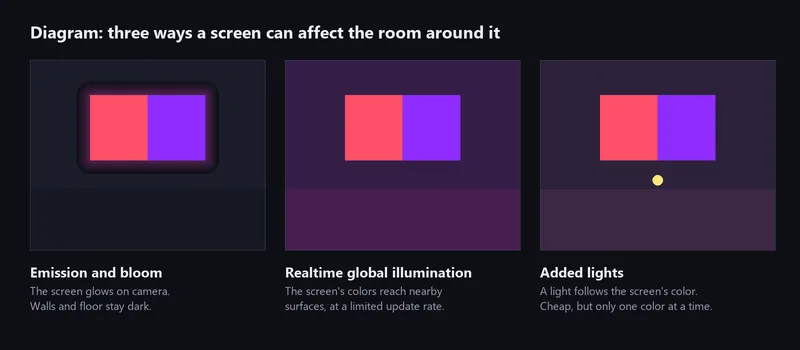
LED screens that light the room in Unity
Bloom makes a screen glow, but only global illumination or a real light changes the walls around it. What each route can do, how LED Studio publishes live board content to Unity's realtime GI, and a light-based fallback you script yourself.
Video walls and multi-panel LED groups in Unity
LedBoardGroup turns separate LED boards into one display: a shared canvas sliced per panel, pixel gaps or real physical spacing, automatic arrangements, spatial mapping for moving panels and sync groups for matching playback.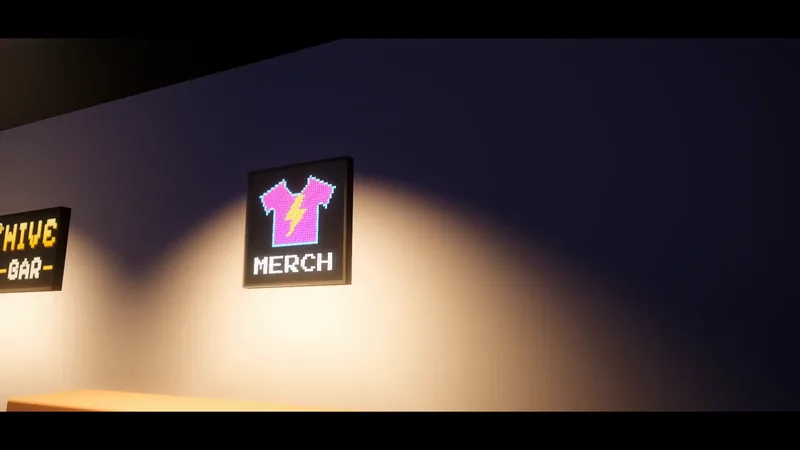
LED signs and billboards with live content in Unity
Static emissive textures make signs look dead. LED Studio boards show images, video and text, rotate ads with playlists and transitions, take new content from code and look like hardware with frames, housings and a fitting emitter shape.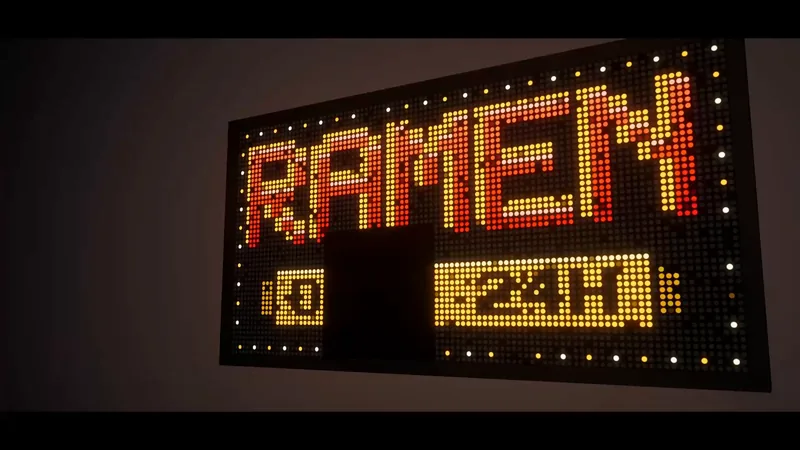
Dot-matrix and retro LED displays in Unity
A dot-matrix look needs visible diodes, text that snaps to the grid and a little glow. How to get there with LED Studio's Low Res preset, coarse pitch, Internal or Crisp text, emitter shapes, LCD subpixels for close-ups, bloom and realistic wear.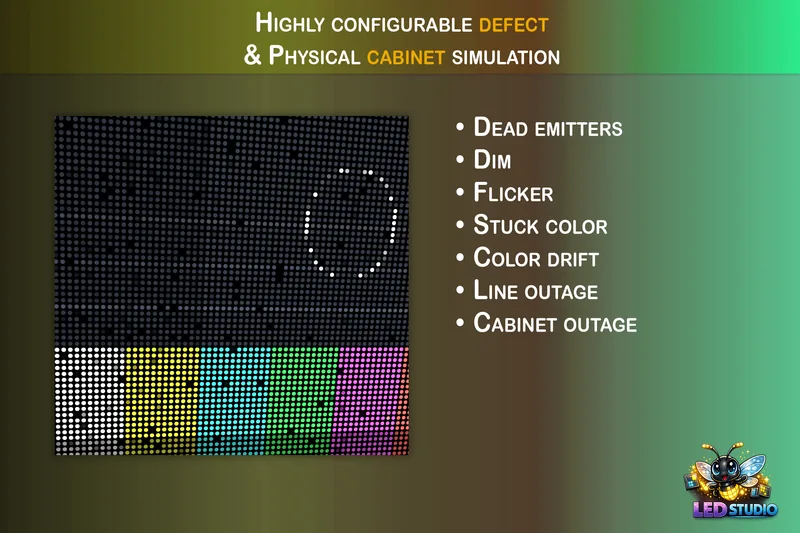
Dead pixels, flicker and failing LED screens in Unity
Worn screens sell horror, post-apocalyptic and sci-fi scenes. LED Studio simulates seven defect types on nine targets, from scattered dead emitters to whole cabinets going dark, with reusable profiles, a fault controller and runtime control.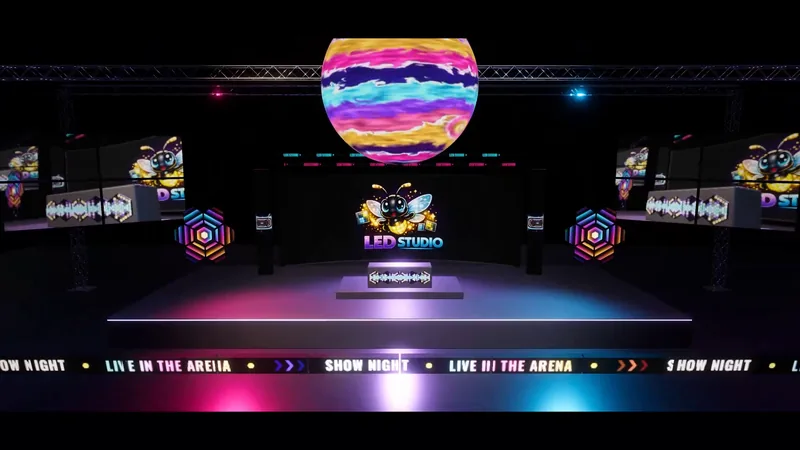
LED wall previsualization in Unity
Plan screens in physical units, judge them from real seat and camera positions, play the actual content, sequence a show on the Timeline and record a mockup video, with an honest list of what LED Studio does not do compared with show previz suites.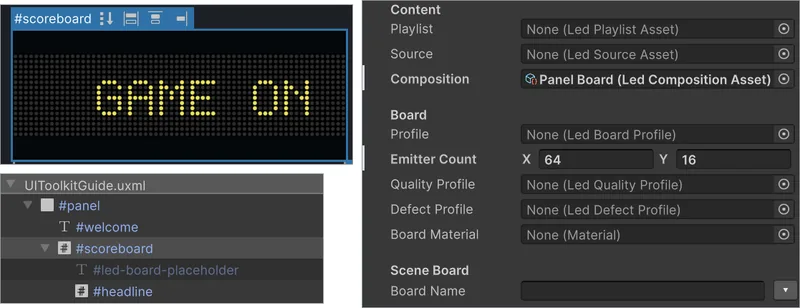
LED displays in UI Toolkit panels
LedBoardElement puts an LED board into a UI Toolkit panel. Version 1.6.0 shows a scene board or a texture with LED presentation; from 1.7.0 the element also plays its own playlist, source or composition in UI Builder, fed by LedBoardInput children.Build LED boards with a coding assistant
Seven plain Markdown skills in the package's AI/Skills folder give a coding assistant LED Studio's real workflows and API: setup, boards, content, groups, Timeline, runtime control and rendering diagnosis. No AI service or subscription is involved.Start with the screen you need
Most people arrive with one of three jobs. They need a screen that reads as real LED hardware instead of a glowing texture. They need a screen that shows live information such as scores, clocks, video or text. Or they need a screen with a shape or size that is painful to build by hand.
- If the look is the problem, start with a realistic LED screen and dot-matrix and retro displays.
- If the content is the problem, start with scrolling text and tickers, stadium screens and scoreboards and video and camera feeds.
- If the shape or size is the problem, start with curved, cylinder and spherical screens and video walls and panel groups.
The images on these pages
Every picture comes from LED Studio itself: frames from the arena film made with the Arena Showcase scene (included from LED Studio 1.7.0), the June 2026 trailer, images from the manual and the Asset Store slides. Diagrams that explain an idea rather than show a render are labeled as diagrams.
Requirements in one paragraph
LED Studio runs in Unity 2022.3 or newer with the Built-in Render Pipeline, URP or HDRP. Boards are bright HDR light sources, so bloom in the camera or volume completes the look. A few features need newer Unity versions: assigning assets to UI Toolkit boards in UXML (2023.2), UI Toolkit data binding (Unity 6) and UI Panel Renderer support (Unity 6.5). The Text Studio, Chart Guru and UniText integrations are optional. The installation and quick start page walks through the first board.