Curved, cylinder and spherical LED screens in Unity
Curved, cylinder, corner and spherical LED screens in Unity without manual UV work: generated topology, hexagonal panels, rear bodies and front frames.
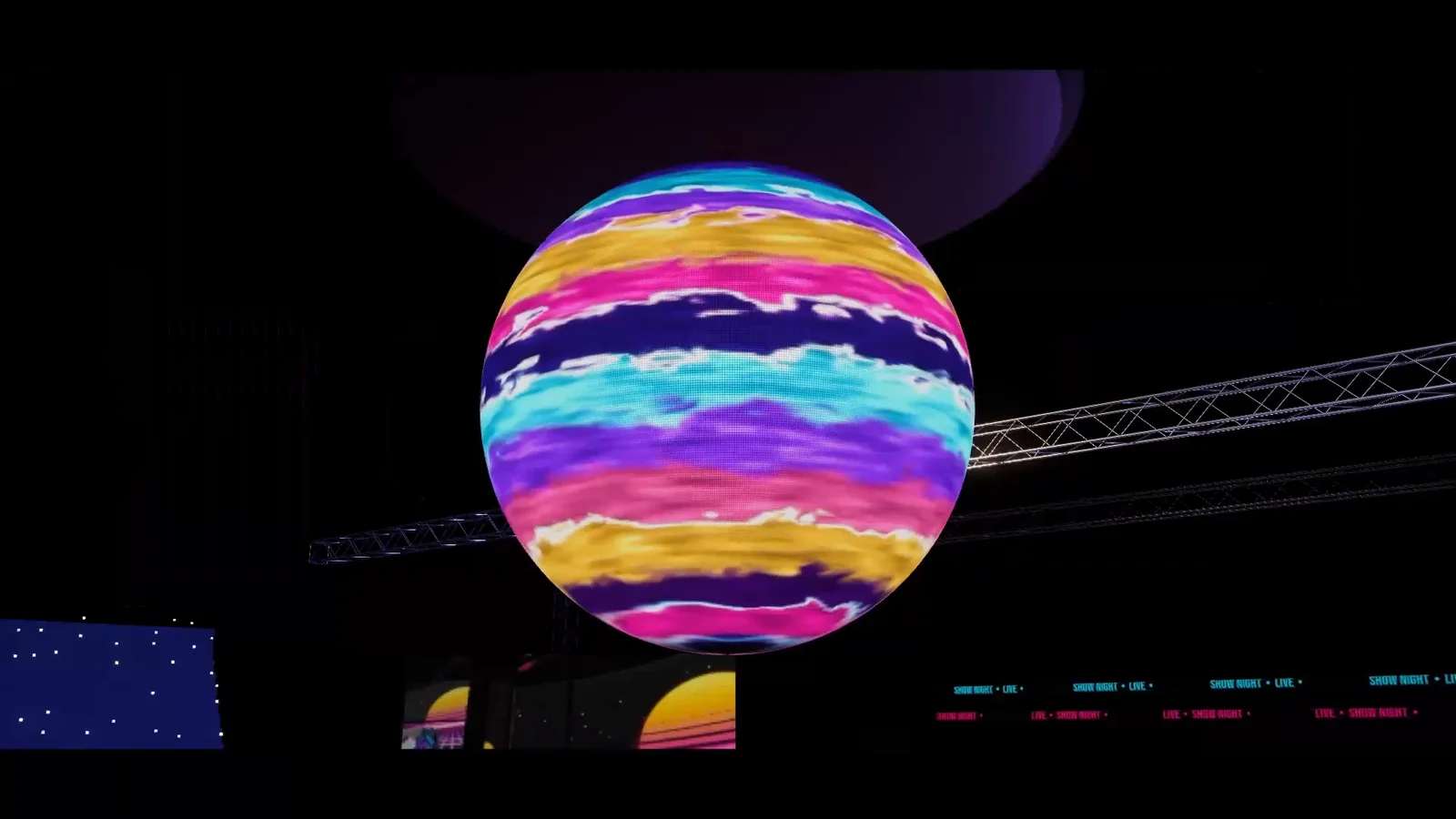
Putting video on a curved screen in Unity sounds like a modeling task: bend a mesh, assign a render texture, done. In practice the UVs decide everything. Space them unevenly and circles turn into ovals, close a cylinder and a seam appears, and a sphere needs a projection that matches its 360-degree media. LED Studio generates the curved surface for you around one rectangular emitter grid, so a curved wall, a 360-degree ticker ring or an LED sphere shows its content without hand-made UVs, with a rear housing and front frame that follow the shape.
Why mapping video onto curved meshes is hard by hand
A render texture follows the mesh’s UVs exactly. On a curved or spherical screen that means UVs spaced evenly along the arc, a clean seam where a cylinder closes and a projection that suits the content, usually equirectangular for a sphere. Get any of it wrong and the picture splits, stretches or distorts toward the edges. Unity Discussions threads such as Render Texture Mapped to Curved Surface from 2014 and How to attach an image or video to a curved object? from 2018 show the problem, and neither has an accepted answer. Even with perfect mapping, a flat texture still lacks emitters, pitch and housing.
Choose a topology
In LED Studio the shape is a board setting. Content stays on a rectangular emitter grid, from text to video and camera feeds, and the generated mesh carries that grid around the shape:
- Flat: ordinary screens and signs.
- Curved: Bend Direction wraps the board horizontally around a column or vertically around a pipe, rail or arm, and Sweep Angle sets how far it bends. A 360-degree sweep closes it into a cylinder.
- Corner: wraps a board around a corner with continuous content.
- Sphere: an equirectangular layout with longitude across the content width and latitude across its height. Bottom Latitude and Top Latitude limit the coverage, -70 to 70 degrees by default, and -90 or 90 closes a pole.
Face Side puts the LED face on the outside or the inside, for a column wrap seen from the room or a curved wall around the audience. Mesh Segments controls geometric smoothness, while Physical Segments describes the display’s physical sections. Keep important text away from a sphere’s poles, where the surface narrows, and use a vertical Scroll Axis with Seamless Wrap to roll text around a pipe.
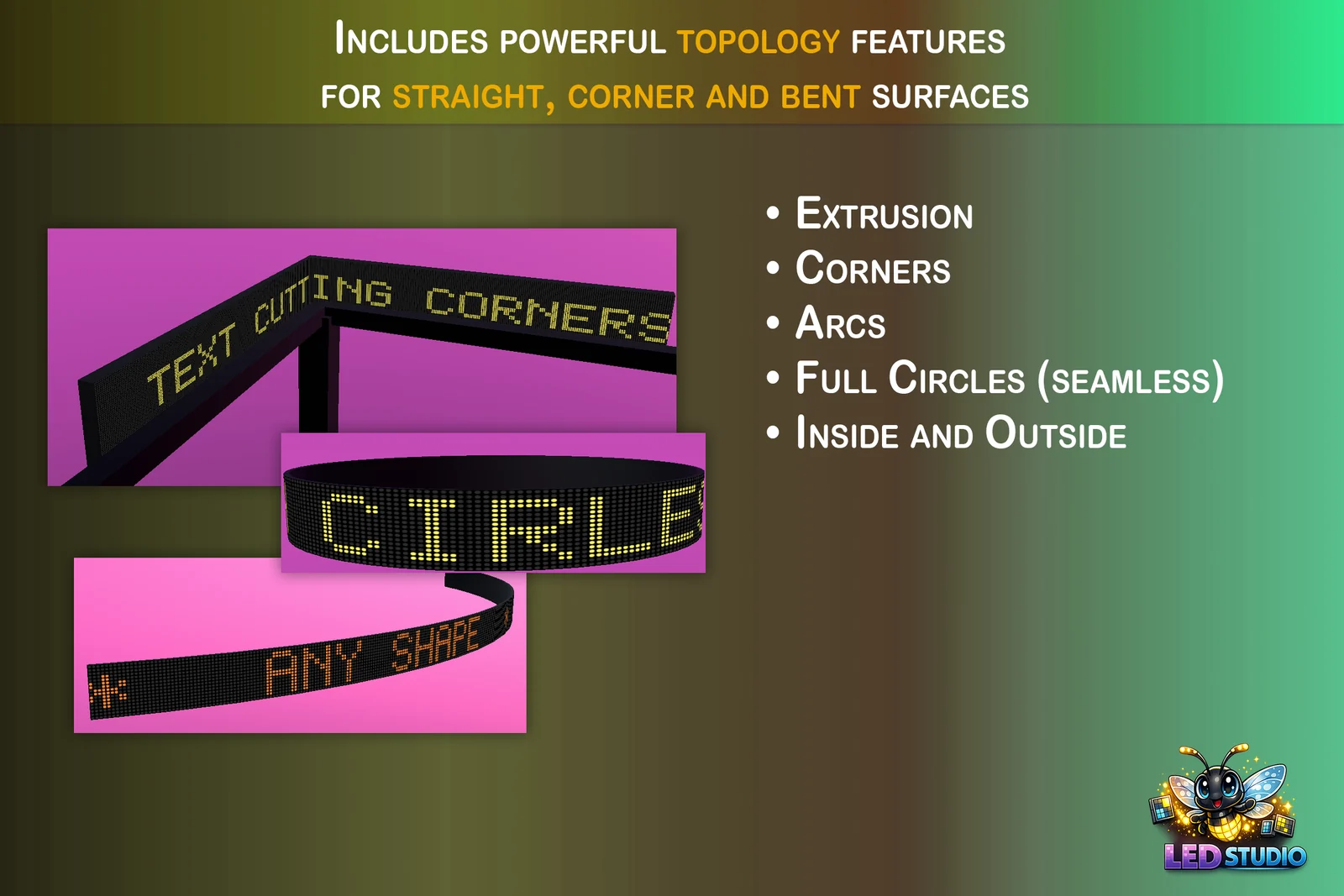 Store artwork: LED text on a corner board, a closed 360-degree band and a bent strip.
Hexagons and honeycomb walls
Boards can be flat hexagons with a pointy or flat top; a pointy-top hexagon is regular at a width-to-height ratio of about 0.866, such as 52 x 60 emitters. A hexagonal Cabinet Layout instead divides one board into a honeycomb of panels, with Panels Across setting their size. Edge Panels decides what happens to panels cut by the board edge: Keep shows them cut off, Remove switches them off, and Cut Out also removes their area from the surface, so only complete hexagons remain and the rear body and front frame follow the honeycomb edge. Cut Out works on flat boards and on open curved, corner and sphere bands.
For separate hexagonal boards, the Hex Panel Wall style creates seven panels in a honeycomb inside a Spatial board group, which shares one canvas across the physical gaps, and Panel Gap sets the spacing between housings. The guide to video walls and panel groups covers groups in depth. In every case the content stays on the rectangular pixel grid.
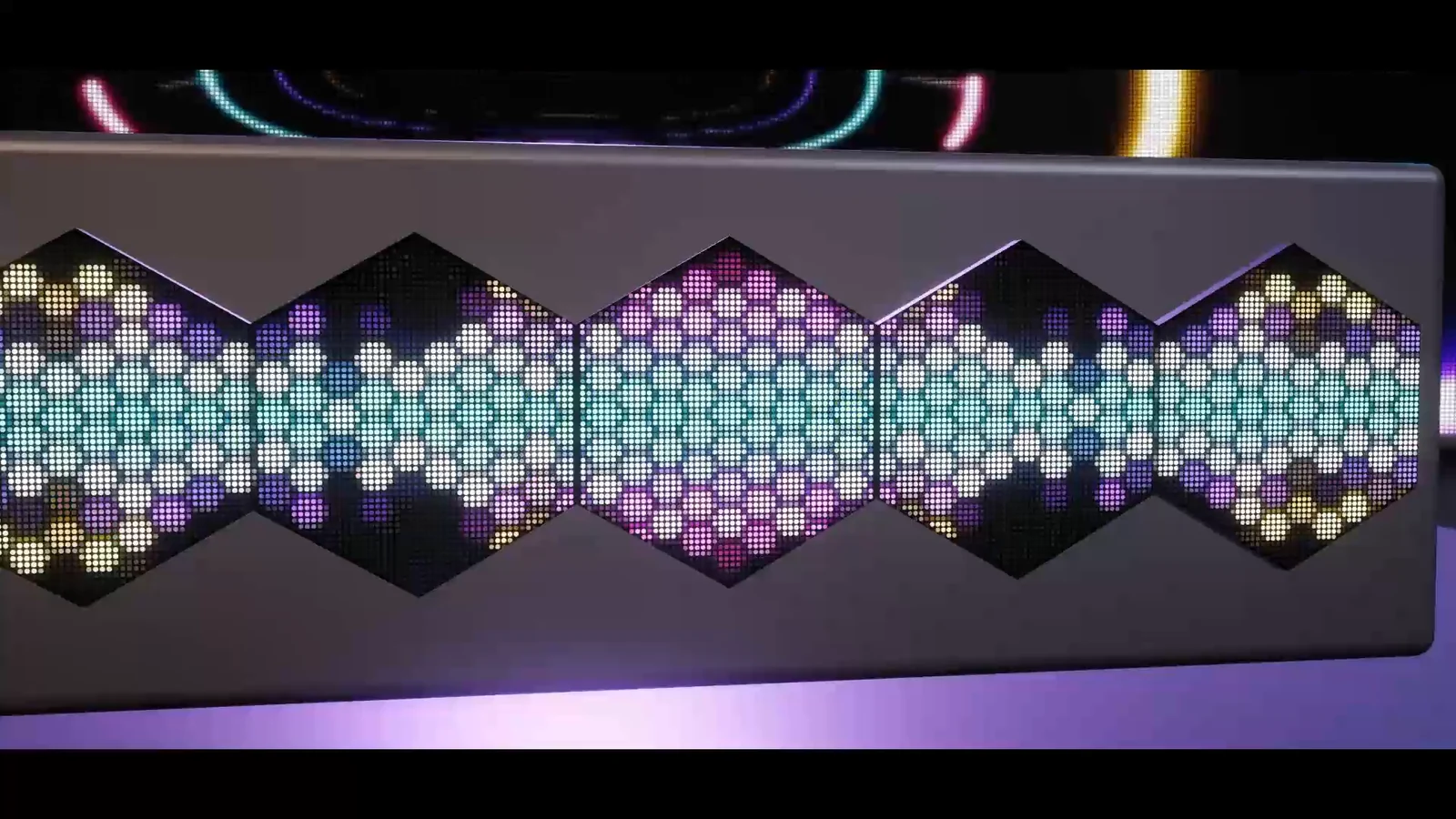 Hexagonal LED panels in a grey housing, showing one pattern across all of them.
Rear bodies and front frames
A screen seen from the side needs depth. Rear Body adds cabinet depth behind the LED face, with Body Depth in meters, a default housing material and overrides for the left, right, top, bottom and back. Front Frame adds a molding around the surface that makes the screen look recessed, in Chamfer, Round, Cove, Ogee, Stepped or Custom profiles, sized with Frame Width, Screen Recess and Profile Detail. A Custom profile is a reusable LedBoardFrameProfile curve. Both follow curved, corner and spherical boards: closed 360-degree surfaces have no frame across the joined seam, and a closed sphere pole has no rim.
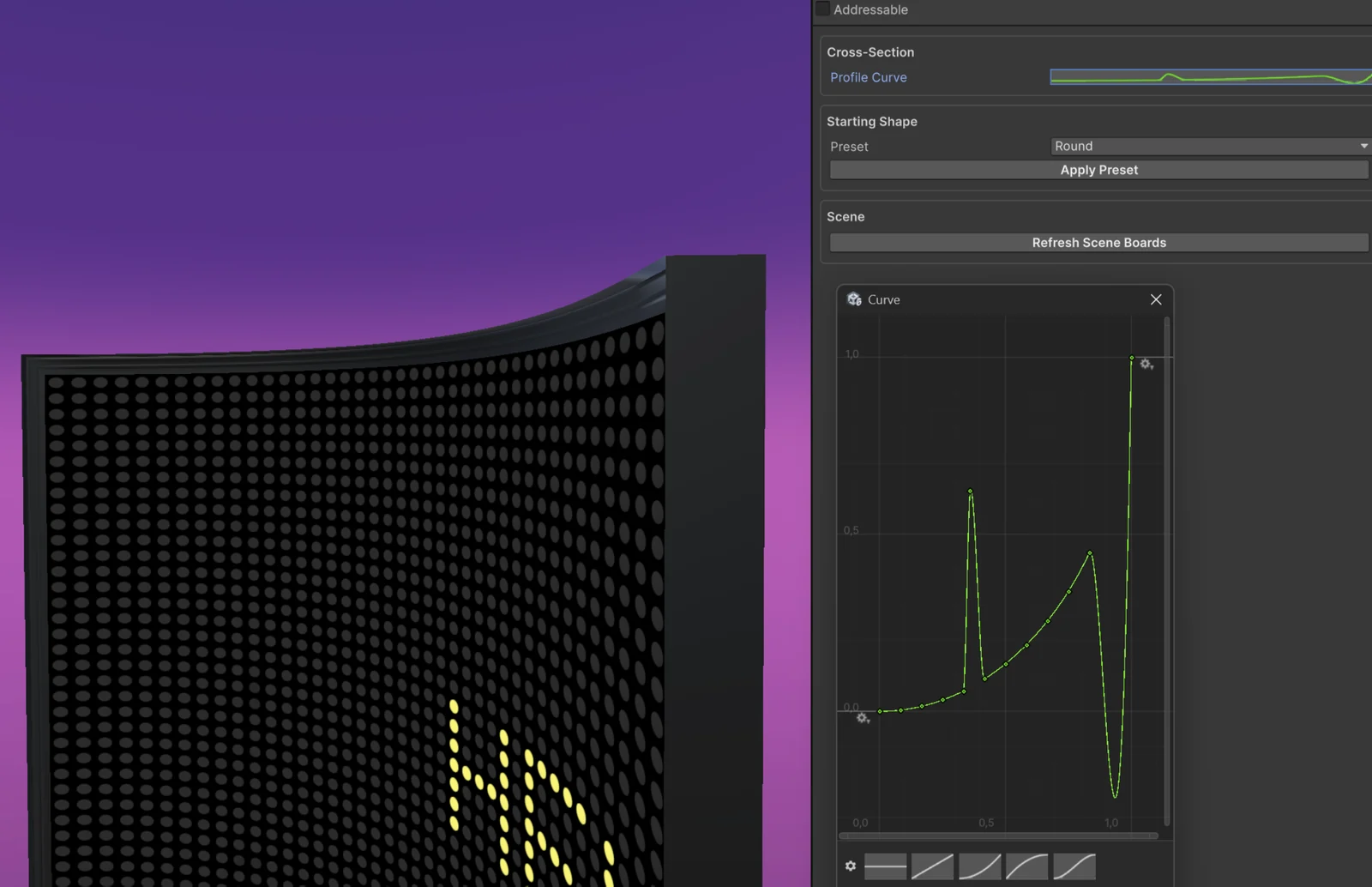 A curved board with a generated front frame, next to the curve editor of its frame profile.
Start from a wizard preset
The Board Wizard has a starting point for each shape: Curved (a 384 x 64 wall bent through 90 degrees), Corner Wrap (a board that wraps around a 90-degree corner with continuous content), Cylinder 360 (a closed ticker ring), Pipe Wrap (a vertical 360-degree wrap for pipes, rails and arm bands), Sphere (768 x 300 emitters that map equirectangular 360 media directly) and Hex Panel Wall. From LED Studio 1.7.0, Round Display and Ring Display presets add round and ring outlines, and open curved boards form true circular arcs for every width and sweep.
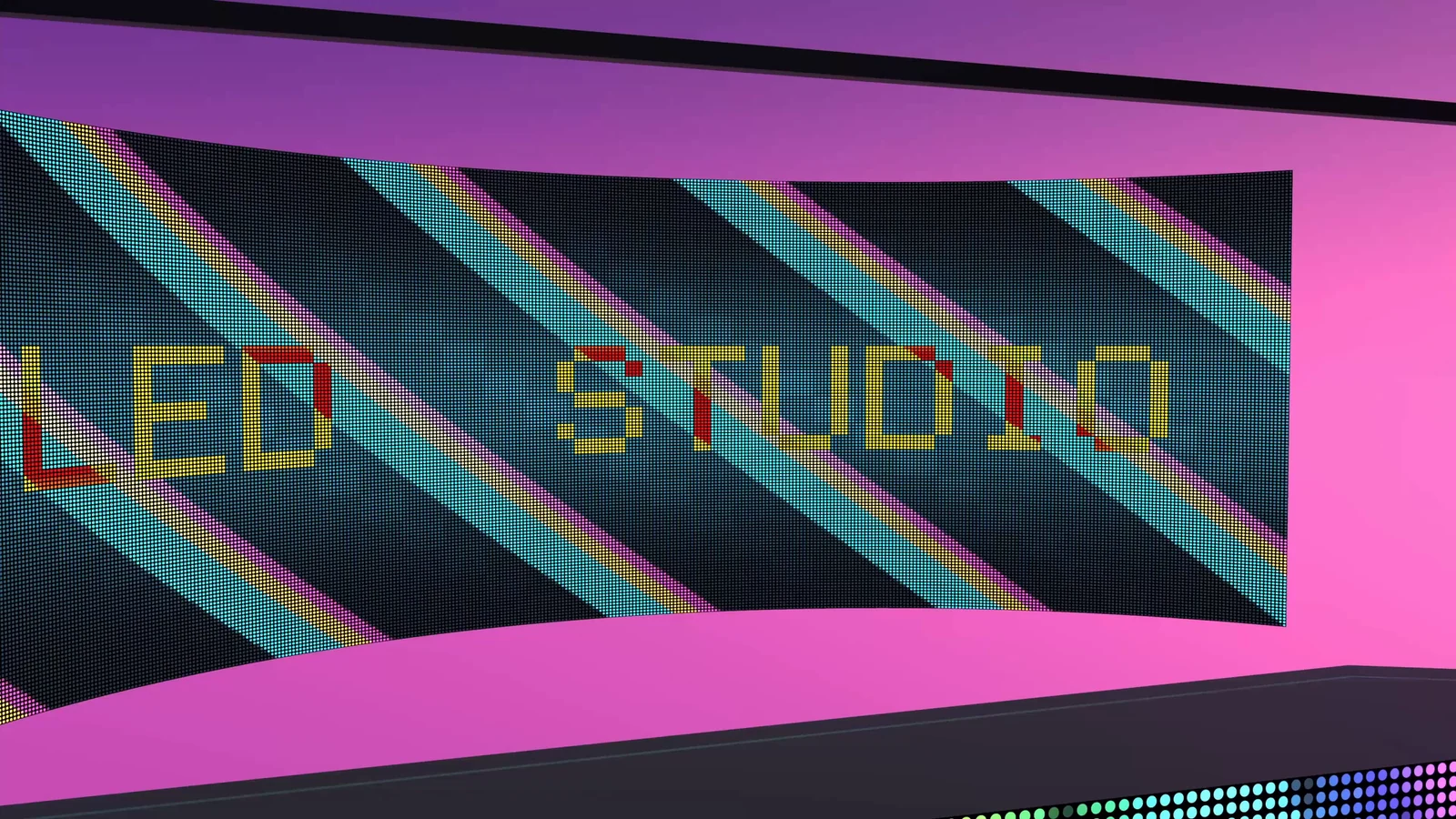 A curved LED wall showing LED STUDIO lettering over diagonal cyan, yellow and pink stripes.
The manual’s Core Workflow page covers topology, rear bodies and frames, and Multi-Panel Boards and Sync explains spatial groups and panel arrangements.
Frequently asked questions
How do I play video on a curved screen in Unity?
Create a curved board, for example with the Curved style in the Board Wizard, and add a Video source with its Video Player. LED Studio generates the curved mesh and lays the rectangular emitter grid across it, so there are no UVs to fix by hand.
Can I build a complete LED sphere?
Yes. Choose the Sphere topology and set Bottom Latitude to -90 and Top Latitude to 90 to close both poles; the default range of -70 to 70 degrees leaves openings above and below. The layout is equirectangular, so 360-degree media maps directly.
Can the LED face point inward?
Yes. Face Side selects the outside or the inside of curved, corner and sphere boards, so a 360-degree cylinder or a sphere can be watched from within, and a corner board can face into a corner or out from it.
Does LED Studio support round and ring-shaped displays?
From LED Studio 1.7.0, a board outline can be round, an inner radius turns it into a ring, and the wizard adds Round Display and Ring Display presets; hexagon and round outlines can then also cut open curved, corner and sphere bands. Version 1.6.0 offers flat hexagonal boards and honeycomb cabinet layouts.
LED screens, walls and signs that look like real hardware.
Keep reading
 Use case
Video walls and multi-panel LED groups in Unity
LedBoardGroup turns separate LED boards into one display: a shared canvas sliced per panel, pixel gaps or real physical spacing, automatic arrangements, spatial mapping for moving panels and sync groups for matching playback.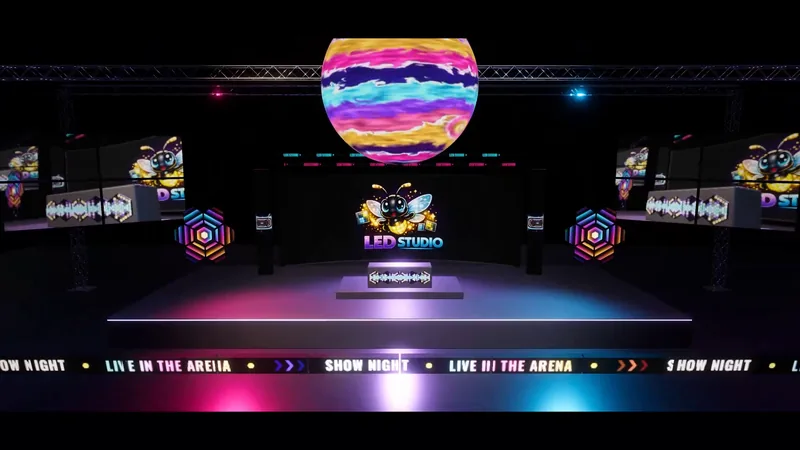 Use case
LED wall previsualization in Unity
Plan screens in physical units, judge them from real seat and camera positions, play the actual content, sequence a show on the Timeline and record a mockup video, with an honest list of what LED Studio does not do compared with show previz suites. Use case