Dead pixels, flicker and failing LED screens in Unity
Add dead pixels, flicker, stuck colors, line failures and cabinet outages to LED screens in Unity, from subtle wear to a board that fails on cue from code.
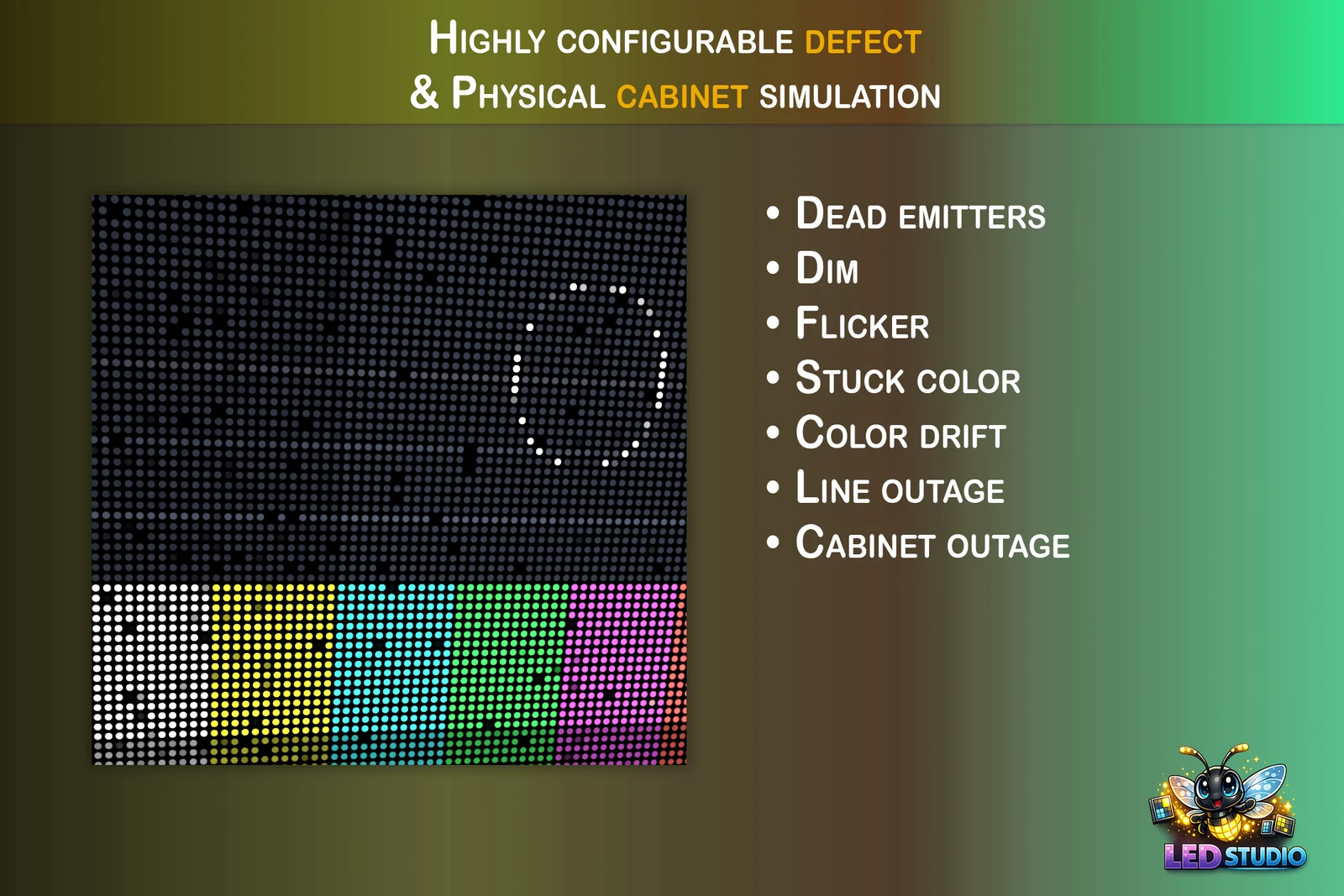
A spotless screen in a ruined world gives the game away. Real LED displays age: diodes die, dim or flicker, colors drift, whole rows drop out and cabinets go dark. Horror corridors, post-apocalyptic streets and sci-fi control rooms all gain from screens that look used, and a screen that fails at the right moment makes a dramatic beat. LED Studio simulates these faults on the emitter grid, from barely visible wear to a board that breaks on cue.
Why wear matters
Wear tells the player how old a place is and how well it is looked after. A few dim or color-shifted diodes make a sign feel installed rather than placed, a flickering row adds tension to a corridor, and a cabinet dropping out in the middle of a broadcast says that something has gone wrong. Because defects sit on emitters rather than in the content, the same failing sign can show any message while the damage stays where it is.
Seven defect types on nine targets
| Defect | What it simulates |
|---|---|
| Dead | The emitter is off |
| Dim | The emitter is darker than expected |
| Flicker | The emitter changes over time |
| Stuck Color | The emitter is stuck on a chosen color |
| Color Drift | The color shifts subtly from neighboring LEDs |
| Line Failure | Generated rows or columns fail together |
| Cabinet Outage | A cabinet region loses output |
Targets decide where a defect lands. Emitter Scatter picks individual emitters for general aging, and Cabinet Scatter picks whole cabinets or hexagonal panels from the profile’s seed, so a whole-panel failure looks the same every time. Cabinet Edges, Corner Cabinets and Adjacent Cabinets follow the rectangular or hexagonal cabinet layout, Generated Rows, Generated Columns and Border Region cover line and edge failures, and Manual Mask uses an imported mask texture. Each entry sets its coverage and a severity range, and flicker adds a duty cycle.
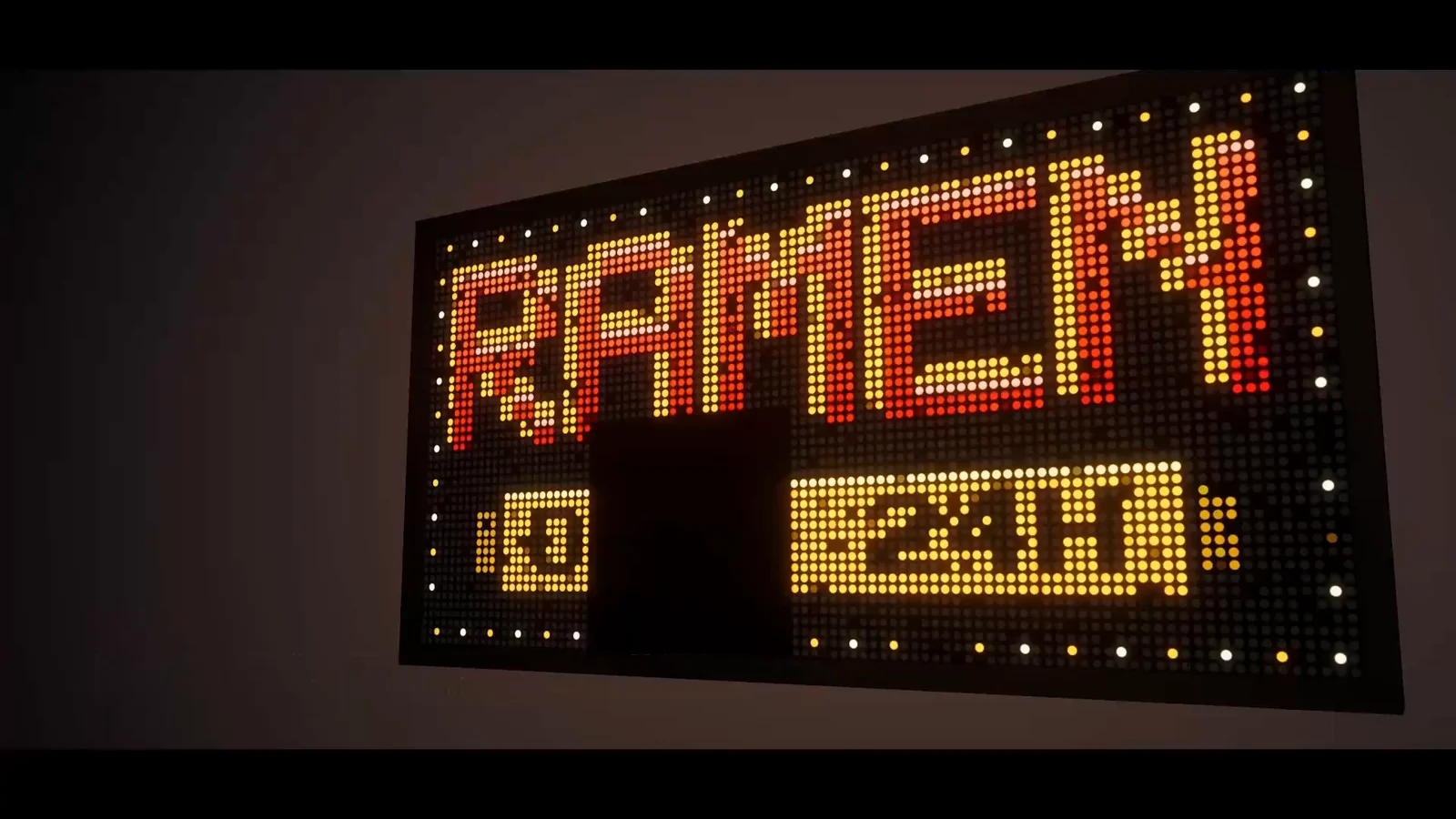 The arena film’s wear and flicker shot: a dot-matrix sign with a dark block of emitters near the bottom.
Defect profiles and the fault controller
A LedDefectProfile asset, created from Create > LED Studio, holds a seed, a global intensity multiplier, the defect entries and an optional imported mask. The seed combines with each board, so one profile ages many boards in stable but different patterns. Boards take defects as startup profiles or inline entries. LedBoardFaultController applies a startup profile with a weight, seed and time scale, and offers SetWornBoardLook and ToggleFaults for designers and UI events. For custom behavior, talk to the board’s runtime interface, which addresses profiles by asset name:
using LEDStudio;using UnityEngine;
// Sketch: a power surge that gameplay code triggers, adjusts and clearspublic sealed class PowerSurge : MonoBehaviour{    [SerializeField] LedBoardController board;    [SerializeField] LedDefectProfile surge; // for example Flicker plus Line Failure entries
    ILedBoardRuntime Runtime => board;
    public void Trigger() => Runtime.ApplyDefectProfile(new LedDefectBlendRequest { Profile = surge, Weight = 1f });    public void SetStrength(float value) => Runtime.SetDefectSeverity(surge.name, value);    public void Recover() => Runtime.ClearDefectProfile(surge.name);}
When no asset is needed, LedDefectProfile.CreateLightWear() and LedDefectProfile.CreateHeavyDamage() return ready-made transient profiles.
Wear from the wizard and Timeline
The Board Wizard’s Add Realistic Wear option is on by default and adds subtle dim LEDs, flicker and color drift, a good baseline for any sign that is not brand new. For failures in cutscenes, from LED Studio 1.7.0 a Timeline clip’s Defect Weight scales every active defect layer, multiplied by the clip’s weight, and steady weights no longer rebuild the defect mask each frame. In version 1.6.0, animate severity from a script with SetDefectSeverity or through the fault controller instead.
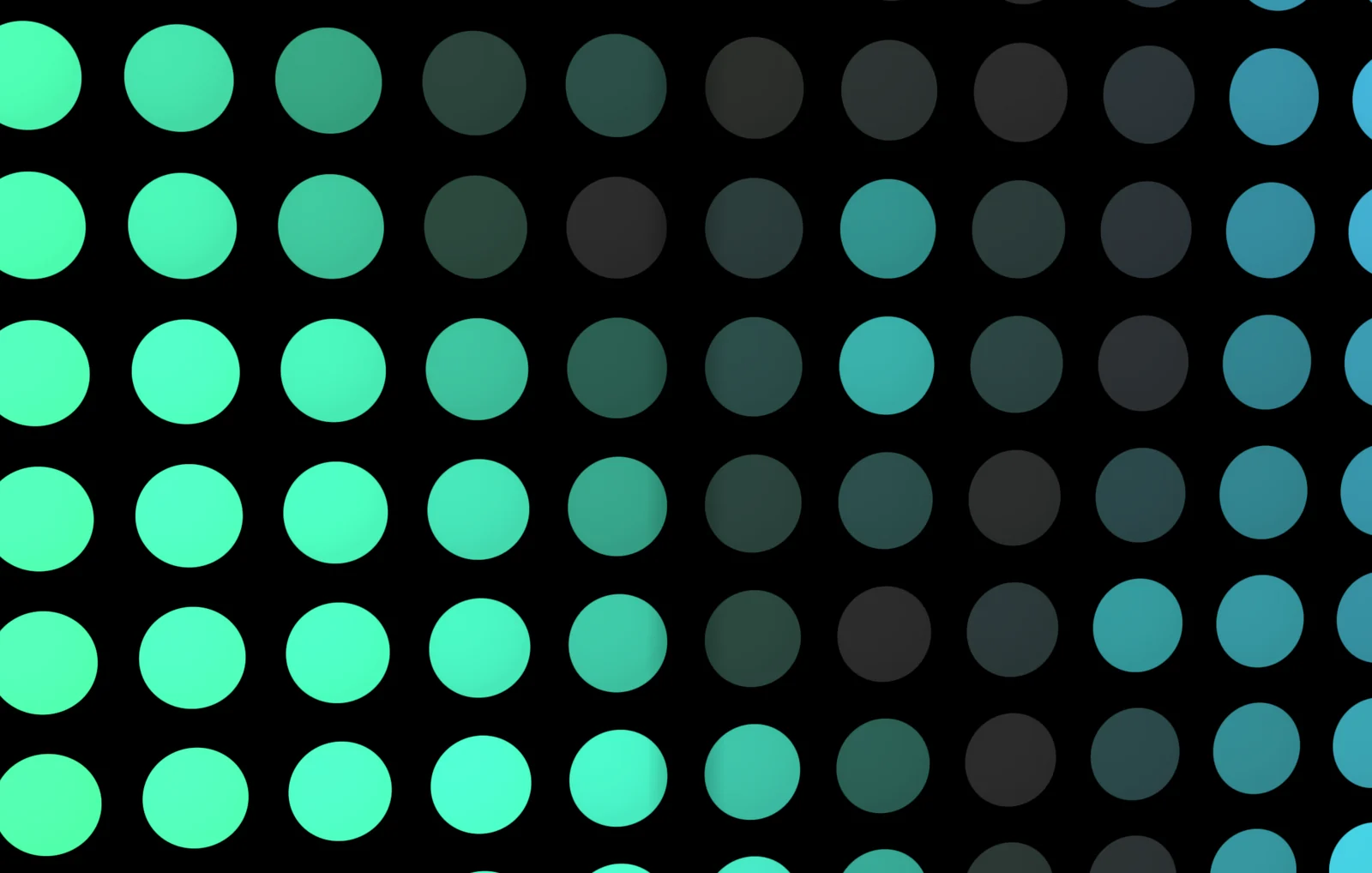 Close-up of round emitters showing pitch, fill and brightness falloff.
Clean shots and performance
For clean marketing shots and previews, SetDefectEnabled(false) hides every defect on a board without removing its profiles, and ToggleFaults(false) does the same through the fault controller. Flicker is a temporal defect that animates over time, and the performance guidance suggests limiting temporal defects on low-end targets when many boards are active at once.
The Defect Simulation manual page describes modes and targets, the Runtime API page covers the fault members, and Timeline Integration explains clip weights. From LED Studio 1.7.0, the Arena Showcase scene includes glitches triggered from code, and the arena showcase making-of looks at how that film came together.
Frequently asked questions
How do I make a dead pixel effect in Unity?
With LED Studio, add an entry with the Dead mode and the Emitter Scatter target to a defect profile and set its coverage. The defect belongs to the emitter, not the content, so a dead LED stays dark whatever the board shows.
Can a screen fail on cue during gameplay?
Yes. ApplyDefectProfile adds a defect profile at runtime, SetDefectSeverity changes its strength and ClearDefectProfile removes it again. LedBoardFaultController offers designers SetWornBoardLook and ToggleFaults for the same job.
Can I turn wear off for clean shots?
Yes. Untick Add Realistic Wear when you create the board, or call SetDefectEnabled(false), which hides every defect on the board without removing its profiles.
LED screens, walls and signs that look like real hardware.
Keep reading
 Use case
Dot-matrix and retro LED displays in Unity
A dot-matrix look needs visible diodes, text that snaps to the grid and a little glow. How to get there with LED Studio's Low Res preset, coarse pitch, Internal or Crisp text, emitter shapes, LCD subpixels for close-ups, bloom and realistic wear.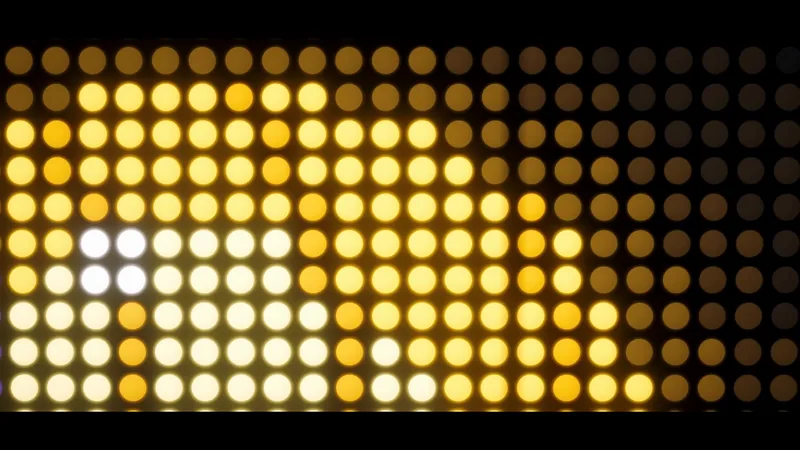 Use case
Make a realistic LED screen in Unity
An emissive texture with a dot mask stops looking like an LED wall once the camera moves. LED Studio models pitch, emitters and cabinets first, then its LED Board shader presents them from close-ups to the far end of a venue. Article