Constant, burst or drip: how live data really arrives
Telemetry, market data, chat and event logs arrive in different rhythms. Why dashboards break on bursts and gaps, and how to simulate each rhythm in Unity.
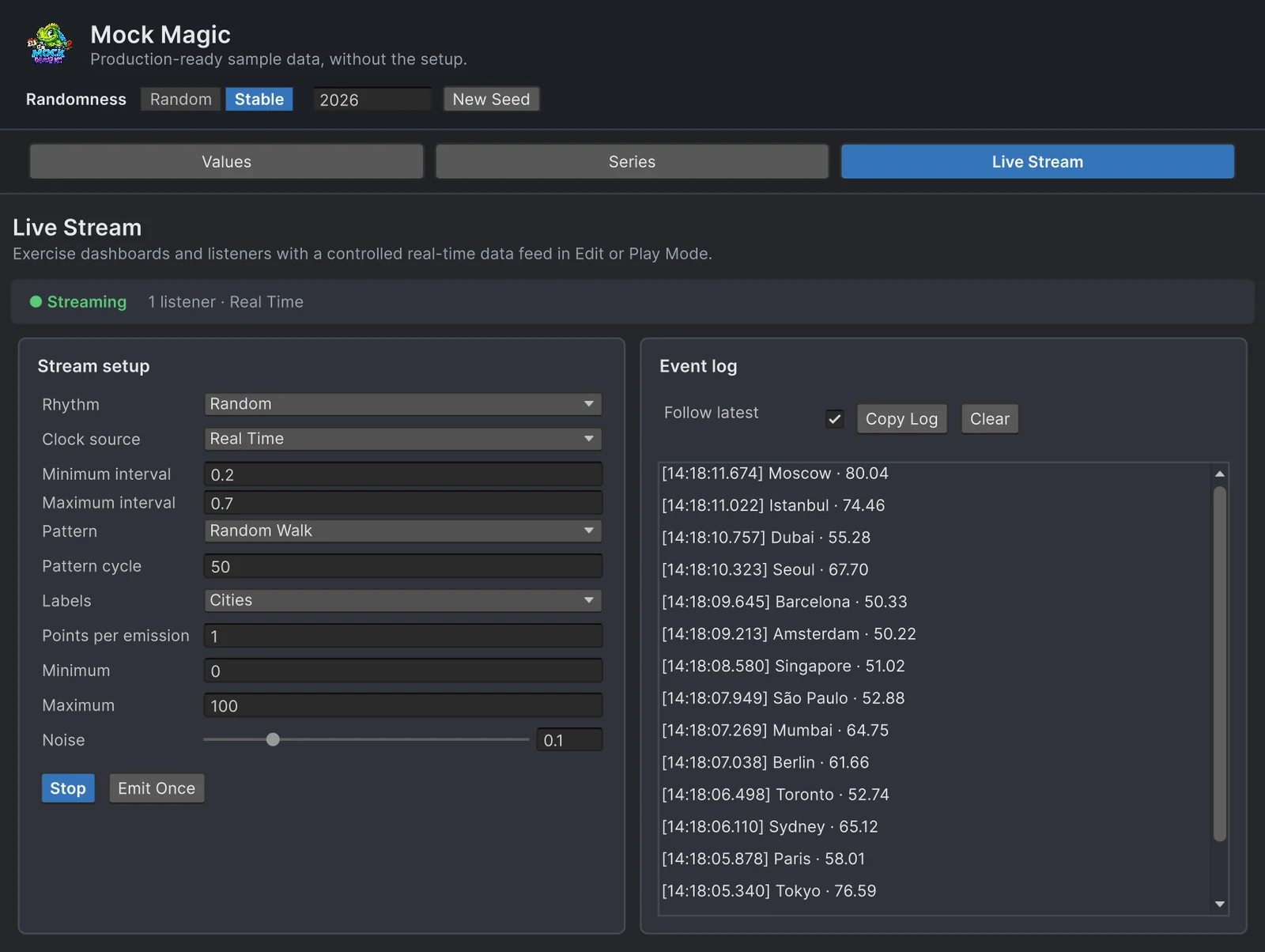
A dashboard prototype usually gets its data from a timer: one new value per second, forever. It looks fine in the demo and breaks in the first hour with the real feed, because real data does not arrive once per second. It arrives in rhythms, and each rhythm stresses a different part of a UI. This article describes the common shapes of live data, what each one breaks, and how to simulate each of them in Unity with Mock Magic.
How real feeds arrive
- Fixed-rate telemetry. A machine controller polled every 500 milliseconds, a heart-rate sensor at one reading per second, server statistics once per tick. The timing is regular; the values drift, oscillate and carry noise.
- Bursty batches. A mobile app that flushes analytics every few minutes, a device that buffers readings while offline and uploads them on reconnect, a backend that pushes one batch per cycle. Nothing, then dozens or hundreds of points at once.
- Event-driven drips. Trades, chat messages, orders and log entries arrive when something happens. When events are independent, the gaps between them follow an exponential distribution: about 40 percent of the gaps are shorter than half the average, and about 1 in 20 is longer than three times the average. A feed that averages one event per second goes quiet for three seconds or more every twenty events or so.
- Network jitter. Values sent at a fixed rate arrive with varying delay, so a one-second feed shows gaps of 0.7, 1.4 and 0.9 seconds on the client, and sometimes two values in the same frame.
- Gaps and reconnects. Wi-Fi drops, a server restarts, a phone suspends the app in the background. The feed is silent for seconds or minutes, then delivers the backlog in one go, or never does.
What each shape breaks
- Redraw cost. Rebuilding a chart mesh or a list for every point is cheap at one point per second and stalls when 300 points arrive at once. Bursts and backlogs find this first.
- Smoothing. Animations that interpolate toward the next value assume it arrives on time; with jitter they overshoot or stall. A moving average over 20 points covers two seconds during a burst and two minutes during a quiet spell.
- Axis rescaling. An axis that rescales on every update jumps with each burst. A time axis that plots by index instead of timestamp squeezes quiet periods away, which hides exactly the gaps that matter.
- Stale indicators. A dashboard that still says “live” after 30 seconds without data invites decisions on old numbers. Show the age of the last update, switch to a visible stale state after a threshold, and make sure it clears when data resumes.
- Unbounded growth. Every burst grows a list that nothing trims. Keep a rolling window of fixed size.
One pattern handles most of these: collect points as they arrive, apply them once per frame and remember when the last one came in.
using System.Collections.Generic;using MockMagic;using UnityEngine;
public class FeedBuffer : MonoBehaviour{    [SerializeField] float staleAfterSeconds = 5f;
    readonly List<MockDataPoint> pending = new List<MockDataPoint>();    float lastDataTime;
    public bool IsStale => Time.unscaledTime - lastDataTime > staleAfterSeconds;
    void OnEnable() => MockStreaming.Register(OnPoints);    void OnDisable() => MockStreaming.Unregister(OnPoints);
    void OnPoints(MockDataPoint[] points)    {        pending.AddRange(points); // real feeds may call this several times between two frames        lastDataTime = Time.unscaledTime;    }
    void LateUpdate()    {        if (pending.Count == 0) return;        Debug.Log($"Applying {pending.Count} points in one redraw"); // update the chart here        pending.Clear();    }}
Simulate each rhythm with Mock Magic
The Live Stream workspace in Tools > Mock Magic > Generator and the MockStreaming API send generated points to listeners in Edit Mode and Play Mode. Four rhythms cover the shapes above:
| Real feed | Rhythm | Settings |
|---|---|---|
| Fixed-rate telemetry | Constant | One emission per Interval |
| Bursty batches | Burst | Burst count emissions a tenth of the Burst interval apart, then the Delay between bursts |
| Event-driven drips | Drip | Single points at exponential gaps around the Average interval, kept between 0.05 and 5 times the average |
| Network jitter | Random | Gaps spread evenly between Minimum interval and Maximum interval |
| Gaps and reconnects | Burst | A long Delay between bursts and a high Burst count, so each silence ends in a backlog |
Points per emission, 1 to 100 in the Generator, sets how many points each emission carries: ten sensors per tick, or a batch per burst event. Drip always sends one point, so the Generator hides that field for it.
The Clock source decides which time the rhythm follows. Game Time (ClockMode.Scaled in code) follows Time.timeScale in Play Mode, so slow motion slows the feed and a paused game pauses it, which suits data produced by the simulation itself. Unscaled Game Time and Real Time (Unscaled and Realtime) keep their pace while the game is paused, like data from outside the game. Manual emits only when you press Emit Once or call EmitOnce(). In Edit Mode there is no game time, so a running stream follows the editor’s clock.
Labels offers the same presets as the Series workspace. With Custom, the Custom labels field takes your own names separated by commas or lines, such as machine or sensor IDs, and emissions cycle through them. In code, set MockStream.CustomLabels or pass customLabels to MockStreaming.Configure.
Patterns that continue between emissions
A stream is more than its timing. Each emission continues the series pattern where the previous one ended: a Random Walk keeps wandering from its last value, and periodic patterns such as Sine, Seasonal or Sawtooth run through a cycle of Pattern cycle points before they repeat with fresh randomness. The Generator accepts 2 to 1,000 points per cycle and starts at 50. Labels continue as well, so Months labels run on from December to January. Starting the stream again begins a new walk or cycle.
In code, the same settings live on MockStreaming.Stream:
using ImpossibleRobert.Common.Timing;using MockMagic;using UnityEngine;
public class FeedSimulator : MonoBehaviour{    public enum Shape { Telemetry, Batches, Events, Jitter }
    [SerializeField] Shape shape = Shape.Events;
    void OnEnable()    {        MockStreaming.Configure(SeriesPattern.Sine, min: 18f, max: 26f, noise: 0.05f);        MockStream stream = MockStreaming.Stream;        stream.CycleLength = 120;              // one full wave every 120 points        stream.ClockMode = ClockMode.Realtime; // keeps its pace while the game is paused
        switch (shape)        {            case Shape.Telemetry:                stream.Rhythm = StreamRhythm.Constant;                stream.Interval = 0.5f;                break;            case Shape.Batches:                stream.Rhythm = StreamRhythm.Burst;                stream.Interval = 1f;          // 0.1 seconds apart inside a burst                stream.BurstCount = 30;                stream.BurstDelay = 20f;       // 20 seconds of silence before the next backlog                stream.PointsPerEmission = 10;                break;            case Shape.Events:                stream.Rhythm = StreamRhythm.Drip;                stream.Interval = 0.8f;        // the average gap between single points                break;            case Shape.Jitter:                stream.Rhythm = StreamRhythm.Random;                stream.MinInterval = 0.7f;                stream.MaxInterval = 1.3f;                break;        }
        stream.StartStream();    }
    void OnDisable() => MockStreaming.Stop();}
Put FeedSimulator and FeedBuffer on the same GameObject and switch the shape in the Inspector to see how your UI copes with each one. Listeners may also unregister inside their own callback, for example after a fixed number of points, without disturbing the others.
Feeds that are not streams
Some code polls for data instead of listening. MockSeriesCursor continues a pattern across requests, so a fake endpoint can return the next readings on every poll, and MockStreamTiming.DripGap gives your own scheduler the same event-like gaps as the Drip rhythm:
using MockMagic;
public class FakeTelemetryEndpoint{    // One full daily wave at one reading per minute    readonly MockSeriesCursor temperature = new MockSeriesCursor(SeriesPattern.Sine, cycleLength: 1440);
    public float[] Poll(int count) => temperature.Next(count, min: 18f, max: 26f, noise: 0.02f);
    public float SecondsUntilNextEvent(float averageSeconds) =>        MockStreamTiming.DripGap(averageSeconds, MockRandom.NextDouble());}
ContinueFrom(lastValue) makes a random walk start from a real reading, so a simulator can take over from recorded data without a jump. Code also allows longer cycles than the Generator’s 1,000 points, as the daily wave above shows.
Test without waiting
Timing makes tests slow and flaky. With the Manual clock, or by calling MockStreaming.EmitOnce() directly, every emission happens when the test asks for it, so a test can deliver 500 points in a loop and check the rolling window, the stale state and the redraw count in one frame. Mock.Seed makes the values, the Random intervals and the Drip gaps repeat. Data-driven tests shows a complete stream test.
To draw the result, Chart Guru’s real-time graphs take points from its Mock Chart Data Source component or from your own code, and the live data guide covers listeners, clock sources and the Generator’s event log in detail.
Frequently asked questions
What is the difference between a constant and a drip data feed?
A constant feed delivers values at a fixed rate, like a sensor polled every second. A drip feed delivers single events at irregular gaps, mostly short with occasional long pauses, like trades or log entries.
How do I simulate bursty data in Unity?
Use Mock Magic's Burst rhythm. It emits a set number of times in quick succession, a tenth of the interval apart, then pauses, and in the Generator each emission can carry up to 100 points.
Why does my real-time chart stutter when data arrives in bursts?
Usually because it redraws or rescales for every point. Collect incoming points, apply them once per frame, keep the axis range steady and store a rolling window of fixed size.
Can I test live data without waiting in real time?
Yes. Call EmitOnce from a test, or set the clock source to Manual and use Emit Once in the Generator. Each call delivers one emission immediately, so a test can push hundreds of updates without timers.
Realistic fake data for Unity, from one value to a live stream.
Keep reading
 Use case
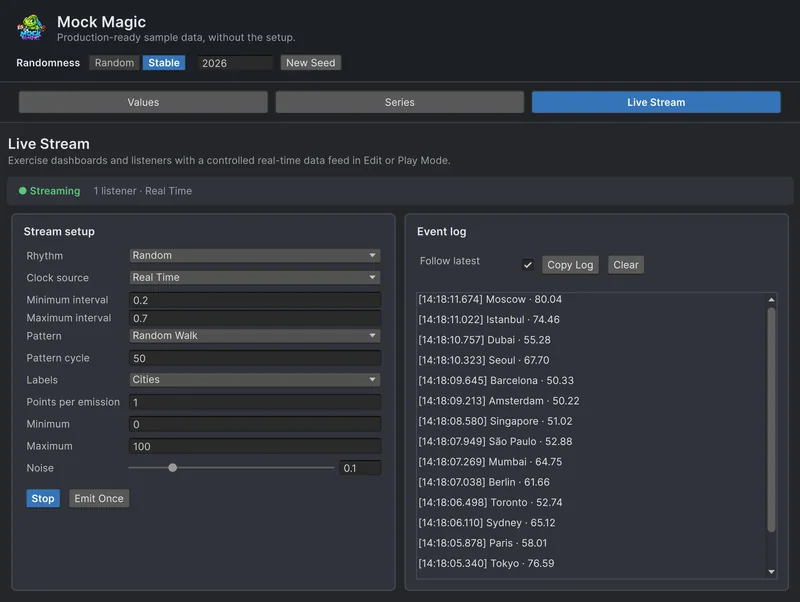
Simulate live data in Unity without a backend
Build the live parts of a UI before the server exists. Mock Magic sends labeled values that continue their pattern to your listeners on a schedule you choose, in Edit Mode or Play Mode, so bursts, gaps and pauses show up early.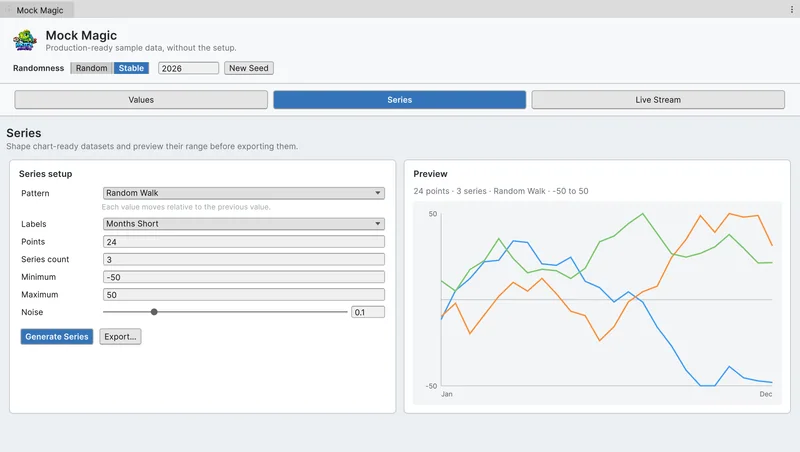 Use case
Simulate sensor telemetry for a Unity digital twin
Build the twin before the hardware talks to it. Stream live readings per sensor inside Unity with jitter, drift, cycles, faults, irregular timing and batched uploads, and draw histories that the live values continue. Article