Templates and custom data types
Compose values with {{token}} templates and format masks, and register your own tokens and generators, such as item names from your game or values from Bogus.
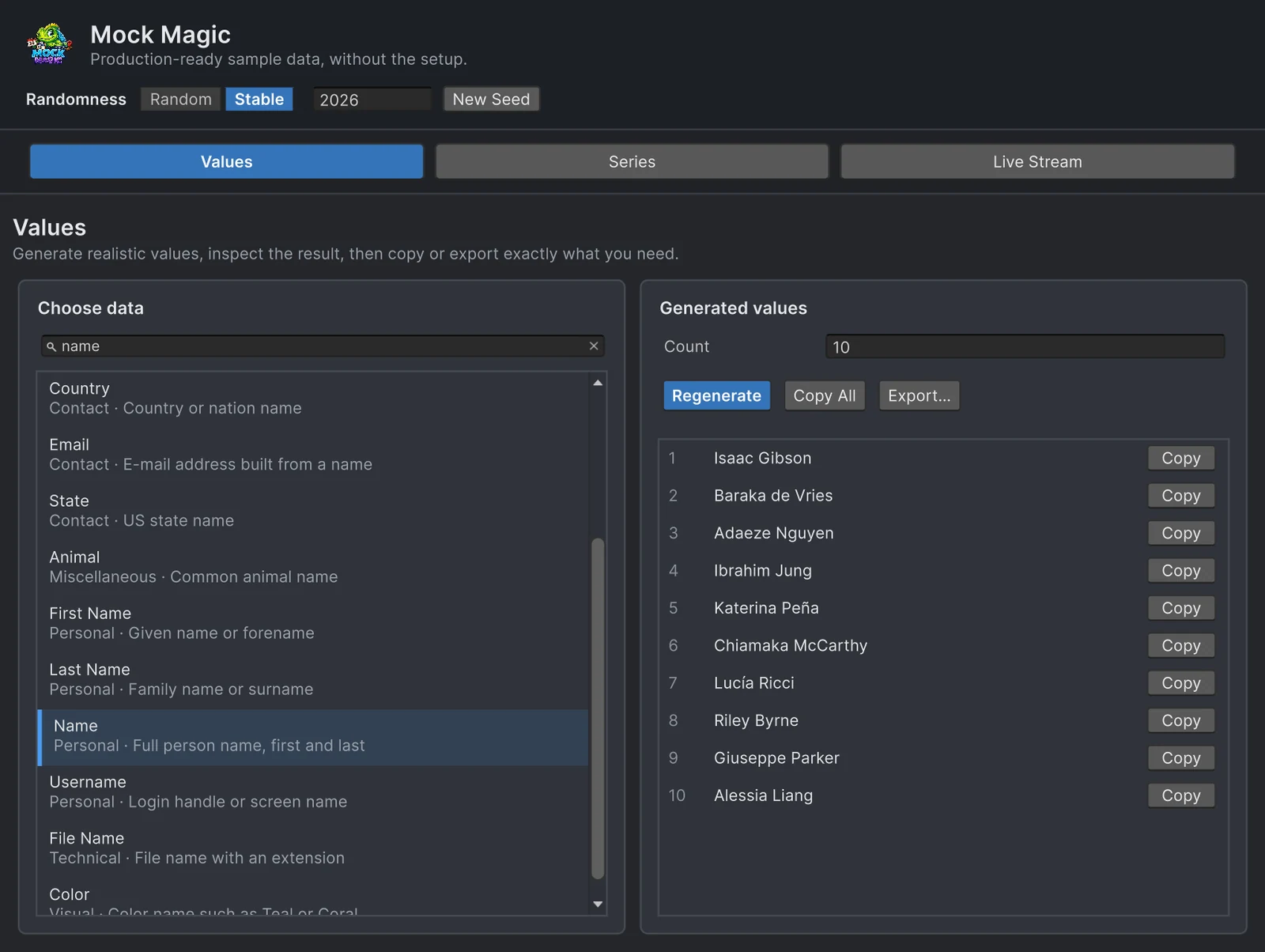
Mock Magic’s 57 built-in data types cover people, contact details, commerce and technical values. Your project has its own vocabulary on top: weapon names, quest titles, docking codes, ticket numbers. You do not need a generator class for each. Masks and templates compose new values from the built-in ones, and a single registration call adds the parts that only your game knows. All of it belongs to the runtime API, which has no Editor dependency, so the same code runs in Edit Mode and Play Mode.
Format masks
Mock.Format(mask) replaces four symbols and copies every other character as it is:
| Symbol | Becomes |
|---|---|
# | a digit from 0 to 9 |
? | a lowercase letter from a to z |
* | a digit or a lowercase letter |
\ | nothing itself; the next character is copied literally |
string order = Mock.Format("ORD-#####"); // ORD-58058string ticket = Mock.Format("??-####").ToUpperInvariant(); // KX-4821string code = Mock.Format("****-****"); // 7f2k-q90xstring hull = Mock.Format("NCC-####"); // NCC-3172string tag = Mock.Format(@"\#####"); // #4821Mock Magic builds its own phone numbers, ZIP codes and SSN-style values the same way, from +1 (###) ###-####, ##### and ###-##-####. Letters other than the symbols stay literal, which is why NCC-#### keeps its prefix. There is no symbol for an uppercase letter, so uppercase the result or use Mock.Letters(3, upperCase: true) for the letter part. In a regular C# string the escape needs two backslashes, "\\#####", which is why the last line uses a verbatim string. For fixed-length random strings without a mask, Mock.Letters(length, upperCase), Mock.AlphaNumeric(length), Mock.Hexadecimal(length, upperCase) and Mock.Hash(length) are shorter; Hash returns 40 hex characters by default, the length of a SHA-1.
Templates with {{tokens}}
Mock.Parse(template) replaces each {{token}} with a freshly generated value, and Mock.Parse(template, count) returns an array of filled templates:
string sale = Mock.Parse("{{firstName}} from {{city}} bought {{productName}} for {{price}}");string[] logins = Mock.Parse("{{username}} signed in from {{ipAddress}} at {{time}}", 20);A few rules decide what comes out:
- Token names ignore case, so
{{FirstName}}works, but they allow only letters, digits and underscores, with no spaces inside the braces. - Unknown tokens stay in the output unchanged, so a typo shows up instead of disappearing.
- Every occurrence draws a new value. A template with
{{firstName}}twice produces two different names; when a value must repeat, generate it once and use string interpolation. {{id}}and{{unique}}count up on the same counter asMock.Id().Mock.SeedandMock.ResetSeedstart it again at 1, andMock.ResetIdCounter(start)makes the next value any number you choose, zero and negative included. It keeps an active seed, so call it afterMock.Seed, which would otherwise restart the IDs at 1.- Number and date tokens such as
{{float}},{{currency}},{{percentage}}and{{date}}look the same on every machine, with a period as the decimal separator, and{{price}}is always a dollar amount such as$49.99.
There are 58 built-in tokens, one for each data type in the Generator’s Values workspace plus unique: guid, id, unique, timestamp, date, time, datetime, name, firstName, lastName, email, phone, address, city, country, zipCode, company, jobTitle, loremIpsum, sentence, paragraph, word, color (a color name), hexColor, latitude, longitude, coordinate, currency, percentage, boolean, integer, float, url, ipAddress, macAddress, username, password, creditCard, ssn, isbn, state, domain, fullAddress, age, productName, price, rating, versionNumber, fileName, userAgent, animal, hashtag, honorific, emoji, hash, imageUrl, hackerPhrase and review.
Register your own tokens
Mock.RegisterToken(name, factory) adds a token backed by any Func<string>. Built from Pick, PickWeighted and Format, a handful of lines covers loot, quests and ship traffic:
using MockMagic;using UnityEngine;
public class LootTokens : MonoBehaviour{    void Awake()    {        Mock.RegisterToken("rarity", () => Mock.PickWeighted(            (60f, "Common"), (25f, "Rare"), (12f, "Epic"), (3f, "Legendary")));        Mock.RegisterToken("weapon", () => Mock.Pick("Longsword", "Warhammer", "Crossbow", "Spear", "Halberd"));        Mock.RegisterToken("suffix", () => Mock.Pick("Embers", "the Tide", "Quiet Rain", "the North"));        Mock.RegisterToken("questVerb", () => Mock.Pick("Rescue", "Escort", "Find", "Defend"));        Mock.RegisterToken("shipCode", () => Mock.Format("??-####").ToUpperInvariant());    }
    void Start()    {        foreach (string item in Mock.Parse("{{rarity}} {{weapon}} of {{suffix}}", 5))            Debug.Log(item);                                               // Epic Halberd of Embers        Debug.Log(Mock.Parse("{{questVerb}} the {{animal}} of {{city}}")); // Escort the Owl of Lisbon        Debug.Log(Mock.Parse("Docking request from {{shipCode}}, captain {{lastName}}"));    }}
Custom and built-in tokens mix freely, as {{animal}} and {{city}} show. Registering a name again replaces its generator, built-in names included, so you can swap {{company}} for your own studio names. Registrations are static and last until the next domain reload, so register once at startup and before the first Parse that needs them; a second registration of the same name does no harm. Because the factories call Mock methods, the results follow Mock.Seed like every other value.
Typed generators
Templates produce strings. When game code needs real values, Mock.RegisterGenerator<T>(name, factory) stores a generator for any type, and Mock.Get<T>(name) returns a new value from it:
public struct LootDrop{    public string Item;    public int Gold;    public override string ToString() => $"{Item} and {Gold} gold";}
// in your startup code, after the loot tokens are registered:Mock.RegisterGenerator("loot", () => new LootDrop{    Item = Mock.Parse("{{rarity}} {{weapon}}"),    Gold = Mock.Integer(5, 250)});
LootDrop drop = Mock.Get<LootDrop>("loot");             // a typed value for game codestring chest = Mock.Parse("The chest holds {{loot}}."); // the same generator through ToString()
bool ready = Mock.HasToken("weapon");             // true once registered, also true for built-insbool removed = Mock.UnregisterToken("questVerb"); // true when anything was removed
The registration also creates a {{loot}} token that uses the value’s ToString(), so one generator serves code and templates. Get<T> needs the type and the exact name used at registration and throws a KeyNotFoundException otherwise. HasToken reports whether Parse knows a name. UnregisterToken removes the token and every typed generator registered under the same name, matching names regardless of case, and returns true when anything was removed. It also removes built-in tokens, even before their first use; to replace one, registering your own generator under its name is enough.
Other locales through Bogus
Mock Magic’s names come from many regions, but you cannot ask for one country, and its addresses, ZIP codes and phone numbers follow US formats. When a test needs German street addresses or names that all fit Japan, a token can call another library. Bogus, the MIT-licensed .NET faker, covers 50 locales. It is not part of Mock Magic, so add Bogus.dll yourself, for example from the NuGet package or through NuGetForUnity. The DLL is about 2.3 MB because the locale data is embedded, and Bogus does not mention Unity or IL2CPP in its documentation, so test it on every platform you ship to.
using Bogus;using MockMagic;using UnityEngine;
public static class BogusTokens{    static readonly Faker German = new Faker("de");    static readonly Faker Japanese = new Faker("ja");
    [RuntimeInitializeOnLoadMethod(RuntimeInitializeLoadType.BeforeSceneLoad)]    static void Register()    {        Mock.RegisterToken("germanName", () => German.Name.FullName());        Mock.RegisterToken("germanCity", () => German.Address.City());        Mock.RegisterToken("japaneseName", () => Japanese.Name.FullName());    }}
After that, Mock.Parse("{{germanName}} from {{germanCity}}") works like any other template. Bogus keeps its own random generator, so Mock.Seed does not make these tokens repeatable; seed Bogus as its documentation describes when you need that. The comparison with Bogus covers when Bogus on its own is the better fit, and names and text at runtime lists the sizes of Mock Magic’s own pools. The scripting API page has the full member list.
Frequently asked questions
How do I add my own data type to Mock Magic?
Register a generator with Mock.RegisterToken(name, factory) for strings or Mock.RegisterGenerator<T>(name, factory) for any type. Both make the name usable as a {{name}} token in Mock.Parse, and typed generators also return values through Mock.Get<T>(name).
Why does a {{token}} stay unchanged in my output?
Mock.Parse leaves unknown tokens as they are. Check the spelling, remove spaces inside the braces, and register custom tokens before the first Parse call that uses them. Token names ignore case.
Can Mock.Format produce uppercase letters?
Not directly: ? becomes a lowercase letter and * a digit or lowercase letter. Call ToUpperInvariant() on the result, or use Mock.Letters(length, upperCase: true) for the letter part.
Do custom tokens follow Mock.Seed?
Yes, when they are built from Mock calls such as Pick, Integer or Format, which use the seeded generator. Libraries with their own random state, such as Bogus or a System.Random instance, are not affected.
Realistic fake data for Unity, from one value to a live stream.
Keep reading
 Use case
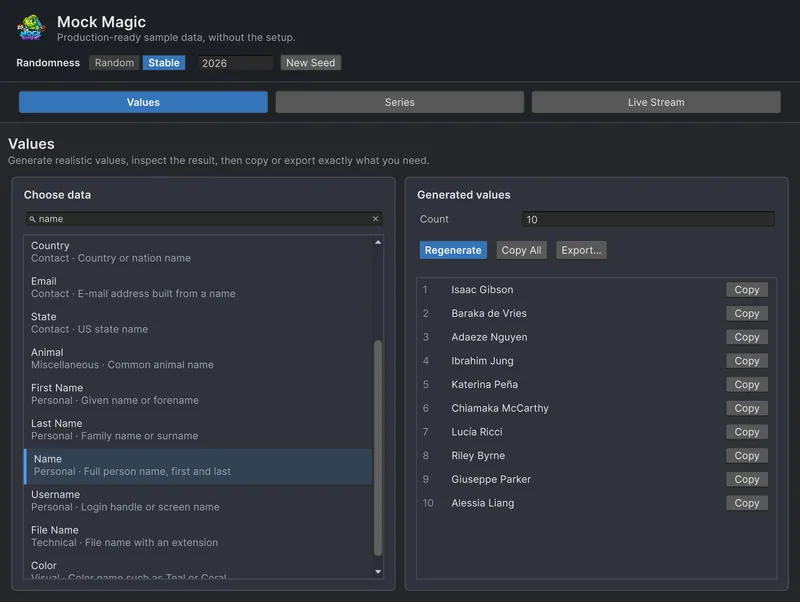
Generate names and text at runtime
What Mock Magic's name, username, e-mail, place, lorem ipsum, review and hacker phrase generators return, how large their pools are, and when a dedicated name generator is the better choice.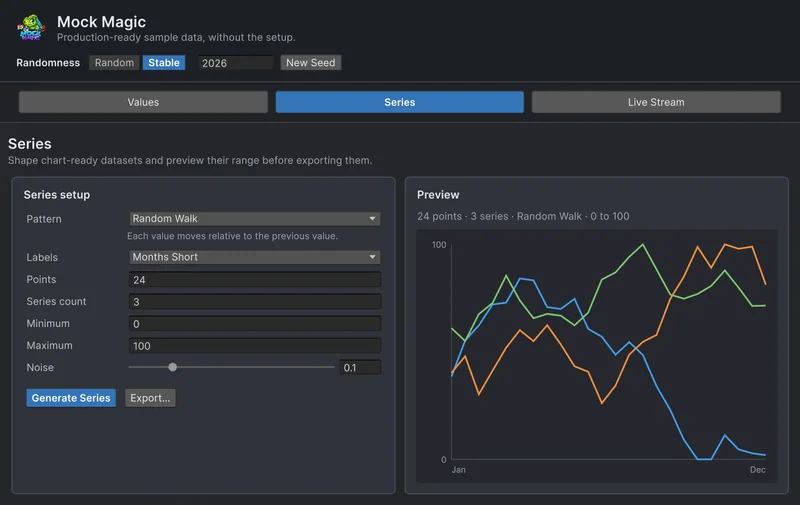 Comparison
Mock Magic vs Bogus
Bogus is a mature fake data library for .NET with 50 locales and a deep catalog. Mock Magic has a smaller catalog but lives in the Unity Editor and adds chart series, live streams and export. Where each one wins, and how to use both.Article