What you can do with Text Studio 3D
Everyday jobs Text Studio 3D handles in Unity: text with real depth and bevels, 3D titles and signs, animated effects, text on splines, VR menus and damage numbers.

3D text with depth in Unity: extrusion and bevels
TextMeshPro letters are flat and vanish when seen from the side. Text Studio 3D builds solid letters from the real font outlines, with bevels, layers, relief and a material for every surface, at the mesh detail you choose.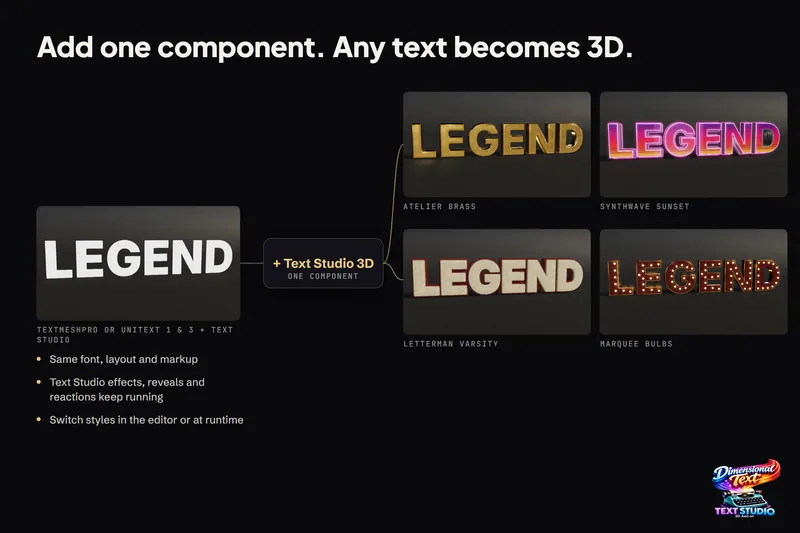
Turn TextMeshPro text into real 3D geometry
Text Studio 3D adds depth to the TextMeshPro text you already have instead of replacing it. Font, layout, rich text and Text Studio effects carry over, and Runtime Preparation makes sure the same letters build in a player.
3D game titles and logos in Unity
Start from one of 25 complete hero designs, shape it layer by layer, frame it with a generated backing or your own SVG logo, reveal it in 3D and export stills or video for the trailer, while the title stays editable text.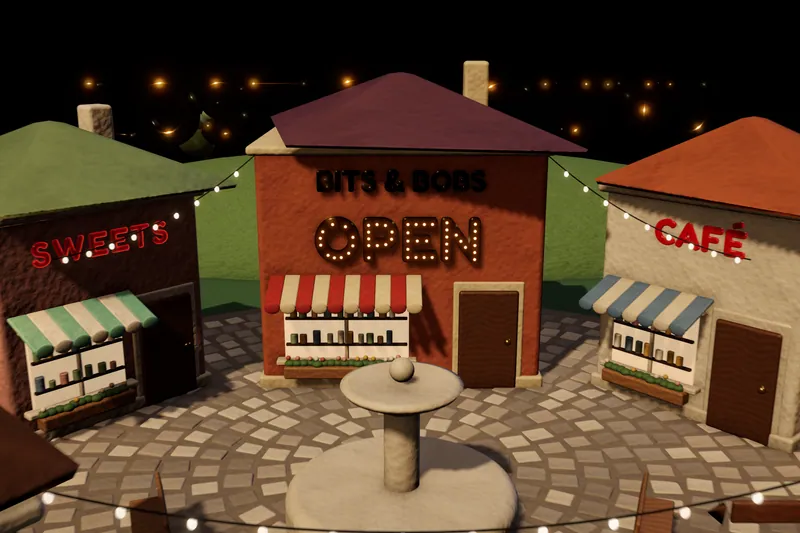
3D signs, neon and marquee lettering for game worlds
Flat text on a shop front looks pasted on. Text Studio 3D builds signs from solid letters with plates and backings, neon tubes and marquee bulbs that follow every contour, and glowing LED faces, lit by the scene and ready for static use.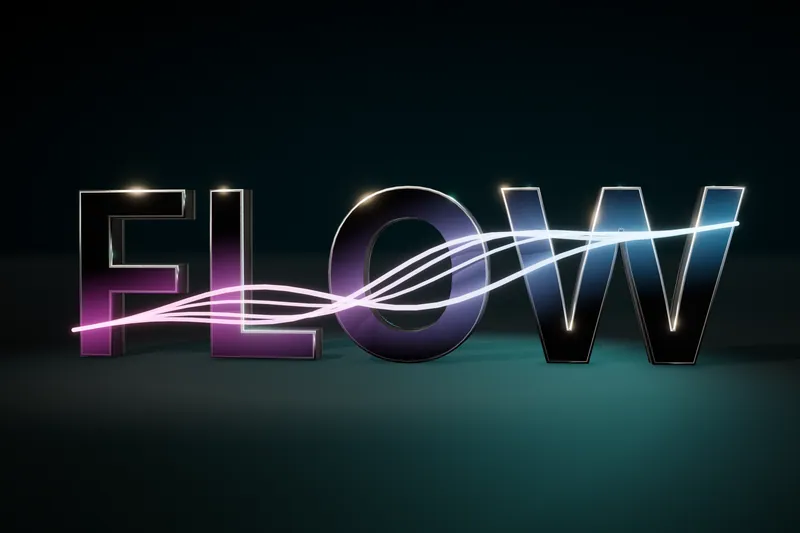
Animate 3D text: reveals, weather and energy effects
Every compatible Text Studio effect animates the 3D mesh, and 29 native effects use what flat text lacks: depth, bevels and surfaces. Weather grows over the letters, energy runs along them, and scripts can drive the growth.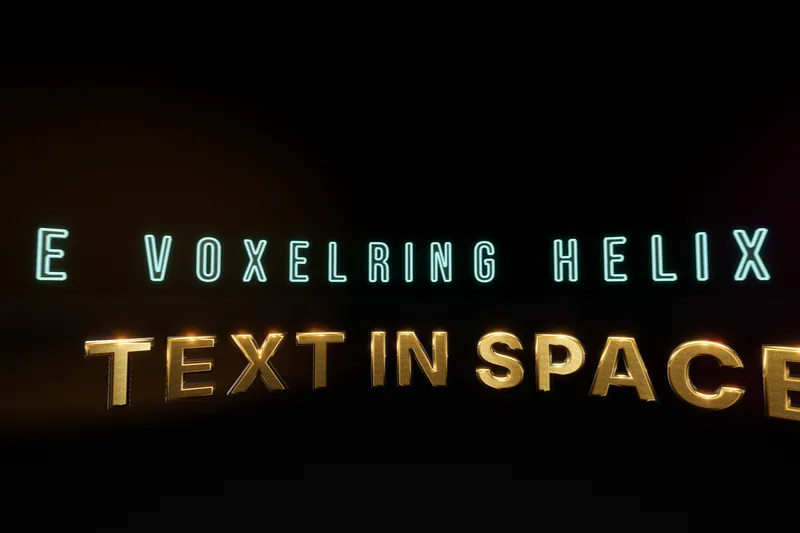
3D text on arcs, rings and Unity Splines
Curved 3D text means two different things: letters placed along a form, and letters whose solid body bends through its depth. Text Studio 3D does both, plus bend, twist and taper deformers, and keeps them separate so each stays predictable.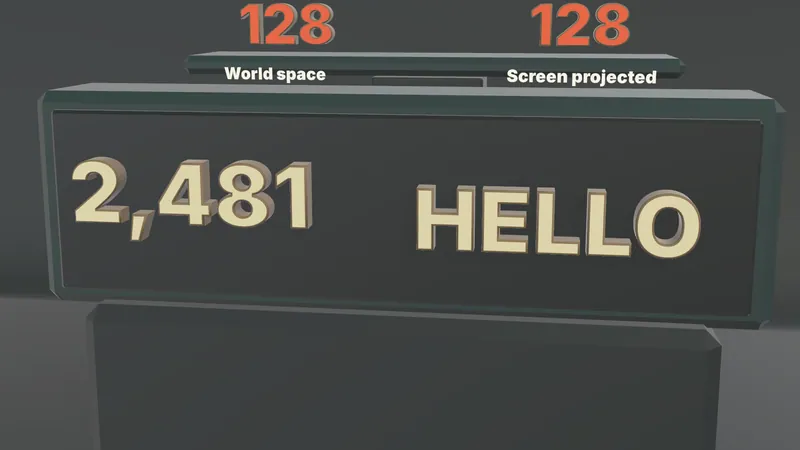
3D damage numbers and floating combat text
The Text Studio emitter that shows flat popups can also emit complete 3D hosts: extruded, lit numbers for hits, crits and heals, pooled and prewarmed, with digits prepared for builds and costs measured in the lab.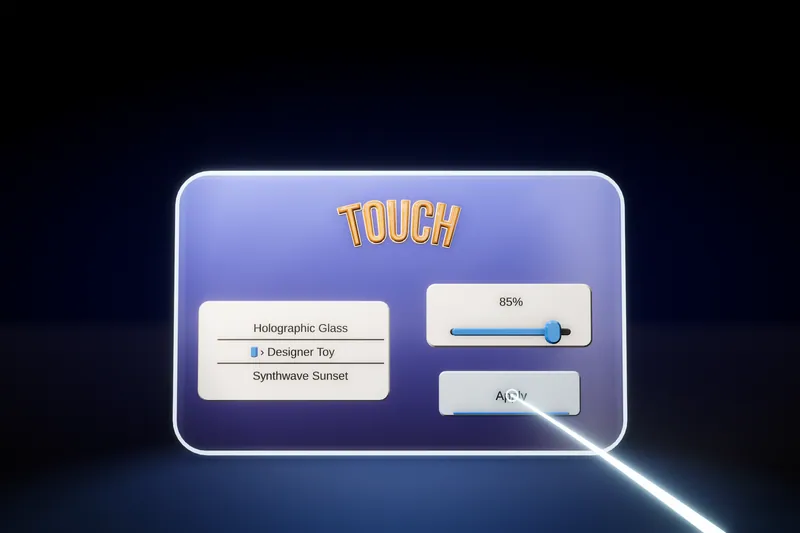
3D menus and world-space UI for VR and AR
A flat canvas in a headset reads like a sticker. Text Studio 3D builds menus, controls and a spatial keyboard from solid, lit 3D text, with themes, optional XR Interaction Toolkit input and single-pass instanced stereo.
Change 3D text at runtime: scores, counters and names
Baked 3D text cannot show a score or a player's name. Text Studio 3D builds the geometry from the live string, so it changes in player builds, and since 1.4.0 compatible counters rebuild only the digits that change.
3D letters with real physics
Knocking over a title used to mean modeling every letter. Physical Letters turns live 3D text into one Rigidbody and convex collider per glyph, released and reset from the inspector or from a script.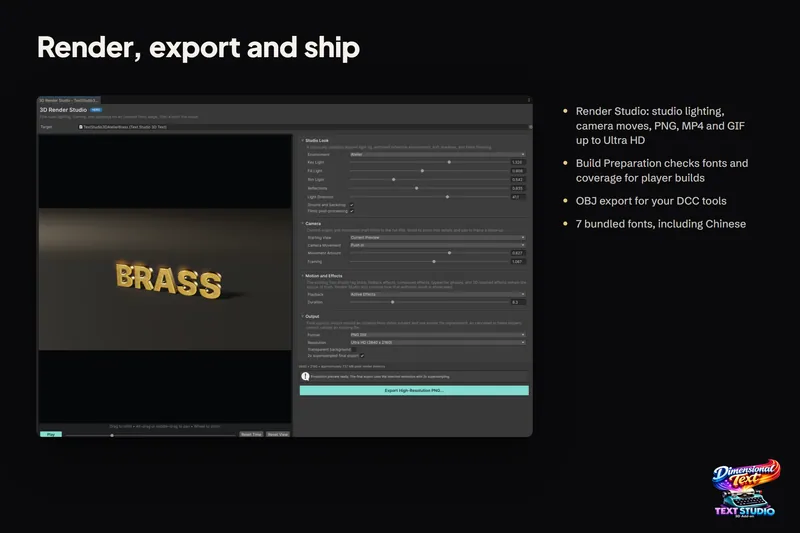
Render 3D text to transparent PNG, GIF and MP4
Store art, trailers and thumbnails need the title as an image or a video. Render Studio renders the exact 3D text on a studio stage and exports a transparent PNG, a GIF up to 50 fps or an MP4 up to 60 fps.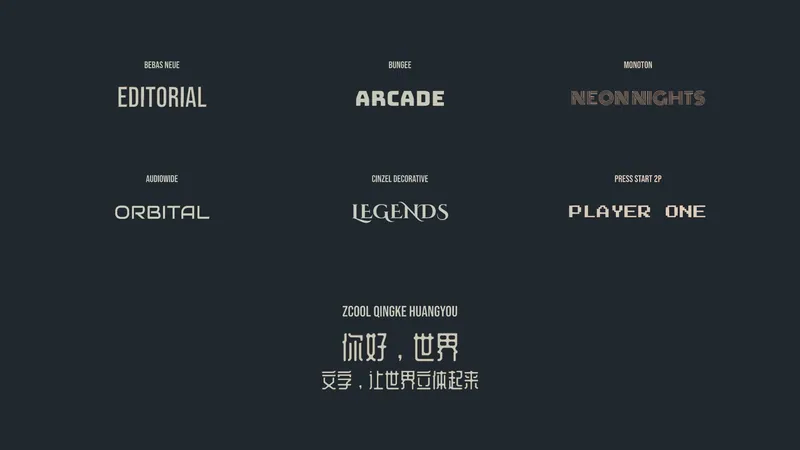
Localized 3D titles: Chinese, Arabic, Hebrew and emoji
Localizing a generated 3D title means changing the string, not remodeling it. Chinese works with the bundled ZCOOL family or your own font, Arabic and Hebrew need the optional UniText integration, and emoji become monochrome outlines.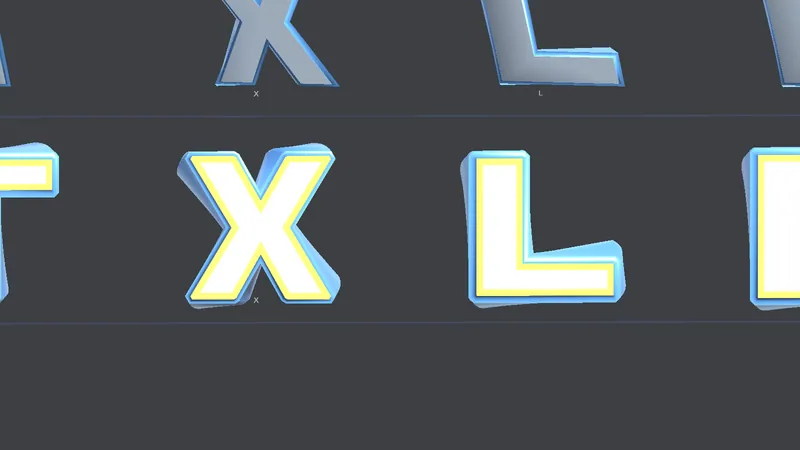
Fast 3D text on mobile and Quest, with small builds
Phones and headsets run out of GPU time and heat before CPU. How to pick output, mesh detail and prepared geometry for them, and what Text Studio 3D 1.4.0 changed: Quest 3 first frame 74 to about 18 ms, build share 93.7 to 0.7 MB.Start with the problem you have today
Most people arrive with one of three problems. Their text looks flat in a 3D scene, because TextMeshPro draws letters as flat quads that thin to a line when the camera moves around them. Their 3D title was modeled in Blender, so every copy change, translation or new score means another export. Or they want effects that need depth, such as snow settling on the letters, a border of marquee bulbs or letters that topple over, and flat text cannot show them.
Each guide starts from one of those jobs and shows how Text Studio 3D handles it, with the settings involved and the limits worth knowing:
- 3D text with depth: extrusion and bevels, for text that looks like paper from the side.
- Turn TextMeshPro text into real 3D geometry, for projects that already set their words in TextMeshPro.
- 3D game titles and logos, for title screens, logo reveals and trailer shots.
- 3D signs, neon and marquee lettering, for shop fronts, plaques and lettering mounted on objects in the world.
- Animate 3D text, for reveals in depth, weather that grows over the letters and energy effects.
- 3D text on arcs, rings and Unity Splines, for words around a ring, along a path or curled through space.
- 3D damage numbers and floating combat text, for hits, crits and heals with real volume.
- 3D menus and world-space UI for VR and AR, for spatial interfaces on desktop and in headsets.
- Change 3D text at runtime, for scores, counters, names and other text that changes while the game runs.
- 3D letters with real physics, for letters that tumble, collide and reset.
- Render 3D text to transparent PNG, GIF and MP4, for store art, thumbnails and trailers.
- Localized 3D titles, for Chinese lettering, and Arabic and Hebrew through the optional UniText integration.
- Fast 3D text on mobile and Quest, for phones, standalone headsets and small builds.
Every picture is real output
The images in these guides are real Text Studio 3D output, taken from the store stills and the shipped example scenes, plus screenshots of the actual editor windows and charts of measured data. The online Style Gallery shows the styles the same way, as Unity renders.
Requirements in one paragraph
Text Studio 3D runs in Unity 2023.2 or newer, including Unity 6, with the Built-in Render Pipeline, URP and HDRP. It is an add-on for Text Studio, which must be installed in a matching version: Text Studio provides authoring, animation and the TextMeshPro integration, and Text Studio 3D adds geometry, materials and 3D effects. Optional integrations connect Unity Splines, the XR Interaction Toolkit, the Input System, the Visual Effect Graph and UniText. Features marked 1.4.0 need that version; the changelog lists every change, and Create Your First 3D Title covers installation.