Render 3D text to transparent PNG, GIF and MP4
Render 3D text from Unity as a transparent PNG, a looping GIF or an MP4: Render Studio exports the exact text with studio lighting, camera moves and Ultra HD output.
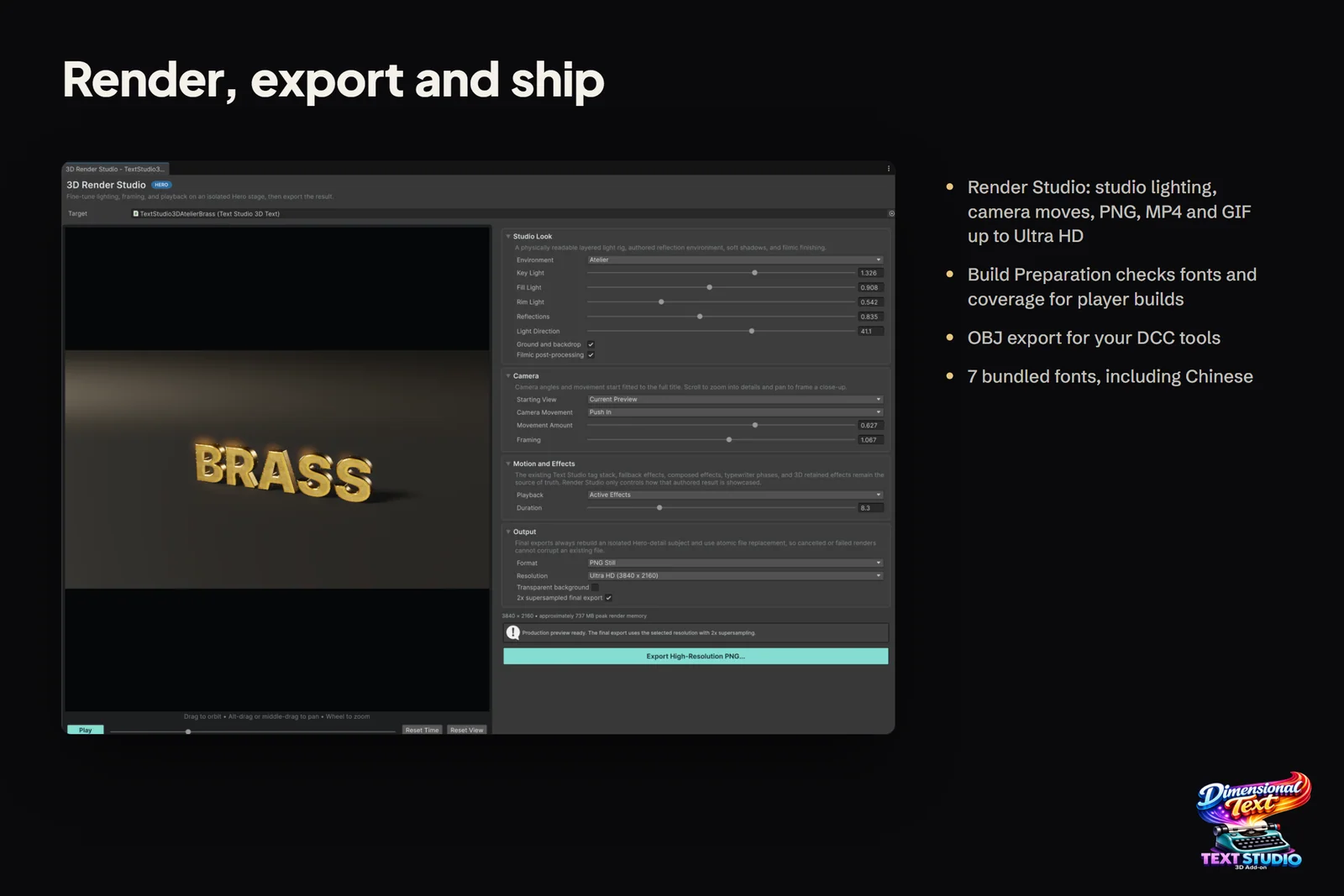
A store page, a trailer, a video thumbnail and a launch post all need your 3D title as an image or a video, not as a scene. A screenshot of the Game view brings aliasing, editor chrome and whatever lighting the level happens to have, and rebuilding the title in Blender means recreating the look by hand. Text Studio 3D’s Render Studio renders 3D text from Unity directly: the exact text with its style, effects and animation, lit on a studio stage, exported as a PNG still, an animated GIF or an MP4 video.
Open it with Open Render Studio… in the Live 3D Preview section of the Text Studio 3D inspector, or from Tools > Text Studio > 3D > Render Studio with the text selected. A transparent Ultra HD PNG takes a handful of clicks, and nothing in your scene changes.
What Render Studio renders
- The exact source text. Text, style, Text Studio tags, Composed Effects, typewriter phases and retained 3D effects stay the source of truth; Render Studio only decides how they are shown.
- Hero detail, always. Preview and export use Hero mesh detail, whatever detail the text uses in the game.
- An isolated copy. The stage, lights and camera belong to Render Studio, so your scene and the source object stay untouched. Exports replace files atomically, so a canceled or failed render never corrupts an existing file.
Lighting, camera and motion
Studio Look starts from an environment: Product Studio, Midnight, Warm Gallery, Optical, Emissive, Alpine Dawn or Atelier. Key Light, Fill Light, Rim Light, Reflections and Light Direction fine-tune it, Ground and backdrop adds a floor with soft contact shadows, and Filmic post-processing finishes the image.
Camera sets the Starting View (Current Preview, Front, Three Quarter Left or Right, Hero Low Angle, Side Depth or Top Down) and a Camera Movement for animations: dolly moves, Push In, Pull Out, Arc Left or Right, or a constant-speed 360° Orbit that loops. In the preview, drag to orbit, Alt-drag or middle-drag to pan, and use the wheel to zoom into details.
Motion and Effects chooses what plays: the Current Frame, the Active Effects or the Full Lifecycle from reveal to exit, over a duration you set. Scrub the timeline to pick the frame a PNG exports.
Export 3D text as a transparent PNG
- Select the 3D text and click Open Render Studio… in its Live 3D Preview section.
- Pick an environment and adjust the key, fill and rim lights.
- Choose a Starting View, then zoom and pan to frame the title.
- Scrub the timeline to the moment you want, for example the end of a reveal.
- Under Output, set Format to PNG Still and Resolution to Ultra HD (3840 x 2160), turn on Transparent background and keep 2x supersampling on.
- Click Export High-Resolution PNG….
Transparent output hides the floor and backdrop, so only the lettering lands on the transparent background, ready to composite over key art or a video.
PNG, GIF or MP4
| Format | Background | Frame rate | Good for |
|---|---|---|---|
| PNG Still | Transparent with full alpha, or solid | One frame | Store art, key art, thumbnails, compositing |
| Animated GIF | Transparent (binary, as GIF allows) or solid | Up to 50 fps | Devlogs, documentation, chat |
| MP4 Video | Always solid | Up to 60 fps | Trailers, store videos, social posts |
Resolution presets are Full HD, QHD, Ultra HD (3840 x 2160), Square and Portrait, plus Custom. MP4 uses the Unity Editor’s media encoder, which the Windows and macOS Editors provide; on Linux, Render Studio exports PNG and GIF.
What to make with it
- Store art and key art: a transparent Ultra HD PNG to place over a background in your image editor.
- Trailers and store videos: an MP4 with Push In or a 360° Orbit, and Full Lifecycle to show the reveal, hold and exit.
- Thumbnails and social posts: Full HD for video thumbnails, Square and Portrait for social feeds.
- Devlogs: a short transparent GIF that drops into a post or a chat.
 SHOW in the Marquee Bulbs style: warm bulbs set into gold letters, a typical title for store art or a trailer.
Bake the mesh or export it as OBJ
Sometimes the text has to leave the live pipeline.
- OBJ for other tools. The component’s context menu has Export Current Mesh as OBJ. It writes the currently rendered mesh as an .obj file with a matching .mtl and one group per submesh, so Blender or another DCC tool can assign materials by name. Shaders, animation and effects stay in Unity. Text Studio 3D exports OBJ, not FBX; Blender converts the file to FBX or glTF if your pipeline needs it.
- Static meshes inside Unity. Freeze Current Appearance in the Static Output section bakes the exact visible frame into persistent static geometry with its colors, materials, deformation and mesh colliders, and stops all live text behavior. Live 3D Writing and GPU-driven effects such as settled Snow or Electric Arc cannot be frozen, so capture those with Render Studio instead. Unfreeze restores live editing.
Whether a title should be built in Unity or modeled in Blender at all is covered in Text Studio 3D vs Blender. To export flat text animations rather than 3D titles, Text Studio itself renders MP4 and transparent GIF loops from the effect preview; see exporting text animations as GIF or MP4.
The article on lighting 3D text for a store film goes further into presentation, and the manual chapters on your first 3D title and output and performance cover the windows and Strict Freeze in detail.
Frequently asked questions
Can I render 3D text with a transparent background?
Yes. Turn on Transparent background for a PNG with full alpha or a GIF with binary transparency; it also hides the studio floor and backdrop. MP4 has no alpha channel, so Render Studio disables the option for video.
What resolutions and frame rates are available?
Presets from Full HD to Ultra HD (3840 x 2160), plus Square, Portrait and custom sizes, with optional 2x supersampling. GIF runs at up to 50 fps and MP4 at up to 60 fps.
Can I export the 3D text mesh to Blender or another tool?
Yes, as OBJ. Export Current Mesh as OBJ in the component's context menu writes an .obj file with a matching .mtl and one group per submesh. Text Studio 3D does not export FBX.
Does Render Studio change my scene?
No. It renders an isolated copy of the selected text at Hero mesh detail on its own stage, so the source object, your cameras and your scene lighting stay untouched.
Real 3D text for Unity, built from your TextMeshPro text.
Keep reading
 Use case
3D game titles and logos in Unity
Start from one of 25 complete hero designs, shape it layer by layer, frame it with a generated backing or your own SVG logo, reveal it in 3D and export stills or video for the trailer, while the title stays editable text.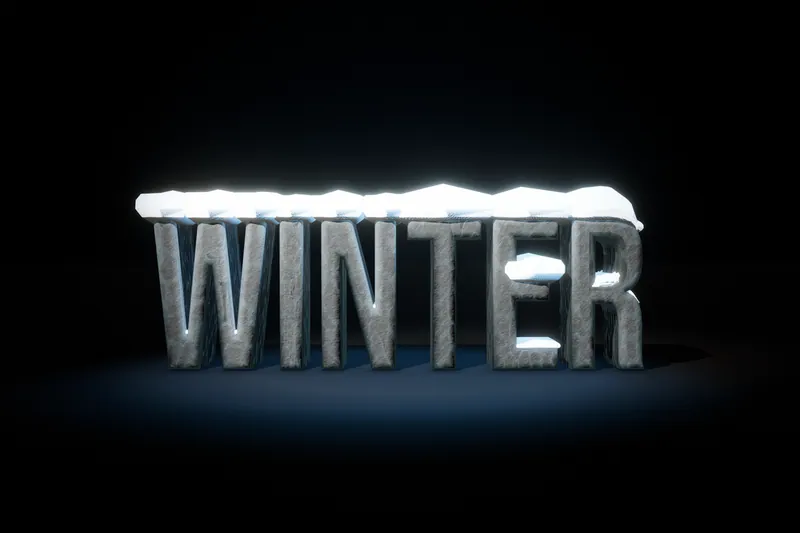 Article
Lighting 3D text for a store film
How the store film Light Every Word was lit and rendered: colored gels only as backdrops, spot lights with real shadows, every word a real Text Studio 3D render, offline capture with averaged motion blur, and camera rules that keep text readable.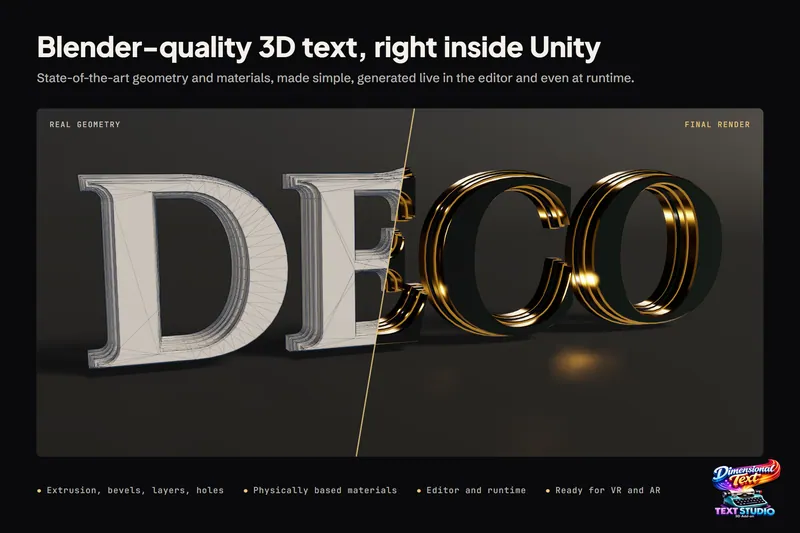 Comparison