Text Studio vs All In 1 Text Toolkit
All In 1 Text Toolkit brings 30 stackable shader effects to TextMeshPro. How it compares with Text Studio on looks, typewriter, text systems, pipelines and price.
Seaside Studios released All In 1 Text Toolkit on the Asset Store on October 29, 2026. The facts below come from its listing and documentation, checked on 2026-11-11 at version 1.11. It is new, and it will grow, so check its current documentation before you decide.
At a glance
| All In 1 Text Toolkit | Text Studio | |
|---|---|---|
| Approach | Shader effects and animation for TextMeshPro | Animation, looks and gameplay text on top of your existing text system |
| Text systems | TextMeshPro UI and world space | TextMeshPro, UI Toolkit Labels, legacy UI Text, UniText |
| Pipelines | Built-in and URP 12+, no HDRP; shader model 3.5 | Built-in, URP and HDRP |
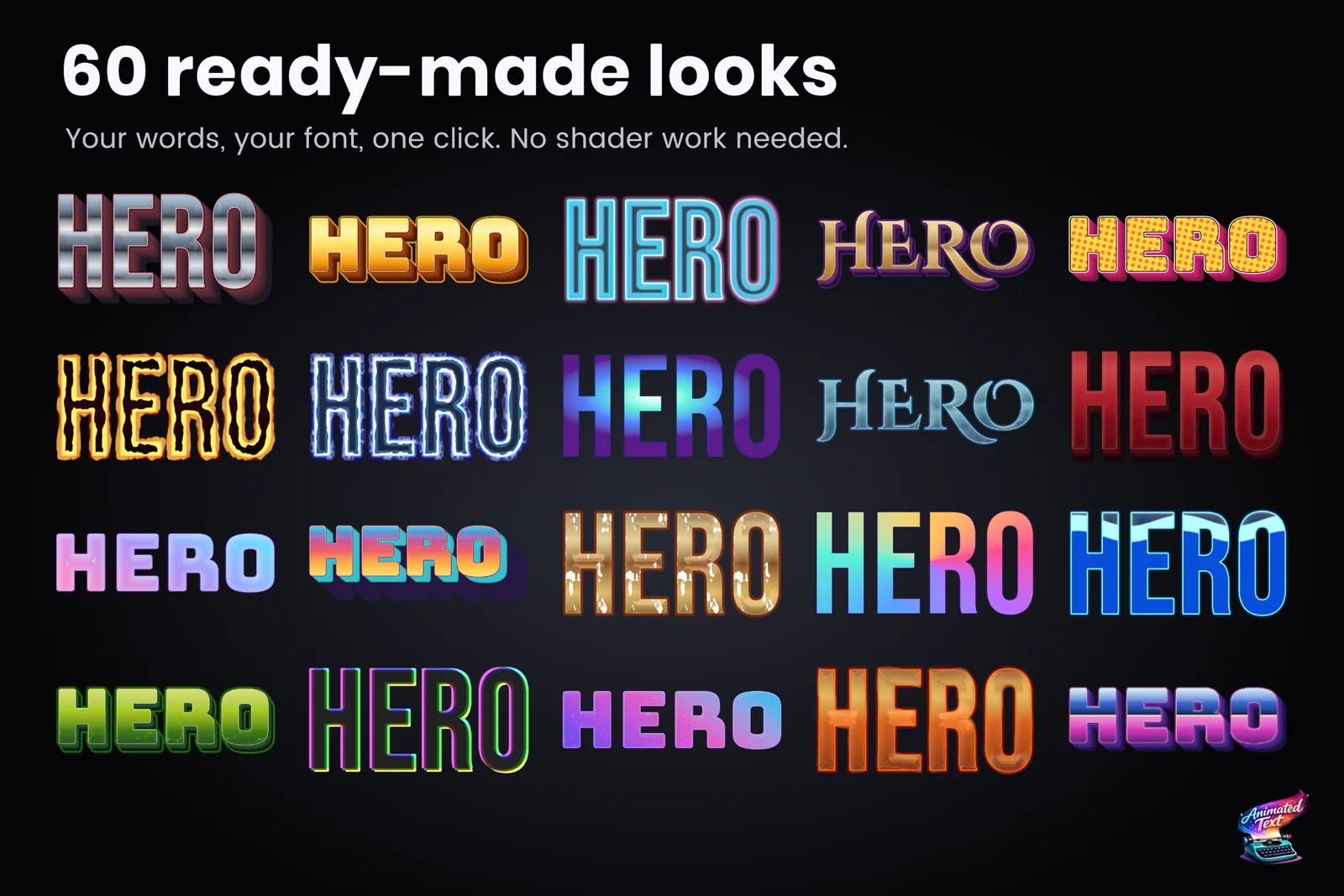
| Looks | 30 stackable shader effects: up to three outlines, inner and outer glow, two drop shadows, lit bevel, 3D extrusion, gradients, hologram, LED display, shine, dissolve, wind | 60+ layered looks with fills, outlines, glows, shadows, bevels, faux depth, paints and animated surfaces |
| Typewriter | Letter or word reveal, loop, hide, sound events | 15+ presets, punctuation-aware timing, waits, speed tags, input gates, skip and advance, events, pages |
| Motion tags | 12 motion effects with 10 eases | 40+ effects plus Composed Effects |
| Paths | Text on a spline, warps (arc, flag, circle) | Arc, circle, wave, grid, custom curves, Unity Splines |
| Gameplay text | A damage-number guide | Pooled Text Emitters with presets, stacking and merging |
| Dialogue tools | None documented | Yarn Spinner, Ink, Naninovel, Dialogue System, Adventure Creator, Game Creator 2, PlayMaker and more |
| Documented limits | Underline and strikethrough do not move with typewriter effects; clicks ignore spline and warp shapes; fallback-font glyphs and sprites get no material effects; dynamic fonts can distort bevels and outlines | See the diagnostics page and performance planning |
| Unity | 2022.3 or newer | 2023.2 or newer |
| Price | US$49.95 list, US$24.97 during its launch sale | US$38 |
Where All In 1 Text Toolkit is stronger
- Shader effect variety in one material. Hologram, LED display, wind, shine and dissolve looks stack on a single TextMeshPro material, and the 3D extrusion look stays inside TextMeshPro.
- Text particles and layers. Particles emitted from text and layered text are built in, though its docs limit layers to UI.
- Unity 2022.3. It supports Unity 2022.3, which Text Studio does not.
- Launch price. At half price during its launch sale it costs less than Text Studio.
- A trusted publisher. All In 1 Sprite Shader is one of the best-known shader assets on the store, and that experience shows in the material work.
Where Text Studio is stronger
- The typewriter. Text Studio’s reveal is built for dialogue: punctuation-aware timing, 15+ presets, waits and speed tags in the text, input gates, skip and advance, pages and events. See the typewriter guide.
- More motion. 40+ effects against 12 motion tags, plus Composed Effects that stack layers, curves and timing without code.
- More text systems and pipelines. UI Toolkit Labels, legacy UI Text and UniText as well as TextMeshPro, and HDRP as well as Built-in and URP.
- Production integrations. Packages for Yarn Spinner, Ink, Naninovel, Dialogue System, Adventure Creator, Game Creator 2, PlayMaker, Localization and Timeline, each with a sample scene.
- Measured performance. Text Studio’s speed is documented in a published Performance Lab. We have not benchmarked All In 1 Text Toolkit, so we make no claim about its speed.
How to choose
- Mainly shader looks on TextMeshPro, in Built-in or URP, possibly on Unity 2022.3? All In 1 Text Toolkit is a good fit.
- Dialogue, UI Toolkit, HDRP or several kinds of game text? Text Studio covers them in one workflow.
- Unsure? Compare the looks directly: the Text Studio gallery plays every look and effect, and the styling guide shows how layered looks are built.
Sources, checked 2026-11-11: All In 1 Text Toolkit on the Asset Store and its documentation.
Frequently asked questions
Which one has more styling effects?
Both are strong. All In 1 Text Toolkit stacks 30 shader effects in one material, including hologram, LED display, wind and 3D extrusion looks. Text Studio ships 60+ ready-made layered looks with fills, outlines, glows, shadows, bevels and faux depth, plus animated looks.
Does All In 1 Text Toolkit support HDRP?
Its documentation lists the Built-in Render Pipeline and URP 12 or newer, not HDRP. Text Studio supports Built-in, URP and HDRP.
Can I use All In 1 Text Toolkit with UI Toolkit?
Its documentation covers TextMeshPro UI and world-space text and does not mention UI Toolkit or legacy UI Text. Text Studio animates and styles UI Toolkit Labels and legacy UI Text as well as TextMeshPro.
Style and animate every word in Unity.
Keep reading
 Use case
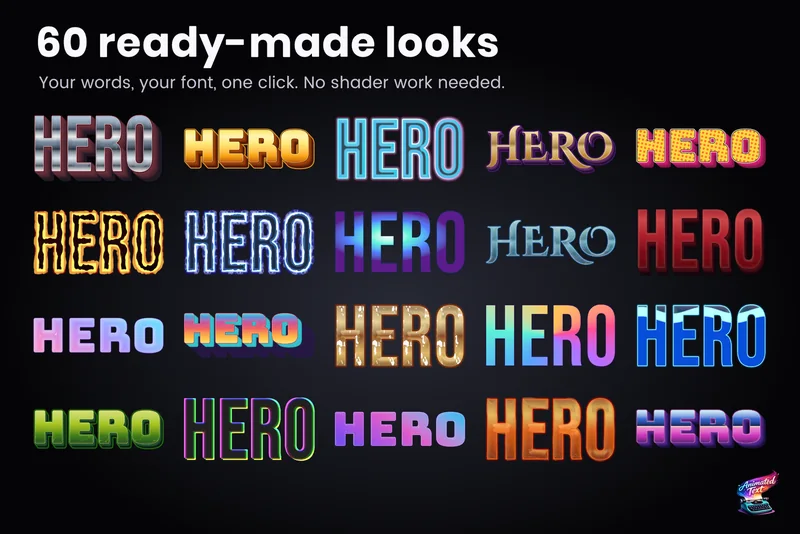
Outlines, glows, gradients and bevels for TextMeshPro
Layered 2D looks for TextMeshPro: outside and multiple strokes, glows, shadows, gradients mapped per word or line, bevels, materials and faux depth, from 60+ ready-made styles or your own stack. Comparison
Text Studio vs Text Animator for Unity
Text Animator 3 is mature, focused and supports Unity 2022.3. Text Studio covers more of the text job, from looks and damage numbers to paths and handwriting, costs less and converts Text Animator 3 markup. Comparison