Text Studio vs Damage Numbers Pro and Feel
Damage Numbers Pro and Feel both spawn floating text in Unity. When a focused popup tool is the right buy, and when damage numbers belong in Text Studio.
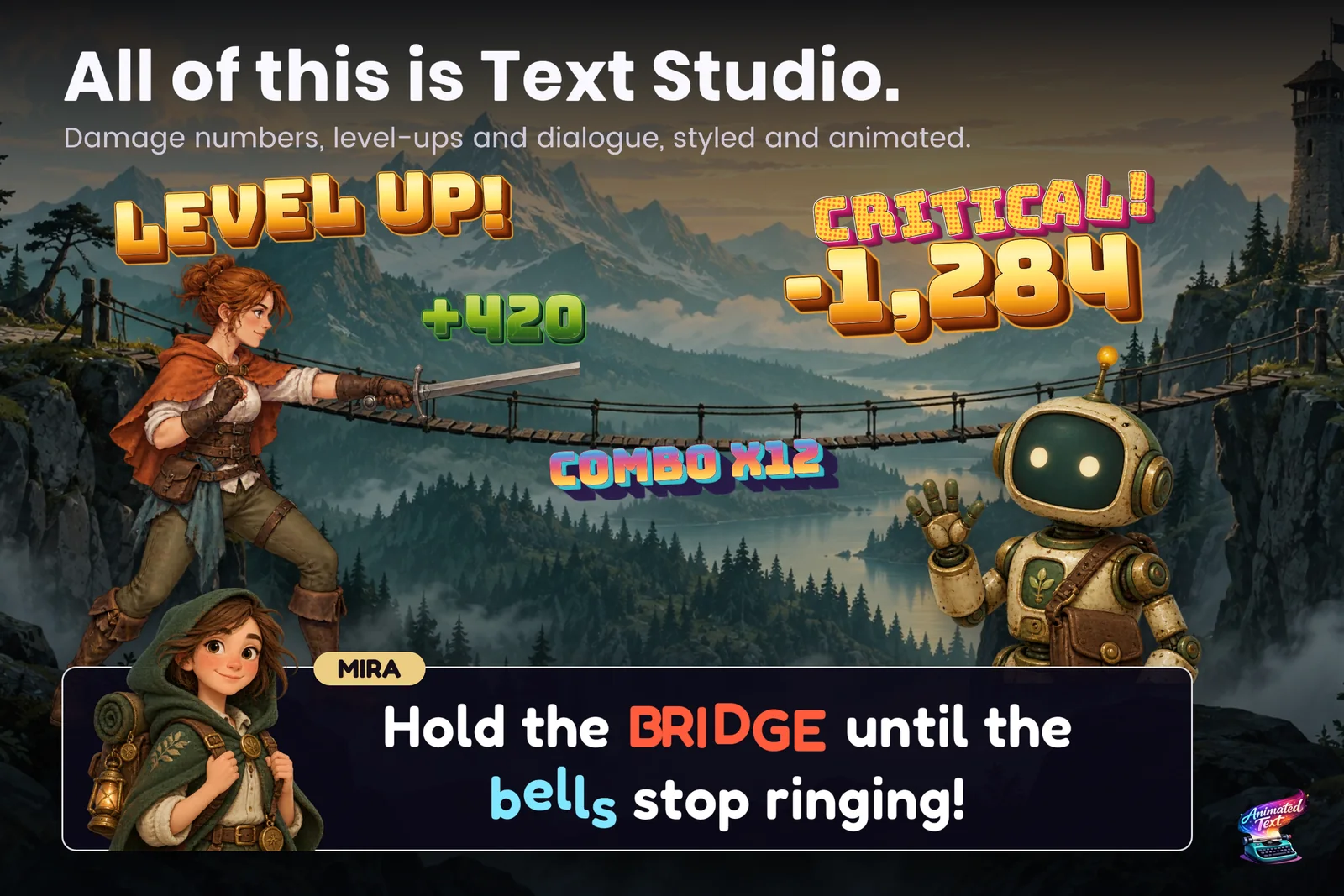
The facts below come from the Damage Numbers Pro listing and documentation and the Feel listing, checked on 2026-11-11 at Damage Numbers Pro 4.56 and Feel 6.3.
At a glance
| Damage Numbers Pro | Feel | Text Studio | |
|---|---|---|---|
| Focus | Number and text popups | Game feel: camera, haptics, sound, and text feedbacks among many others | All game text, including popups |
| Spawning | One call on a configured prefab | Floating text feedback | EmitValue(amount, target) on a Text Emitter with an Emission Preset |
| Output | World-space mesh popups and canvas GUI popups | TextMeshPro | Canvas and world-space TextMeshPro, and real 3D with Text Studio 3D |
| Pooling and spam control | Yes | Not covered in this review | Pooling, stacking, Sum and Replace merging, overflow handling |
| Looks | TextMeshPro materials; glow through Bloom and HDR | TextMeshPro materials | 60+ layered looks and 40+ effects, the same ones your dialogue uses |
| Accessibility | Not documented | Not covered in this review | Reduced and No Motion apply to popups too |
| Integrations | Game Creator, PlayMaker | Many, it is a feedback hub | Dialogue tools, Localization, Timeline, Visual Scripting, PlayMaker and more |
| Price | US$7.99 | US$50 | US$38 |
| Reviews | 145 | 243 | 10 |
Where Damage Numbers Pro is stronger
- Focus and price. It does one job well for less than eight dollars, with an online demo you can try before buying.
- A one-call workflow. Configure a prefab, spawn it with two or three lines of code.
- Long track record. On the store since January 2021, with frequent updates and support for Unity versions back to 2019.4 on older releases.
Its documentation is open about limits too: it notes that spawning around 50 popups per second becomes noticeable, and that glow needs Bloom and HDR. In our own October 2026 lab run it was also slightly faster than Text Studio with large pools of popups: 1.03 ms against 1.23 ms of main-thread time for a pool of 128.
Where Feel is stronger
- Everything around the number. Screen shake, hit pause, sound, haptics and floating text fire together from one feedback player.
- Familiarity. Feel is widely used; if your team already thinks in Feel feedbacks, a popup is one more entry.
Where Text Studio is stronger
- One look for all game text. Popups use the same 60+ looks and 40+ effects as dialogue and HUD, so a critical hit can share the gold of your title screen.
- Merging that reads as one event. Sum and Replace merge hits on the same target within a window, and multi-digit values stay grouped. Merging rapid hits into one number was also where Text Studio measured faster in our lab, 0.32 ms against 0.64. See the damage numbers guide and the benchmark article.
- Accessibility. The project-wide Reduced and No Motion policy applies to popups as well as dialogue.
- More than popups. The same purchase covers typewriter dialogue, animated titles and HUD, curved text and integrations.
How to choose
- Only damage numbers, small budget? Damage Numbers Pro.
- Already using Feel for game feel? Try Feel’s floating text first.
- Popups plus dialogue, titles and HUD that should look like one game? Text Studio.
Sources, checked 2026-11-11: Damage Numbers Pro on the Asset Store, Damage Numbers Pro documentation, Feel on the Asset Store.
Frequently asked questions
Is Text Studio a replacement for Damage Numbers Pro?
Not feature for feature. Text Studio includes production-ready floating text through pooled Text Emitters with presets, number formatting, stacking, merging and target following, so most projects need no separate popup asset. Damage Numbers Pro has its own focused features that Text Studio does not copy.
Which one is cheaper?
Damage Numbers Pro costs US$7.99 on the Asset Store and is often discounted. Text Studio costs US$38 and covers dialogue, UI text, looks and effects as well as popups.
Do I need Feel for floating text?
No. Feel is a game-feel suite whose feedbacks include floating text and a TextMeshPro reveal. If your project already uses Feel, its floating text is a natural choice; Text Studio adds text-specific effects, looks and typewriter timing.
Style and animate every word in Unity.
Keep reading
 Use case
Damage numbers and floating combat text
One emitter and a few presets cover damage, crits, heals, status words, combos and score bursts, pooled and readable under pressure, with the same looks and effects as the rest of your text. Use case
Animated titles, menus, HUD text and score counters
Title screens, chapter cards, objectives, prompts, combo words and scores: how to give interface text a look, a short entrance and a reaction to change, without keeping a busy HUD animating every frame. Comparison