Text Studio and UniText
UniText replaces TextMeshPro with a full text engine for every script. How it compares with Text Studio, and why the two often work best together in one project.
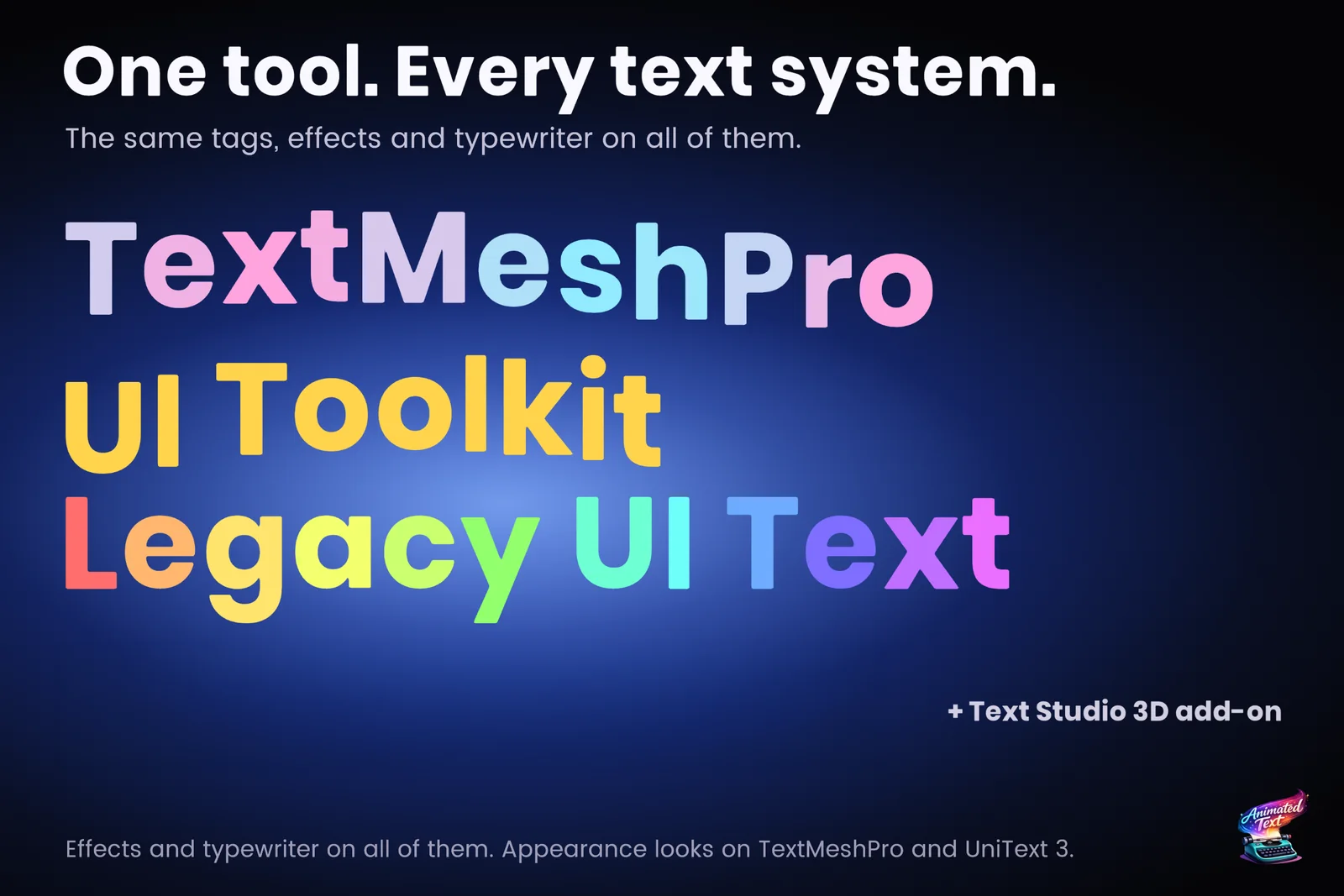
Light Side’s UniText has been on the Asset Store since April 2026 and ships updates almost every week. The facts below come from its Asset Store listing, website, pricing page and changelog, checked on 2026-11-11 at version 3.42.2. Some of its releases list breaking changes, so check the current changelog before you plan an upgrade.
At a glance
| UniText | Text Studio | |
|---|---|---|
| What it is | A text engine that replaces TextMeshPro | A toolkit on top of TextMeshPro, UI Toolkit, legacy UI Text or UniText |
| Shaping | HarfBuzz shaping, bidirectional text, system emoji | Uses the renderer’s shaping; complex scripts through UniText |
| Fonts | No font atlases or font files required, per its listing | TextMeshPro font assets, or UniText through the integration |
| Styles | Layered fills, outlines, shadows and glow | 60+ layered looks with fills, outlines, glows, shadows, bevels and faux depth |
| Animation | Wave, shake, glitch, marquee and more; reveals per character cluster, word or line | 40+ effects, Composed Effects, typewriter with 15+ presets, waits, input gates and skip |
| Paths and 3D | Curved text, splines, extruded 3D text with 3D reveals | Arc, circle, wave, grid, custom curves and Unity Splines; real 3D with the Text Studio 3D add-on |
| Accessibility | Text scale, screen reader support, reduced motion that can follow the operating system | Full, Reduced and No Motion policy with flash guidance |
| Dialogue tools | Not covered in this review | Yarn Spinner, Ink, Naninovel, Dialogue System, Adventure Creator, Game Creator 2, PlayMaker and more |
| Price | US$99 per seat on the Asset Store; company licences and a 30-day trial directly | US$38 |
Where UniText is stronger
- Every script. HarfBuzz shaping and bidirectional layout handle Arabic, Hebrew, Hindi, Thai and mixed-direction text properly. TextMeshPro has no Arabic shaping of its own, so projects add community packages such as RTLTMPro, and Unity’s own full RTL support covers UI Toolkit’s Advanced Text Generator only.
- A complete engine. Rendering, layout, editing and emoji live in one product, so there is no second text system to learn.
- Rendering speed. Its listing claims 2 to 20 times faster rendering than TextMeshPro with zero garbage collection. We have not verified that claim, but our own lab agrees on the direction where text changes: appending text to 16 labels took 1.43 ms with UniText 3.30.0 against 5.56 ms with Text Studio, which sits on TextMeshPro, and UniText also led with large label populations.
- Accessibility features beyond motion. Text scale and screen reader support arrived in version 3.42.
Where Text Studio is stronger
- No renderer swap. Text Studio works with the TextMeshPro objects, fonts and UI Toolkit documents a project already has. Moving to UniText means replacing the renderer.
- Dialogue and game text. A typewriter built for dialogue, typing sounds and events in the text, integrations for the common dialogue tools, and pooled damage numbers.
- More effects and looks. 40+ effects and 60+ ready-made looks, browsable in the Text Gallery.
- Animation speed. In animation workloads Text Studio led UniText 3.30.0 in our October 2026 lab run: 0.50 ms against 1.61 for a reveal-and-hide cycle of 128 labels, 0.51 against 1.73 for restarting and skipping them and 0.34 against 0.78 for a single wave. Over all workloads the two are close to even; the benchmark article lists every row.
- Price. US$38 against US$99 per seat.
Using both
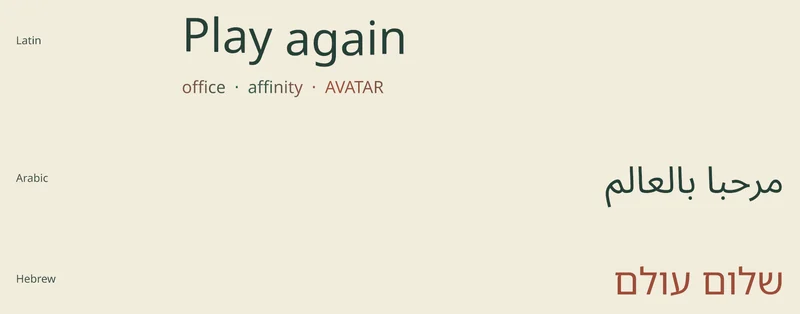
Text Studio’s optional UniText integration treats UniText as a renderer: Text Studio owns the authored source, reveal, effects and events, and UniText shapes and draws the glyphs. Native UniText modifiers and Text Studio effects keep separate clocks, and the integration reports unsupported combinations instead of guessing. The integration ships with Folio examples that include Latin, Arabic and Hebrew fonts. See animated text in every language for the setup and the manual’s integration chapter for version requirements.
How to choose
- Players read right-to-left or complex scripts? Start with UniText as the renderer.
- Happy with TextMeshPro or UI Toolkit and need animation, dialogue and looks? Text Studio, without changing the renderer.
- Both? UniText renders, Text Studio animates.
Sources, checked 2026-11-11: UniText on the Asset Store, UniText website, pricing and changelog, Unity’s RTL announcement.
Frequently asked questions
Is UniText a Text Studio competitor or a partner?
Both. UniText has its own styles and animations, so it overlaps with Text Studio. It is also a renderer Text Studio supports: the optional UniText integration lets Text Studio's tags, typewriter and effects drive UniText output.
Which one should I use for Arabic, Hebrew, Hindi or Thai?
Use UniText as the renderer. It shapes text with HarfBuzz and handles bidirectional layout. Text Studio does not shape text itself; add it on top through the UniText integration when you want its typewriter, effects and dialogue integrations.
Do I have to replace TextMeshPro to use Text Studio?
No. Text Studio builds on TextMeshPro and also supports UI Toolkit, legacy UI Text and UniText. UniText, by contrast, replaces TextMeshPro with its own engine.
Which one is faster?
It depends on the job, and overall it is close. In our October 2026 lab run against UniText 3.30.0, Text Studio was faster in animation workloads such as a reveal-and-hide cycle (0.50 ms against 1.61), while UniText was faster when text changes, for example appending text, and with large label populations. The benchmark article lists every row.
Style and animate every word in Unity.
Keep reading
 Use case
Animated text in every language, including right-to-left
German lines run longer, Japanese needs its own font, and Arabic must join right to left. How to keep tags, reveals and effects intact across languages with Unity Localization, grapheme-aware text and the UniText integration. Comparison
Text Studio vs Text Animator for Unity
Text Animator 3 is mature, focused and supports Unity 2022.3. Text Studio covers more of the text job, from looks and damage numbers to paths and handwriting, costs less and converts Text Animator 3 markup.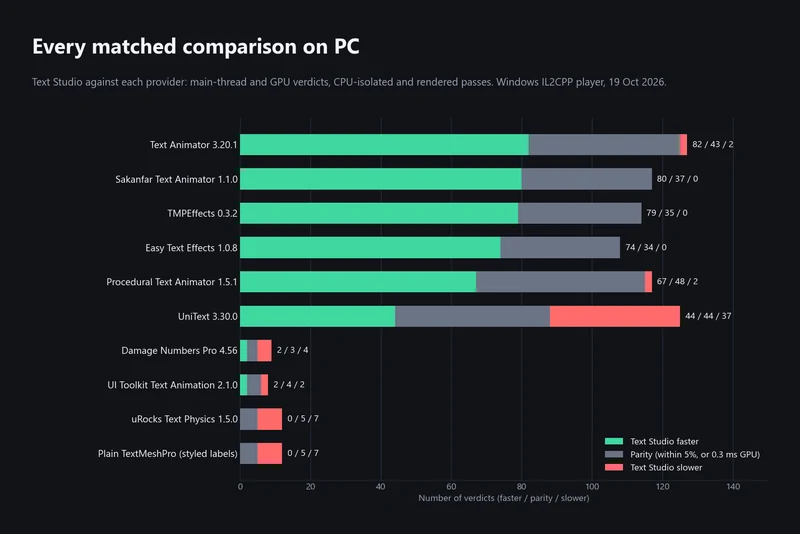 Article