What you can do with Text Studio
Everyday text jobs Text Studio handles in Unity: typewriter dialogue, tag effects, damage numbers, curved text, styled titles, subtitles and dialogue tool integrations.
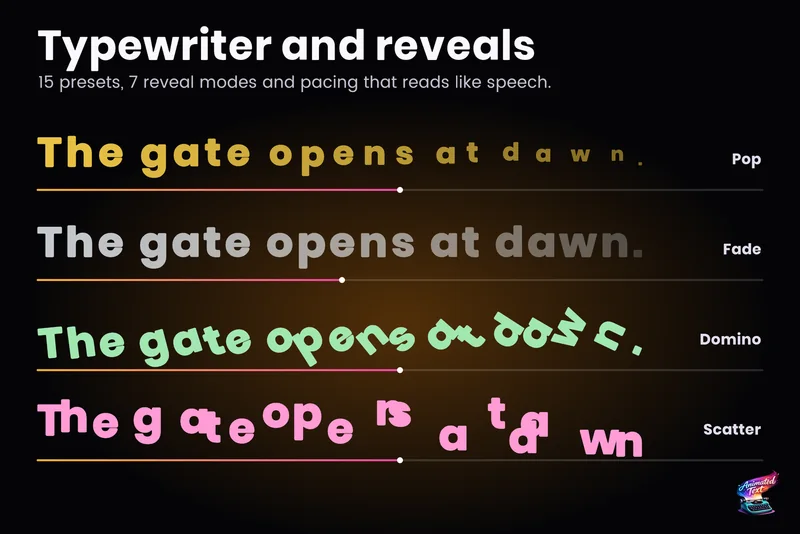
Typewriter effect for TextMeshPro and UI Toolkit
Reveal text by glyph, word or line with timing that understands punctuation, then add waits, skipping, sounds and events without writing a coroutine.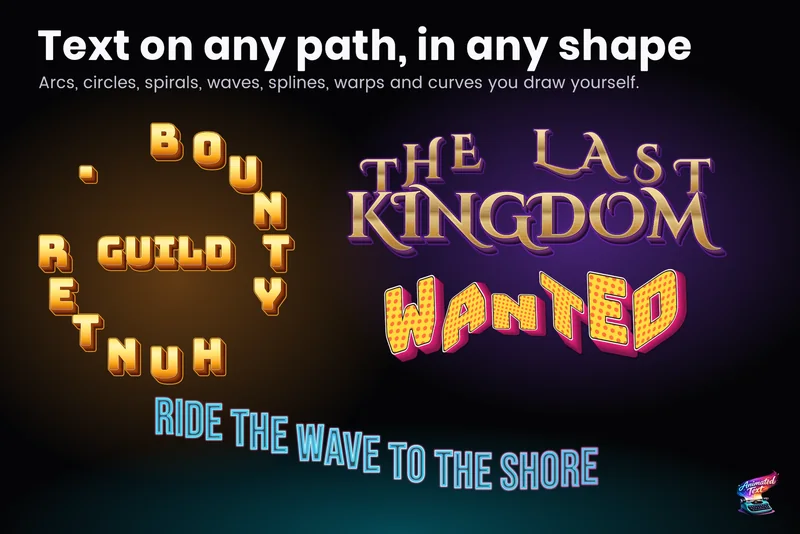
Curved text, arcs and circles for TextMeshPro
Placement bends the baseline, not the source: arcs, full or partial circles, waves, grids and custom curves edited in the Scene view, plus cages that deform the whole block of text.
Wave, shake and rainbow text with tags
Wrap a word in <wave> or <shake> and it moves, in the Inspector and in the build. 40+ effects, named parameters, nesting, reusable Composed Effects and your own project tags.
Damage numbers and floating combat text
One emitter and a few presets cover damage, crits, heals, status words, combos and score bursts, pooled and readable under pressure, with the same looks and effects as the rest of your text.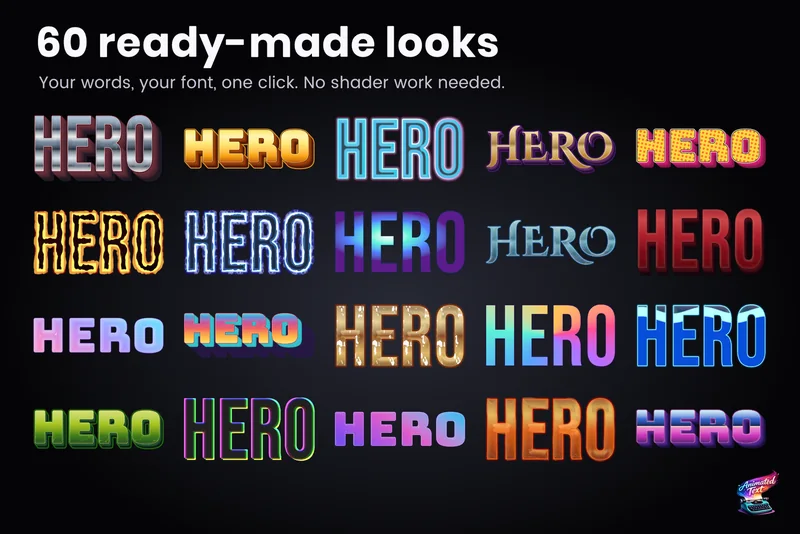
Outlines, glows, gradients and bevels for TextMeshPro
Layered 2D looks for TextMeshPro: outside and multiple strokes, glows, shadows, gradients mapped per word or line, bevels, materials and faux depth, from 60+ ready-made styles or your own stack.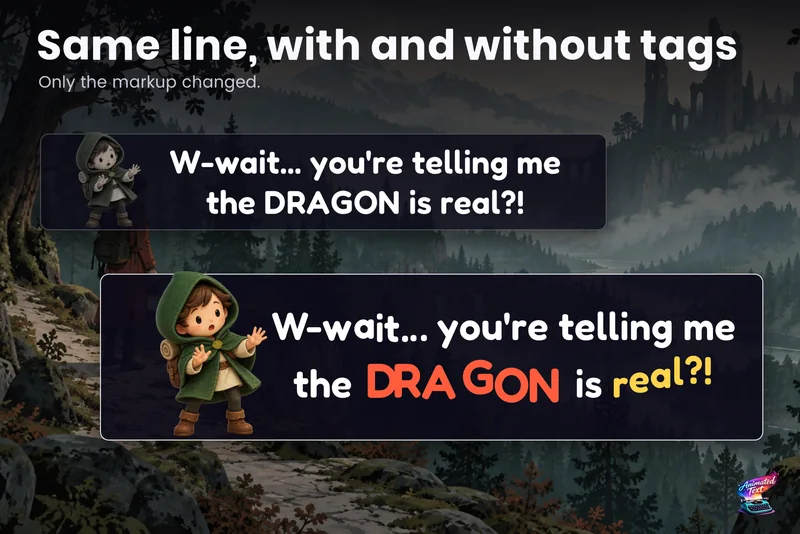
Dialogue text with typewriter, voice blips and emotion
Make a line sound nervous, excited or broken with a few tags, give each character a typing voice, and keep continue, skip, portraits and cameras in sync with the reveal.
Animated text and typewriter in UI Toolkit
Text Studio binds to the Label you already have: right-click it in UI Builder, preview the animation live, and save it in UXML. Typewriter from Unity 2023.2, per-glyph effects from 6.2.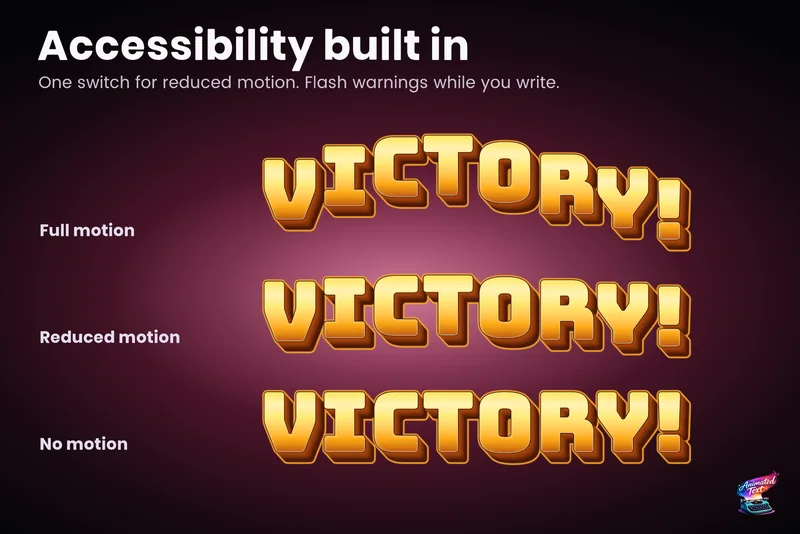
Accessible subtitles and captions
Subtitles exist to be read. Text Studio paces them by word or line, highlights key phrases without moving them, respects motion preferences and keeps every wait skippable.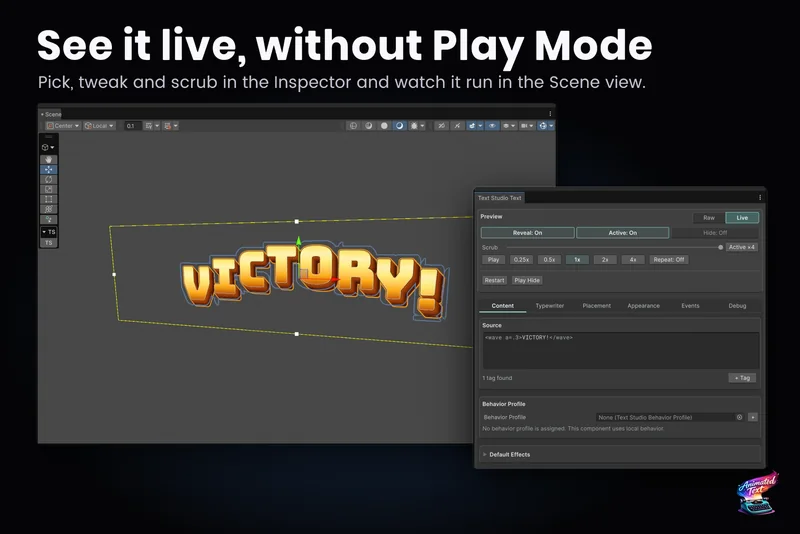
Move a project from Text Animator to Text Studio
The guided migration checks your project, converts texts, typewriter sounds, events, typing speed, playbacks and style aliases one step at a time, explains what needs you, and never edits or deletes Text Animator itself.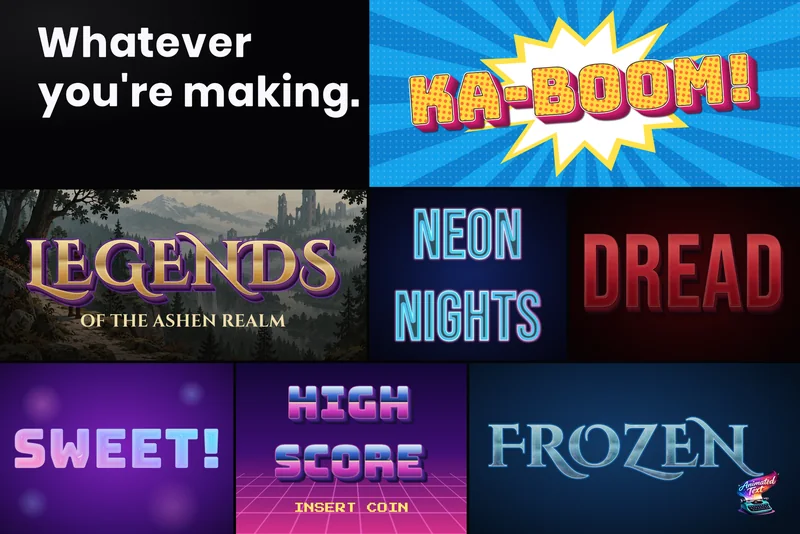
Animated titles, menus, HUD text and score counters
Title screens, chapter cards, objectives, prompts, combo words and scores: how to give interface text a look, a short entrance and a reaction to change, without keeping a busy HUD animating every frame.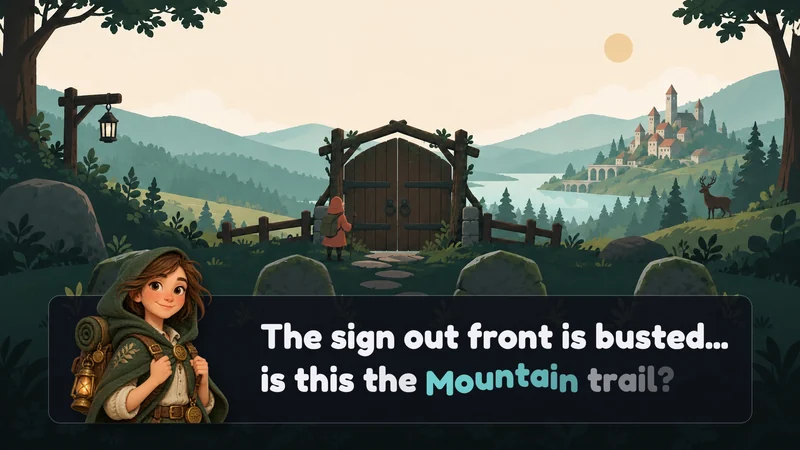
Text effects for Yarn Spinner dialogue
Text Studio plugs into Yarn Spinner's standard LinePresenter as its typewriter and markup processor. Write [wave] or [shake] in your Yarn lines; Yarn keeps the story, options, fades and line advancing.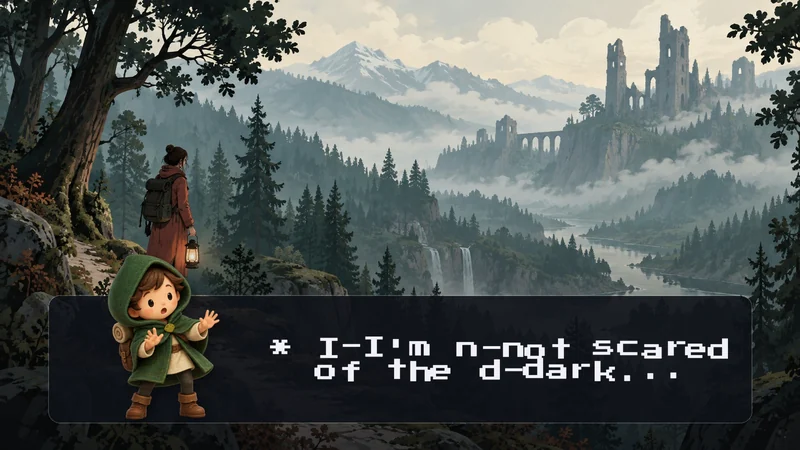
Typewriter and text effects for Ink stories in Unity
Run your compiled Ink story through a ready-made bridge: every line types out with Text Studio's timing and effects, choices are ready for your buttons, and story state saves as JSON. Ink keeps the narrative; Text Studio keeps the presentation.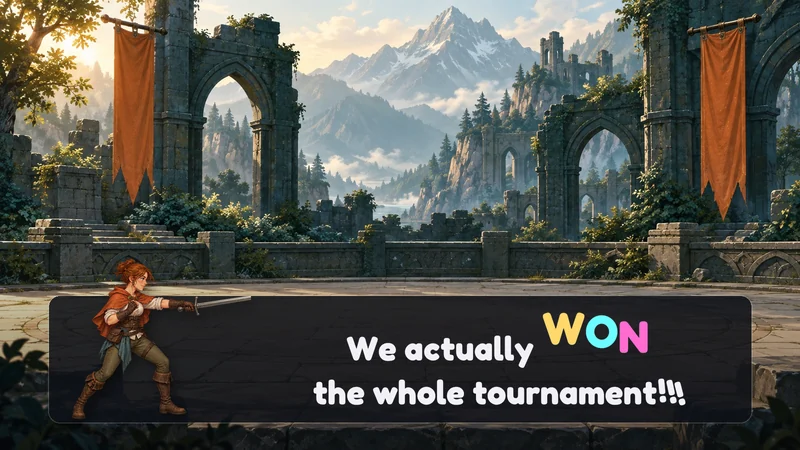
Text effects for Naninovel visual novels
Let a Naninovel printer show its lines through Text Studio, so reveals, effects and sounds come from Text Studio while Naninovel keeps the script flow, authors, printers and continue input.
Text effects for Pixel Crushers Dialogue System
Swap the standard subtitle panel for Text Studio's panel and every line types out with its timing, effects and sounds. Dialogue System keeps conversations, portraits, responses, sequences and accumulation.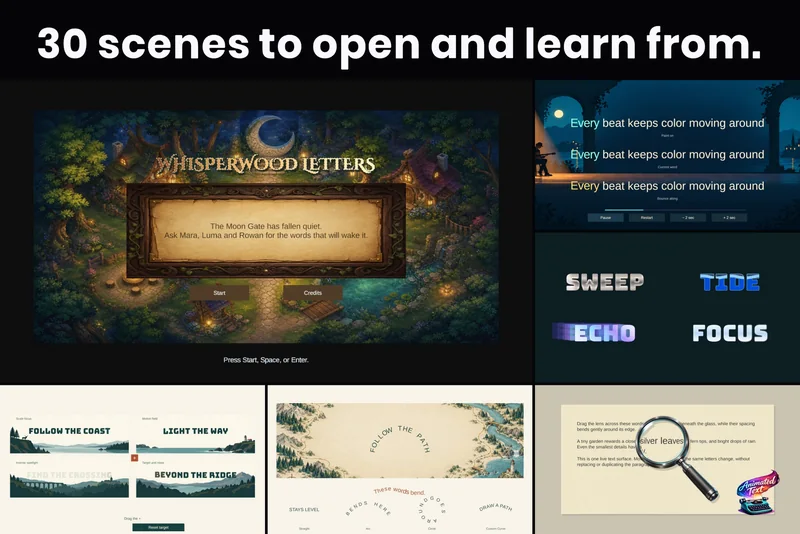
Animated speech text for Adventure Creator
A speech bridge sends each Adventure Creator line to Text Studio, which types it out with timing and effects. Adventure Creator keeps speech state, menus, voice, translations and ActionLists.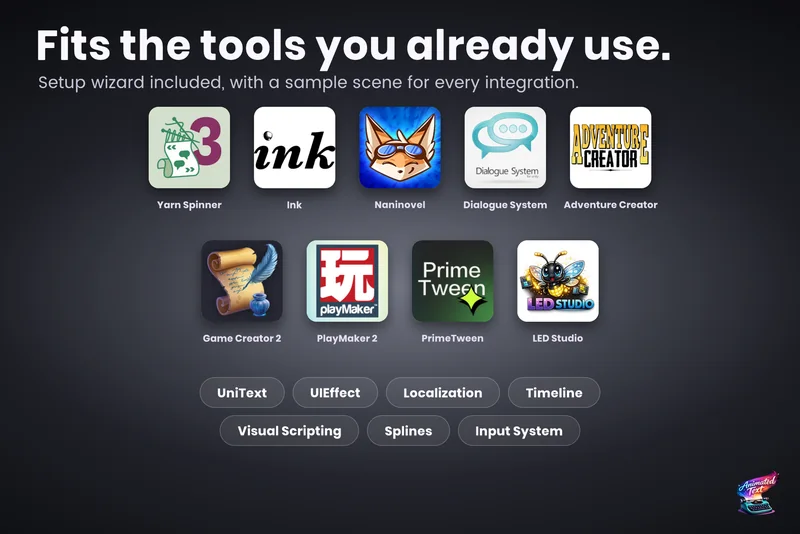
Text effects for Game Creator 2 dialogue
Two packages: the core adds 23 Text Studio instructions, 6 conditions and trigger relays to Game Creator 2, and the Dialogue package reveals Speech UI lines through Text Studio with actors, portraits and choices intact.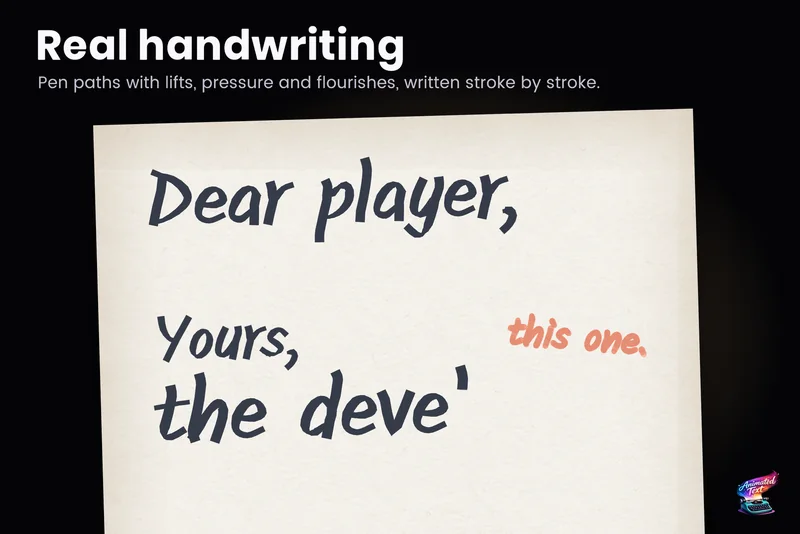
Handwriting text animation in Unity
Letters, signatures, chalkboards and title reveals that draw themselves: the four kinds of Writing in Text Studio, which one gives true handwriting, how to set it up, and what any other text falls back to.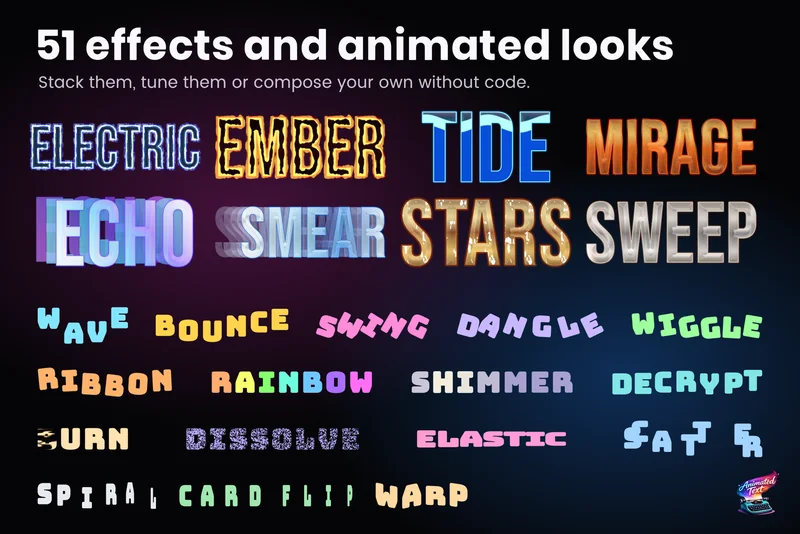
Glitch, scramble and decrypt text effects
Signal loss, decoding passwords, corrupted transmissions and text that burns away: the tags behind each effect, their key parameters, how seeds keep frames repeatable, and what happens when a player turns motion down.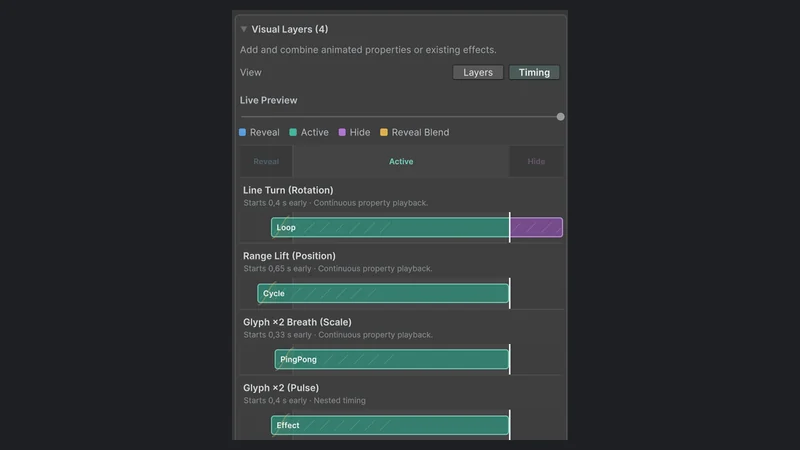
Text animation in Timeline cutscenes
Title sequences, tutorials and cutscenes where text has to land on a beat: the Text Studio reveal and effect tracks, control markers, how overlaps and seeking behave, and the Relay Ridge sample to start from.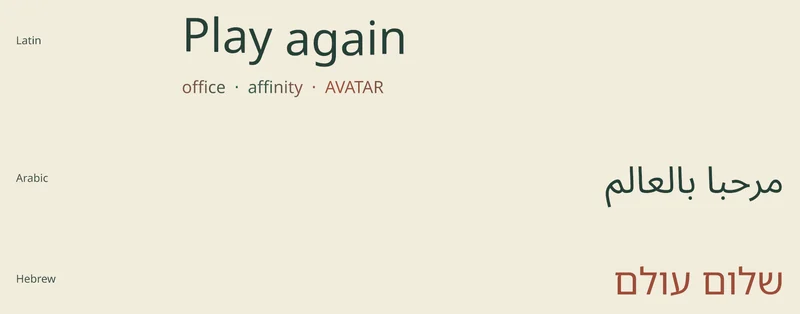
Animated text in every language, including right-to-left
German lines run longer, Japanese needs its own font, and Arabic must join right to left. How to keep tags, reveals and effects intact across languages with Unity Localization, grapheme-aware text and the UniText integration.
Karaoke and word highlighting synced to audio
Sing-alongs, rhythm games, music videos and read-along stories: how to make a highlight follow the audio instead of a timer, with Color Sweep, external progress, per-word cues and calm alternatives for Reduced Motion.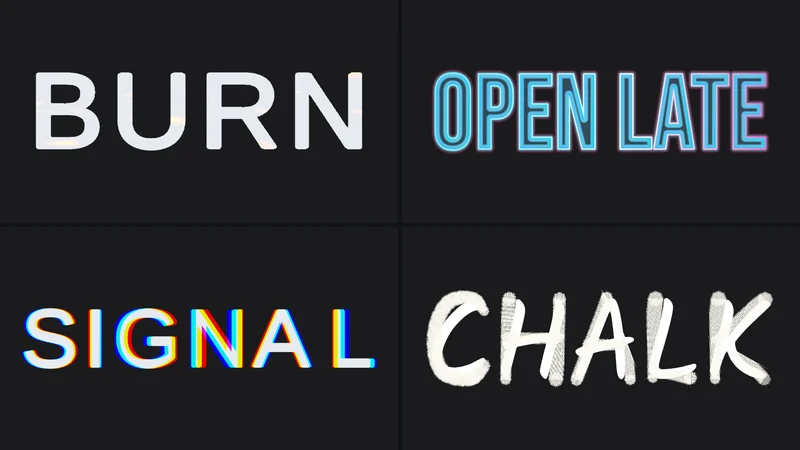
Export text animations as GIF or MP4
You tuned an effect and want to show it to someone. How to export the live preview as an MP4 or a transparent GIF without Play Mode or screen recording, what each format is good for, and how to share the effect itself.Start with the text you need today
Most projects arrive with one of four jobs. Dialogue needs to type out with timing, sounds and skipping. Gameplay needs numbers and words that pop over enemies and rewards. Menus and titles need to look designed instead of default. Or an existing project already uses another text tool and the question is how to move.
- Dialogue and story: start with the typewriter effect and dialogue text with voices, then connect your dialogue tool: Yarn Spinner, Ink, Naninovel, Dialogue System, Adventure Creator or Game Creator 2.
- Gameplay feedback: damage numbers and floating combat text, titles, HUD and score counters.
- Look and motion: wave, shake and rainbow tags, outlines, glows and bevels, curved text, handwriting and glitch and decrypt effects.
- Coming from another tool: move a project from Text Animator, or see how Text Studio compares with other text tools.
The samples behind these guides
The renders on these pages come from Text Studio itself: the Text Gallery, the 30+ example scenes that ship with the package and the store images made from them. The lettering in every image is what Text Studio renders; the store images only add backgrounds and headlines around it.
Requirements in one paragraph
Text Studio runs in Unity 2023.2 or newer, including Unity 6.7 and Unity 7, with the Built-in Render Pipeline, URP and HDRP. It builds on TextMeshPro, which ships with Unity. UI Toolkit Labels get reveal, actions and events from Unity 2023.2 and per-letter effects, color and placement from Unity 6.2, including the Advanced Text Generator in Unity 6.5 and newer. Integrations for dialogue tools, Localization, Timeline and Splines are optional packages that activate when you import them. The introduction covers installation in detail.