Animated speech text for Adventure Creator
Route Adventure Creator speech into Text Studio for animated subtitles with effects, markers and glyph sounds, while AC keeps menus, voice, translations and ActionLists.
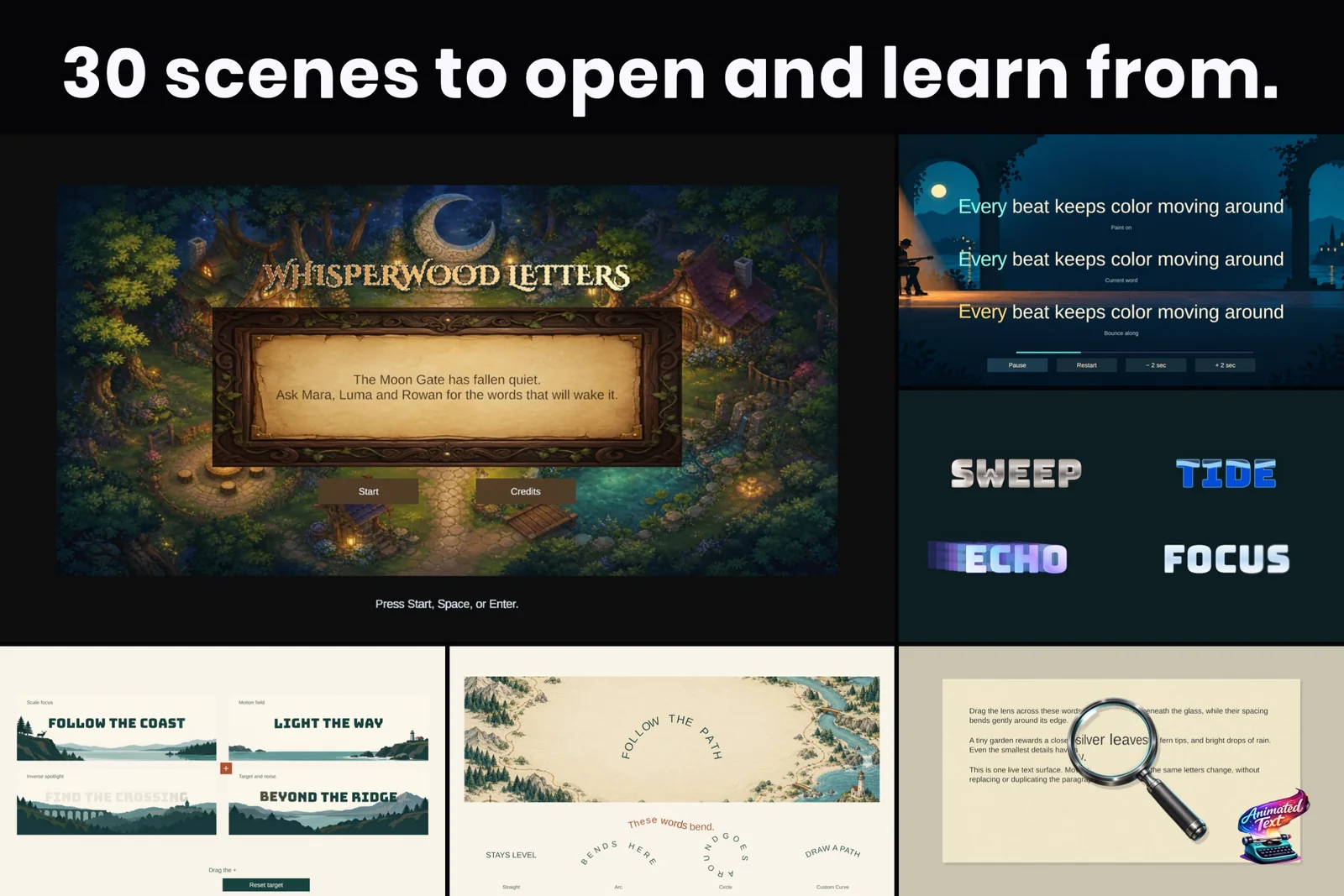
Point-and-click adventures live on their dialogue. Adventure Creator gives you speech, actors, subtitle menus, voice, lip sync and translations, and its subtitles can scroll in letter by letter. What it does not give you is a word that trembles when the ghost speaks, a name that glows when it matters, or a quest update that fires the moment a specific word appears.
Text Studio’s Adventure Creator integration adds that layer through one bridge component. Adventure Creator keeps running the scene; Text Studio draws the subtitle.
How the bridge works
TextStudioAdventureCreatorSpeechBridge listens to Adventure Creator’s speech events and routes each line into TextStudioDialogueSource. It follows speech start, stop and skip, subtitle menu activation, the speaker or narration context, the translated full text, a waiting Dialogue: Play speech action and the final release of the line.
You choose who owns the timing:
- TextStudioOwnsReveal lets Text Studio pace the line with its typewriter presets. Use it for new projects.
- AdventureCreatorScrollSync mirrors Adventure Creator’s current character index, for existing projects that must keep their speech scroll timing.
Adventure Creator keeps speech state, menus, ActionLists, actors, audio, translations, subtitle visibility and narrative progression. Text Studio owns the complete visible subtitle string, markup, reveal, effects, markers, glyph audio and TextMeshPro output.
Set it up
- Install Adventure Creator and Text Studio. Open Tools > Text Studio > Integrations and press Import Integration on the Adventure Creator card. Importing activates the integration without a scripting define.
- Select the TextMeshPro object that should render the subtitles and press Configure Selected. It adds
TextStudioTextandTextStudioDialogueSourceto that object, and puts the speech bridge on a persistent Adventure Creator Speech Route object outside the subtitle Canvas, with the Canvas assigned and Speech Routing set to LatestSpeech. - Leave Adventure Creator’s Dialogue Line label unlinked from that TextMeshPro object, or point it at a separate hidden label, so Adventure Creator and Text Studio never write the same visible text.
- For a Unity UI continue button, call
TextStudioAdventureCreatorSpeechBridge.AdvanceOrSkip. The first press completes the reveal; the next press ends the live speech so the waiting action can continue.
The bridge lives outside the Canvas on purpose: Adventure Creator can hide the subtitle menu without disabling speech routing. If you wire it by hand, keep LatestSpeech routing, because Adventure Creator only assigns speech to menus it duplicates for each line, so matching a menu cannot find an in-scene subtitle Canvas. The setup validator warns when a bridge sits inside the subtitle Canvas.
Write lines and keep your pipeline
Write speech in your Dialogue: Play speech actions as usual and add Text Studio tags where a word should move, glow or change color. Speech Manager line IDs, translations, voice clips and lip sync stay with Adventure Creator and need no duplicate setup. A TextStudioAudioPlayer on the subtitle text adds glyph sounds, and markers inside a line can raise events for props, cameras or quest updates. See sound, input and events and the tag reference.
Native Adventure Creator skip input keeps working. When Adventure Creator reports that a skip only completed its scroll state, Text Studio completes its visible reveal too. If a marker carries a required state change, enable Trigger Remaining Markers in the skip behavior so the event still fires when a player skips the line.
 Markers sit inside the line and fire at the letter they mark, which suits quest updates and lantern moments.
The lantern path sample
Press Open Sample on the card to open Adventure Creator Dialogue.unity and enter Play Mode. Mara and Rowan introduce the route through Whisperwood, followed by a narrator’s quest update. Continue completes the current reveal on its first press and advances the waiting speech action on the next. Timing switches between Text Studio reveal and Adventure Creator scroll sync, Replay restarts the encounter and Reset restores it.
The scene brings its own manager package with a Speech Manager, three voiced line IDs and a subtitle Menu Manager, without replacing your global managers. Its menu uses Adventure Creator’s official Input System EventSystem prefab. The text target enables remaining markers on skip, so the lantern and quest events arrive even when a line is completed early. Select the cutscene in the hierarchy to follow its ActionList.
Limits worth knowing
- Source-verified against Adventure Creator 1.86.5, sample tested with 1.86.7.
- A LatestSpeech bridge receives every speech line, so each route serves one subtitle stream.
- Keep the bridge outside the subtitle Canvas, and never let an Adventure Creator label and Text Studio write the same TextMeshPro field.
The Adventure Creator section of the manual lists what to test: actor speech, narration, translated lines, audio, repeated lines, skips, menu teardown and waiting ActionLists.
Frequently asked questions
Do I have to give up Adventure Creator's subtitle menus?
No. Adventure Creator keeps its menus and can still turn the subtitle menu on and off. The bridge sits on a persistent object outside the subtitle Canvas, and Text Studio becomes the only writer of the visible subtitle text.
Can I keep Adventure Creator's own scrolling timing?
Yes. New projects usually let Text Studio own the reveal, but the AdventureCreatorScrollSync mode mirrors Adventure Creator's current character index for projects that must keep their existing speech timing.
Do voice clips, lip sync and translations still work?
Yes. They stay in Adventure Creator: the Speech Manager line IDs, translations, voice clips and lip-sync data need no duplicate setup. The bridge receives the translated full text of each line.
Which Adventure Creator versions are supported?
The bridge was source-verified against Adventure Creator 1.86.5 and its sample tested with 1.86.7. Revalidate after vendor API changes in later releases.
Style and animate every word in Unity.
Keep reading
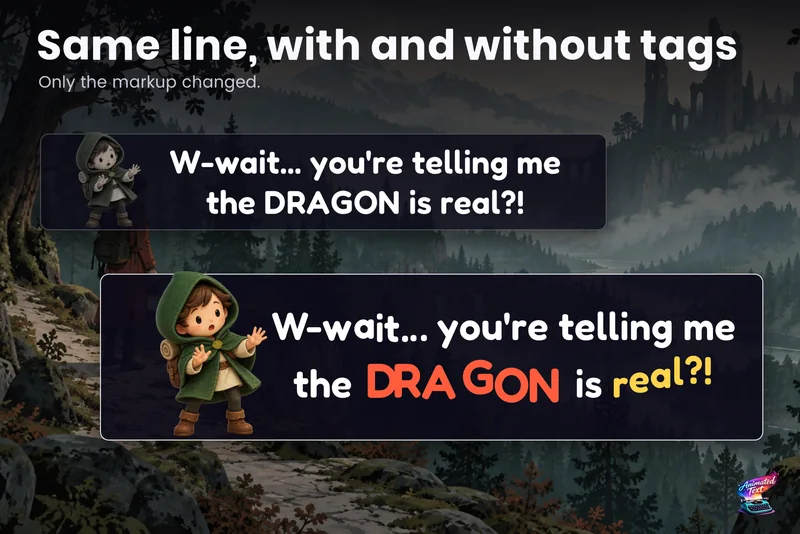 Use case
Dialogue text with typewriter, voice blips and emotion
Make a line sound nervous, excited or broken with a few tags, give each character a typing voice, and keep continue, skip, portraits and cameras in sync with the reveal.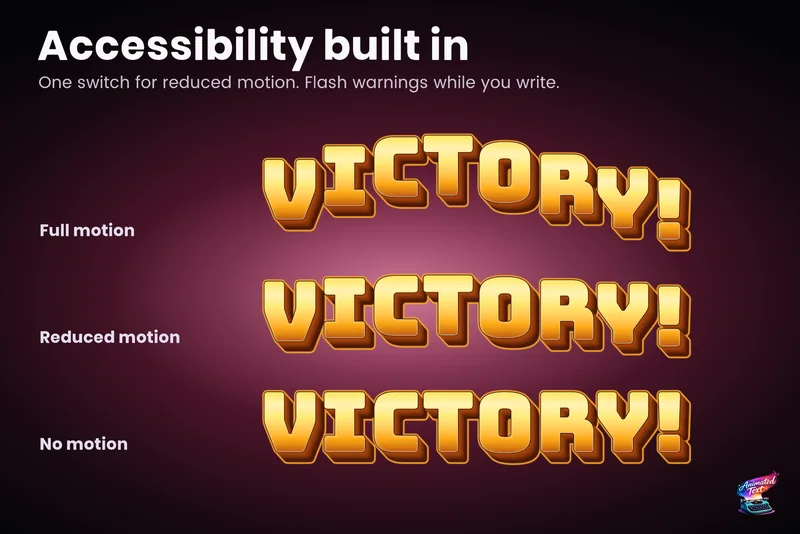 Use case
Accessible subtitles and captions
Subtitles exist to be read. Text Studio paces them by word or line, highlights key phrases without moving them, respects motion preferences and keeps every wait skippable. Use case