Glitch, scramble and decrypt text effects
Glitch, scramble, decrypt, chromatic split, pixel grid, dissolve and burn effects for Unity text, written as tags, seeded for repeatable frames and aware of reduced motion.
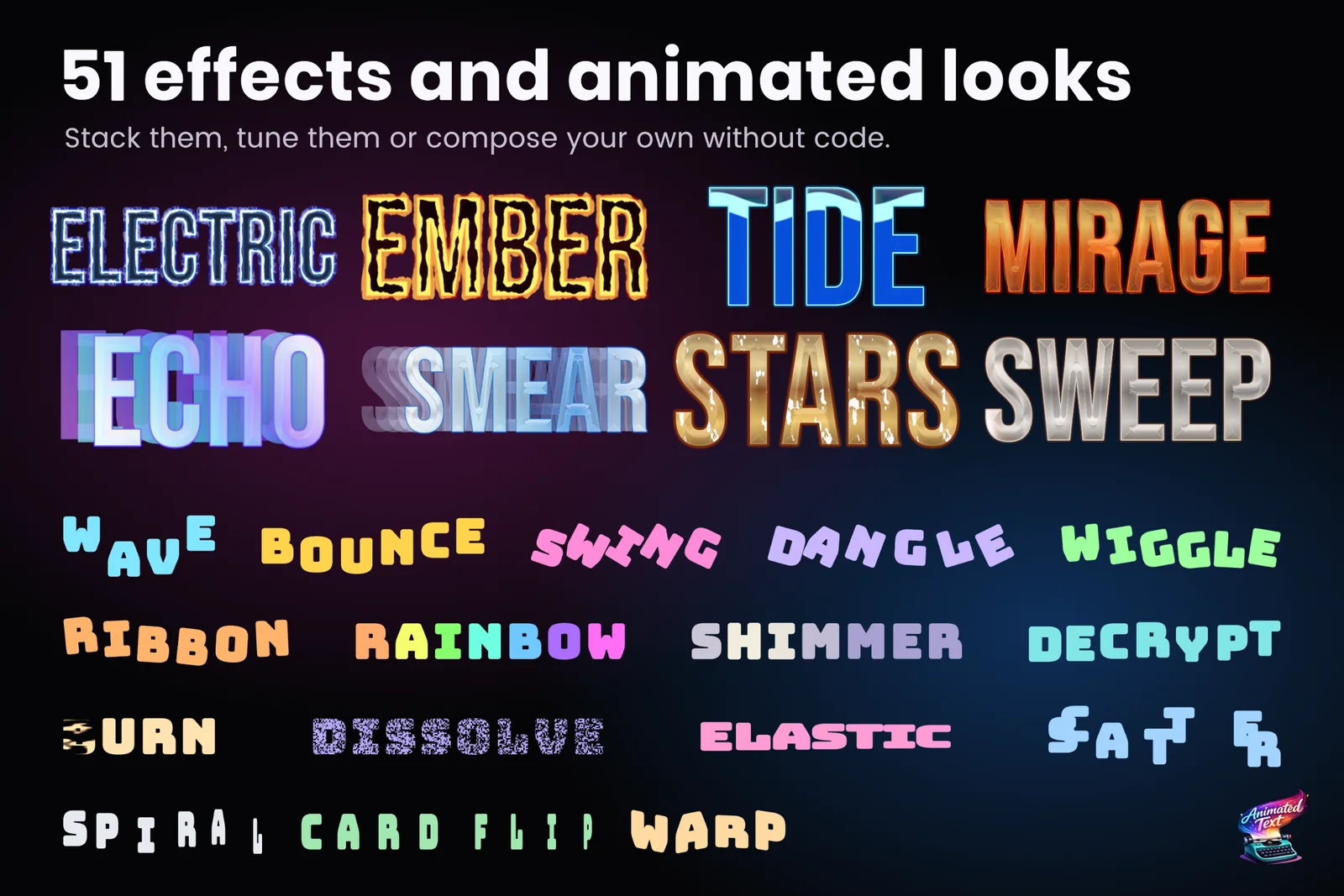
The security door asks for a password and the screen answers with “ACCESS GRANTED”, decoding one character at a time. A transmission from a dying ship arrives sliced and color-shifted. A cursed scroll burns away from left to right. All of these are text effects that look expensive and usually end up as one-off scripts that fight with the typewriter.
In Text Studio they are tags. You write them around the words, preview them in the Inspector without entering Play Mode, and combine them with the typewriter, sounds and events like any other effect.
The effects at a glance
| Effect | Tag | What it does | Key controls (defaults) |
|---|---|---|---|
| Glitch | <glitch> | Occasional slicing jitter with a restrained red color shift | Strength 0.1, Frequency 8, Activity 0.18, Seed |
| Chromatic Glitch | <chromaticGlitch> | Seeded RGB separation with restrained slicing | Strength 0.08, Frequency 7 |
| Scramble | <scramble> | Swaps visible glyphs for random characters, then resolves to the real text | Playback, duration 0.5 s, revealDuration 0.35 s, charset, seed |
| Decrypt | <decrypt> | Glyphs jitter until they lock in at the end of their appearance | Shake Strength 0.12, Shake Speed 32 |
| Pixel Grid | <pixelGrid> | True SDF pixelation with screen-stable or glyph-anchored cells | Cell Size 8, Space screen, Quality preserve |
| Dissolve | <dissolve> | A soft threshold reveal or hide | Softness 0.12, Space glyph or text |
| Burn | <burn> | A hot edge with embers that travels across the text | Softness 0.16, Space text |
Each effect has three starting points rendered in the effect gallery appendix, and the +Tag button inserts any of them with parameter completion.
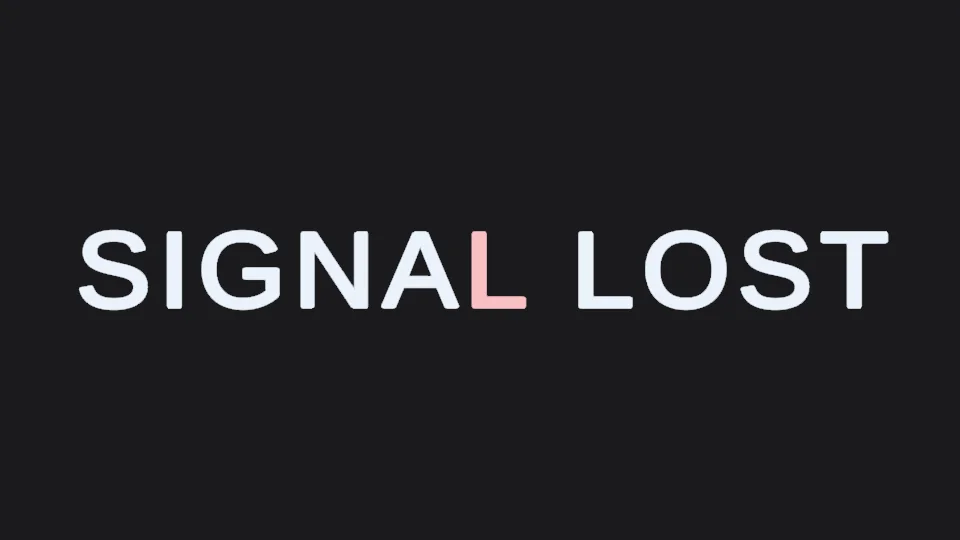 Glitch: slicing jitter with a red color shift.
Scramble: decoding on screen
Scramble is the most configurable of the group, because “decoding” means different things in different games:
- Playback: a bare
<scramble>keeps scrambling,onceresolves afterduration, andlooprepeats the cycle. - revealDuration: the seconds a one-shot scramble spends locking characters back to the source text. Set it to 0 to resolve at once.
- charset:
asciiby default, orbinary,letters,lower,digits,hex,symbols, or your own literal characters. - seed and rate: a seed for repeatable frames and the number of character swaps per second.
- Width and punctuation: characters are picked from width-similar candidates by default, so the line does not jump around, and whitespace and punctuation can stay untouched.
Two examples from the gallery: <scramble once duration=0.8 revealDuration=0.35 charset=hex>ACCESS GRANTED</scramble> for a password screen, and <scramble loop duration=0.8 charset=binary seed=7>0101</scramble> for a status readout that never settles.
Scramble only swaps what is visible. The resolved text, the markers and the layout stay exactly as authored, so typewriter events, captions and anything reading the text still get the real words.
 Scramble resolving to the source text.
Decrypt, dissolve and burn as reveals
Some of these effects are built for the moment text appears or disappears. Decrypt only acts during the appearance of each glyph, which makes it a natural typewriter reveal: every letter jitters briefly, then locks into place. Dissolve and Burn work as reveal or hide treatments, either per glyph or as one continuous edge across the whole range with space=text:
<burn softness=.16 space=text>BURN AWAY</burn><dissolve softness=.18 space=text>DISSOLVE</dissolve>Because reveal effects follow the typewriter, everything from the typewriter guide applies: punctuation pauses, wait tags, skip and sounds per letter.
Glitch looks for titles
For a title that should look broken even when it stands still, the ready-made looks include Glitch Signal, a chromatic displacement treatment for featured signal-loss and cyberpunk moments, RGB Split, which keeps the center face readable, and CMYK Misregister, which imitates screen-print offsets. Looks and effects stack, so a Glitch Signal title can still scramble in on reveal.
Repeatable frames and scrubbing
Random-looking effects are hard to review if they change on every play. Glitch, Chromatic Glitch, Decrypt and Scramble all take seeds, so the same seed produces the same frames in the Inspector preview, in a GIF or MP4 export and at runtime. Scramble is also seekable: scrubbing the preview backwards or jumping to a point in a Timeline reconstructs the scramble state for that moment instead of replaying it from the start.
Accessibility first
Glitch effects are exactly the kind of motion some players need to turn off. Under the project’s Reduced Motion setting, Glitch, Chromatic Glitch, Pixel Grid, Shake, Blink and Squiggle switch off entirely, and the text stays readable without them. Effects that move glyphs are reduced rather than removed. While you author, Text Studio warns when flashing can exceed three flashes per second, a common photosensitivity threshold. The accessible text animation article explains how to plan a calm alternative for every effect.
Performance notes
Dissolve, Burn and Pixel Grid are material effects drawn by the TextMeshPro shader rather than by moving glyphs. Since Text Studio 1.3 they no longer slow down unrelated layers of a styled text, although heavier effect groups may add a draw call. Glitch, Scramble and Decrypt work by changing glyph positions, colors or characters instead. For a terminal full of scrolling, decoding lines, keep the scramble on the lines that are actually changing.
Frequently asked questions
How do I make text decode like a hacker terminal?
Wrap it in a one-shot scramble, for example <scramble once duration=0.8 revealDuration=0.35 charset=hex>ACCESS GRANTED</scramble>. The glyphs cycle through hexadecimal characters and lock back to the real text over the last 0.35 seconds. <decrypt> gives a shorter lock-in jitter during the reveal instead.
Are glitch effects different every time they play?
Not unless you want them to be. Glitch, Scramble, Decrypt and Chromatic Glitch use seeds, so the same seed produces the same frames in the preview, in an export and at runtime. Change the seed to get a different pattern.
What happens with Reduced Motion?
Glitch, Chromatic Glitch, Pixel Grid, Shake, Blink and Squiggle switch off under Reduced Motion, while the text stays readable. Text Studio also warns while you author when flashing can exceed three flashes per second.
Does scrambling change the actual text?
No. Scramble swaps the visible glyphs only. The resolved text, markers and layout stay the same, so events, captions and screen readers see the real words.
Style and animate every word in Unity.
Keep reading
 Use case
Wave, shake and rainbow text with tags
Wrap a word in <wave> or <shake> and it moves, in the Inspector and in the build. 40+ effects, named parameters, nesting, reusable Composed Effects and your own project tags.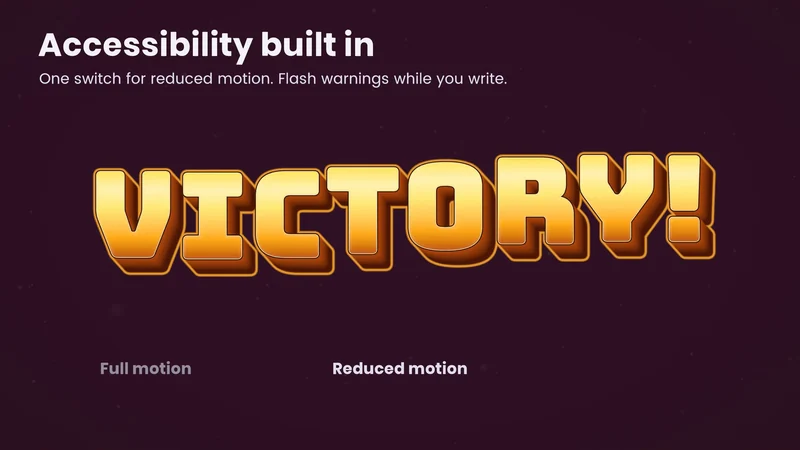 Article
Reduced motion and flashing text in games
Animated text is the most common moving element in a game's UI. The relevant guidance on motion and flashing, practical rules for text effects and typewriters, and Text Studio's Full, Reduced and No Motion policy.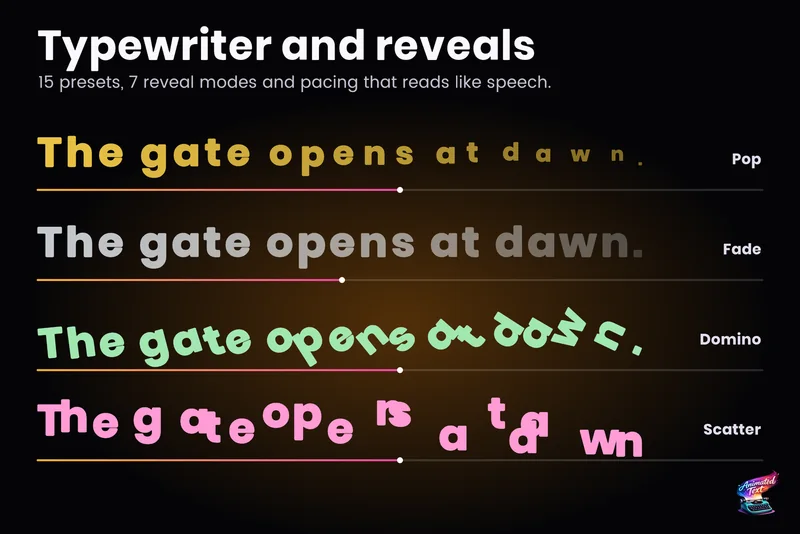 Use case