Handwriting text animation in Unity
Animate handwriting in Unity: letters drawn stroke by stroke with pen lifts and pressure, chalk, marker or calligraphy looks, timed by the same typewriter as your dialogue.
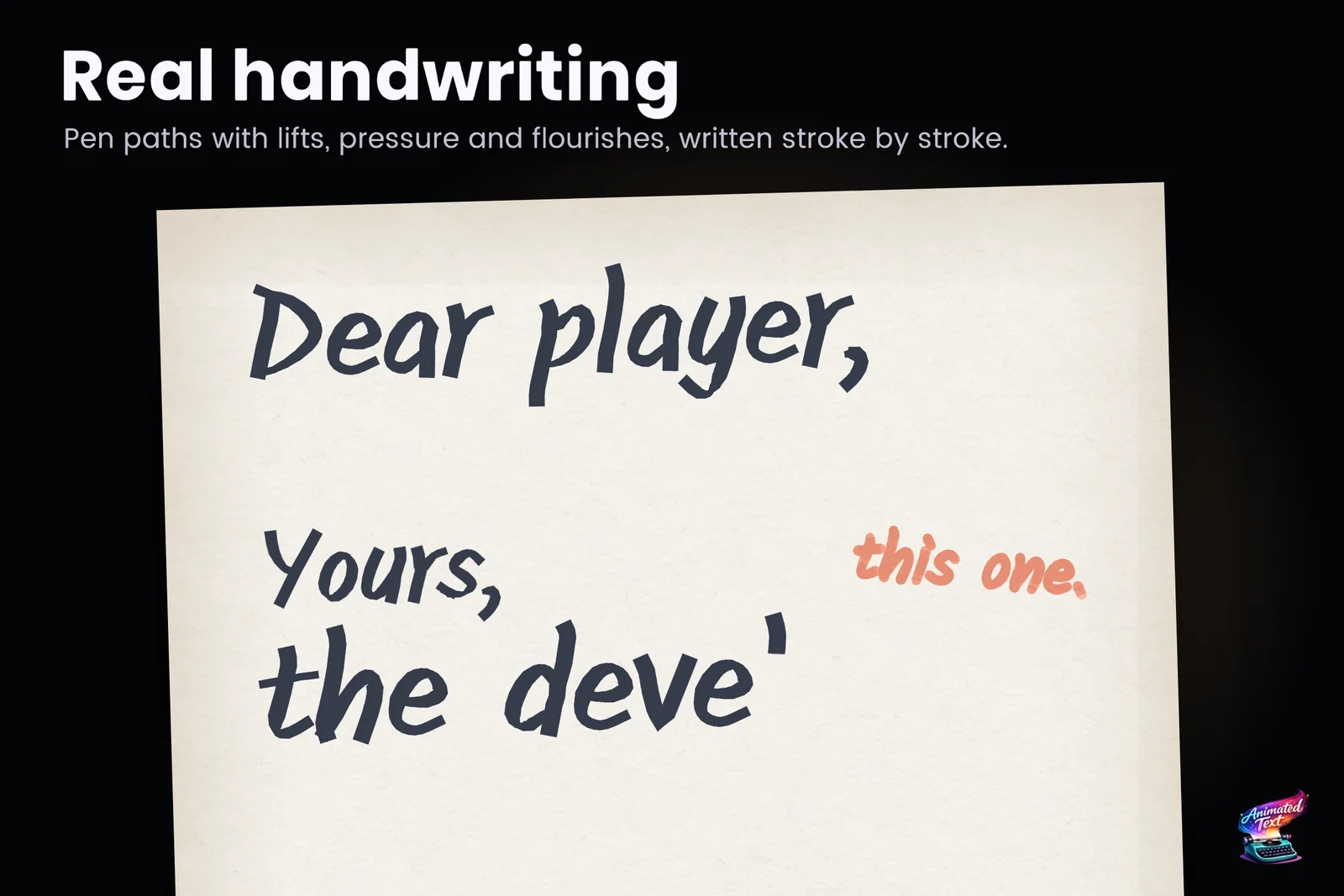
A letter from a character that writes itself while the player reads. A signature at the end of a contract. Chalk on a classroom board, a marker note on a map, a calligraphy title that inks in before the logo appears. Handwriting is one of those effects that players notice immediately, and one that most text tools fake with a left-to-right wipe.
Text Studio has real handwriting, and it is honest about when you get it. That distinction matters, so it comes first.
Four kinds of Writing
Writing in Text Studio has explicit levels, from the most authentic to the most general:
| Level | What you see | What it needs |
|---|---|---|
| True handwriting | Strokes in writing order, pen lifts between them, pressure and timing | Authored centerlines for the phrase or glyphs |
| Automatic pen path | The letters drawn as pen strokes estimated from the font | A prepared font outline, created automatically on first use |
| Outline trace | Each letter’s outside edge and holes traced, then filled | Prepared font contours |
| Ink reveal | Signed-distance coverage revealed inside each letter, no pen order | Nothing extra; works with ordinary TMP fonts and across scripts |
When a style asks for more than the text supports, it steps down this ladder instead of failing, and the diagnostics say whether an exact phrase, an authored glyph, an automatic path, an outline or the coverage fallback is in use. The Add Writing section of the manual describes the same levels.
 The Writing and Erasing example compares ink coverage, authored strokes, marker and chalk on the same word.
The Writing styles
Text Studio includes nine Writing styles. Five of them come with authored phrases, so you can see true handwriting before making your own:
- Authored Signature: reviewed centerline strokes, explicit pen lifts, variable pressure and a finishing flourish.
- Calligraphy Pressure: a broad-nib phrase with direction-aware pressure and crisp joins.
- Marker Stroke: rounded, high-coverage marker ribbons.
- Chalk Lettering: rough edges and deterministic grain.
- Stroke to Fill: centerlines that hand over cleanly to the filled letters, for logos, signatures and title reveals.
- Outline Trace: a true contour trace of the letters.
- Clean Ink Reveal: a readable ink reveal that works across scripts and ordinary TMP fonts.
- Caption Line Wipe: a low-motion, line-level reveal for captions, lower thirds and information panels.
- Reverse Erase: a reversible backwrite for corrections, rewinds and deliberate removal.
Each style controls the technique and the stroke texture. You can also set the stroke color, which does not replace the text’s final fill, the drawing direction within each letter, and whether the original letter fades in as its stroke finishes, with Fill After Drawing and Fill Fade Duration.
Set it up
- Select a text and open its Typewriter section.
- Enable Writing and choose a Writing Style.
- Pick an animated reveal mode such as By Letter. Instant shows fully drawn letters.
- Scrub the preview transport in the Inspector to watch the drawing without entering Play Mode.
Applying a Writing card from the Text Gallery does steps 2 and 3 for you: text without an animated reveal gets a By Letter recipe with Finish Current Unit, so the handwriting draws instead of appearing at once. In code, SetTypewriterWritingStyle does the same.
Because Writing uses the typewriter’s own reveal and hide schedule, everything you know from the typewriter guide applies: waits, speed tags, skip, sounds and events. A pen scratch sound per letter or a page-turn event at the end of the letter is the same setup as for dialogue.
Handwriting inside larger effects
A Writing layer can also sit inside a Composed Effect. It then gets the composition’s range, phase, curve, sequence and spatial controls while still consuming the typewriter’s progress. That is how a title can ink in its first word by hand while the rest of the line fades up, or the signature range at the end of a letter can draw by hand while the body text above it simply fades in.
Authored phrases and your own text
True handwriting is phrase-specific by nature: someone has to decide where each stroke starts and where the pen lifts. The included phrases show what that looks like, and the Writing phrase tools capture the exact shaped text, glyph variations and layout from a selected text while preserving authored paths.
For everything else, including player names and localized lines, the automatic pen path draws the letters from the font outline. It looks like drawing rather than one person’s hand, and the diagnostics never pretend otherwise. If the font’s license does not allow embedding its outlines, choose Use existing data only in the Runtime Preparation settings; Text Studio then keeps to data you already have instead of preparing new outlines.
Performance on phones and headsets
Writing used to cause a hitch the first time a new text was drawn, while the pen paths were prepared. Text Studio 1.4 made that first-use preparation about four times faster with fewer allocations, round-join styles now use about two thirds less geometry without changing their finished strokes, and player glyph fills match the Editor. The Writing and Erasing example uses its bundled, prepared Kalam handwriting data, so it never prepares new data in your project.
Writing in 3D
The same Writing styles drive Text Studio 3D, where the stroke can become a raised, volumetric line on extruded letters. The Writing setup and the typewriter timing stay the same.
Export it for a trailer
A drawing effect is easiest to judge in motion. The export guide shows how to save an effect preview as an MP4 or a transparent GIF straight from the Inspector, which is also a quick way to send a handwriting test to an art director.
Frequently asked questions
Is it real handwriting or just a wipe?
Both exist, and Text Studio tells you which one you get. True handwriting follows authored centerlines with stroke order, pen lifts, pressure and timing. Other text gets an automatic pen path estimated from the font, an outline trace or an ink reveal, and the diagnostics name the route in use.
Can any text be handwritten, including player names?
Any text your font covers can be drawn. Authored strokes apply to the prepared phrases and glyphs they were made for; everything else uses a pen path derived from the font outline, which reads as drawing rather than a person's handwriting.
Does handwriting run on phones and standalone headsets?
Yes. Text Studio 1.4 made first-use automatic pen-path preparation about four times faster with fewer allocations and cut the geometry of round-join styles by about two thirds, which reduces startup hitches on phones and standalone headsets.
How do I start the drawing?
Open the Typewriter section, enable Writing and choose a Writing Style. Writing follows the typewriter's reveal and hide schedule, so it needs an animated reveal such as By Letter. Instant shows the finished letters.
Style and animate every word in Unity.
Keep reading
 Use case
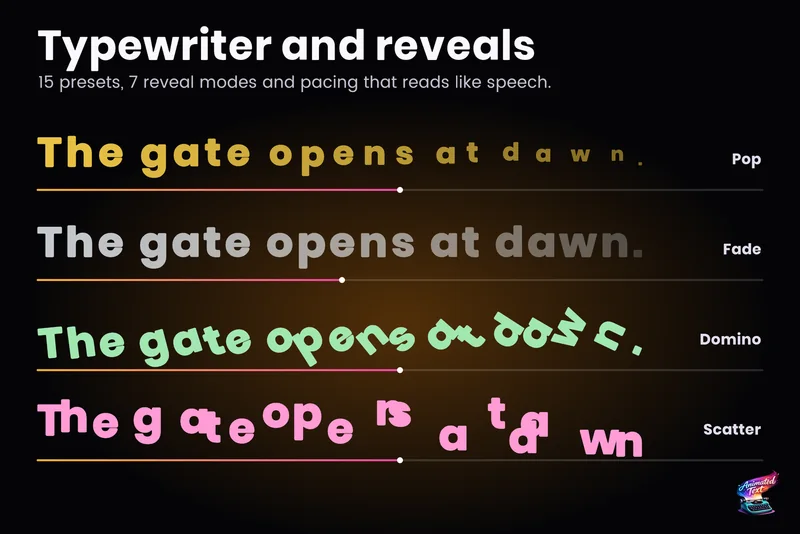
Typewriter effect for TextMeshPro and UI Toolkit
Reveal text by glyph, word or line with timing that understands punctuation, then add waits, skipping, sounds and events without writing a coroutine.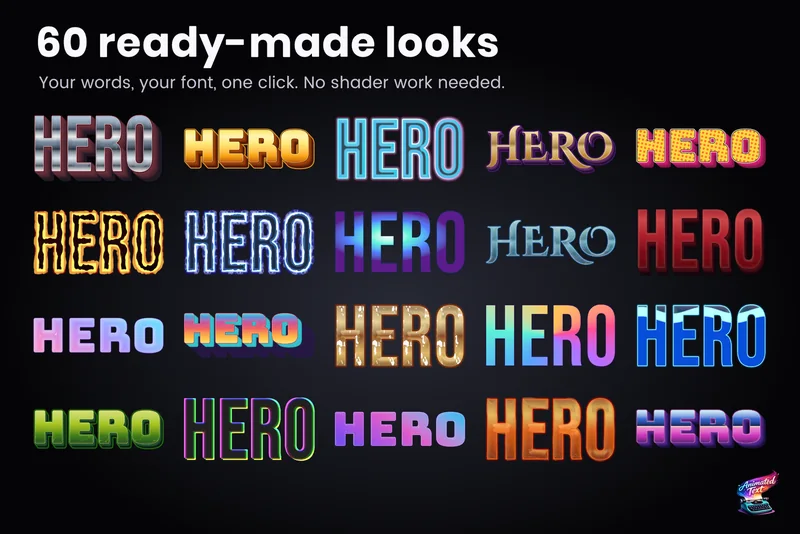 Use case
Outlines, glows, gradients and bevels for TextMeshPro
Layered 2D looks for TextMeshPro: outside and multiple strokes, glows, shadows, gradients mapped per word or line, bevels, materials and faux depth, from 60+ ready-made styles or your own stack. Use case