Why Chart Guru follows Swift Charts conventions
Why Chart Guru for Unity mirrors Apple's Swift Charts: a small chart grammar with proven defaults, a predictable display, pasted Swift code and the same API in 3D.
Frequently asked questions
Do I need to know Swift to use Chart Guru?
No. The conventions show up as a small set of C# types with good defaults: marks, PlottableValue.Value and modifiers. You can also build charts entirely in the Inspector and the Chart Designer, or start from a gallery template, without writing any code.
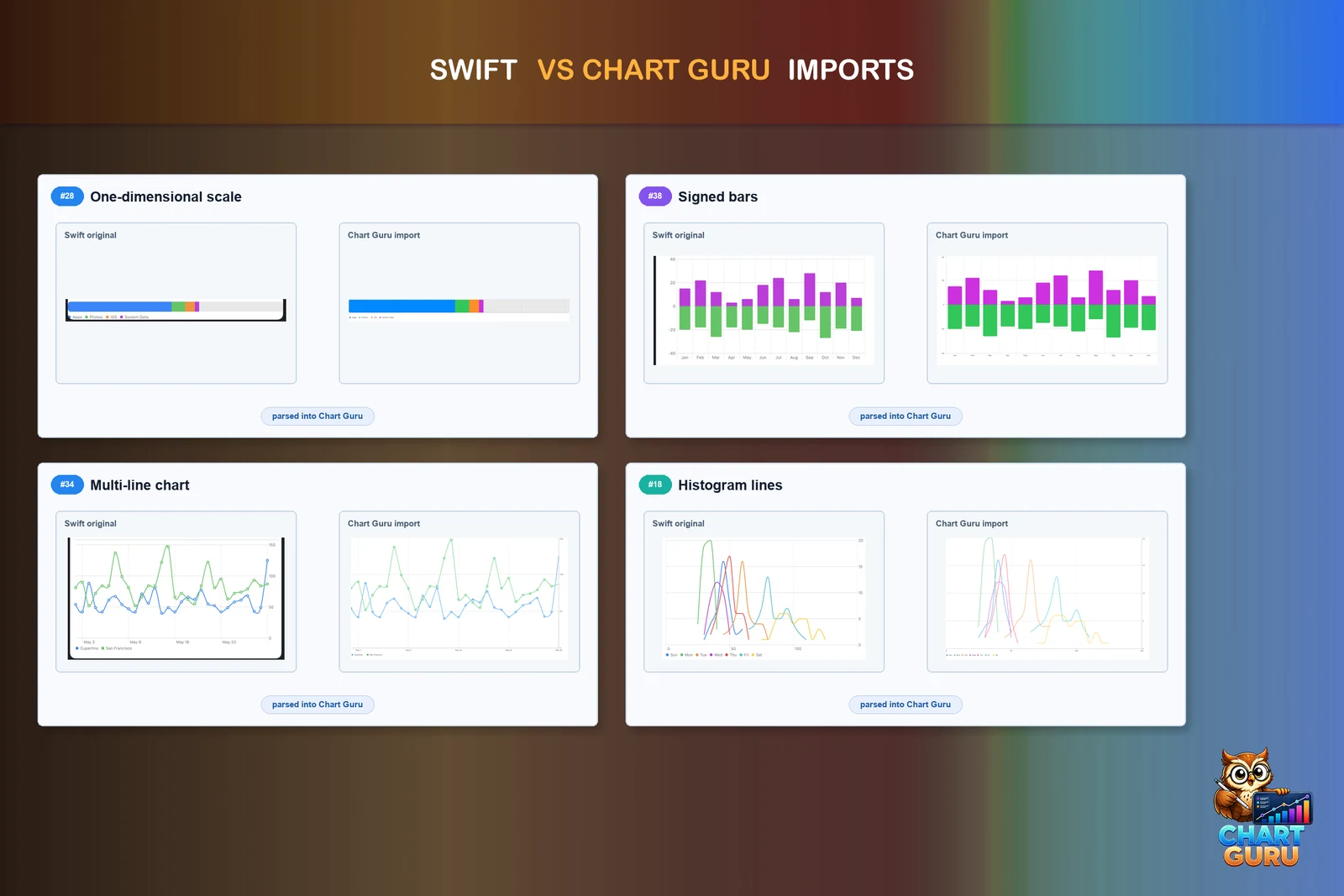
Can I paste any SwiftUI code into Chart Guru?
You can paste supported Swift Charts Chart and Chart3D declarations with their marks, literal data, loops, modifiers, axes, scales, legends and annotations. The import does not run Swift or read Xcode projects. It lists what it skipped, and it reports data that app code computes instead of filling in invented values.
How close is Chart Guru to Swift Charts?
Its shipped parity inventory rates 22 Swift Charts concepts as Partial, one as Missing and two as not applicable to Unity; the remaining concepts, more than 210, are rated Full. Full means API and behavior coverage, not verified pixel parity with Apple's renderer.
Easy, reliable charts for Unity, from sparklines to multi-series 3D.
Keep reading
 Use case
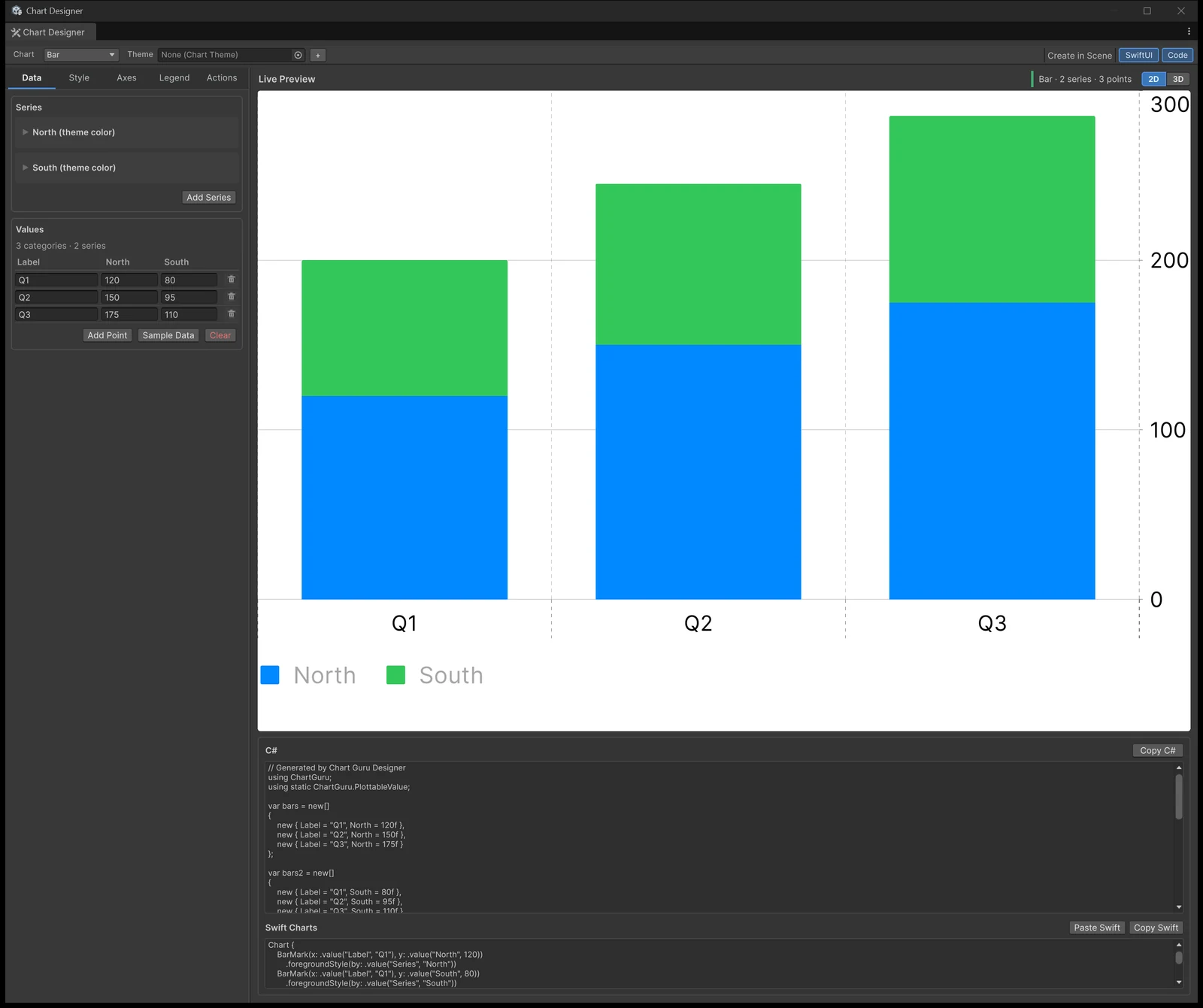
Paste Swift Charts code into Unity
Chart Guru reads supported Swift Charts code pasted into the Chart Designer or a chart Inspector, draws the chart in Unity and writes PascalCase C#. Diagnostics name everything it skipped, and nothing is invented.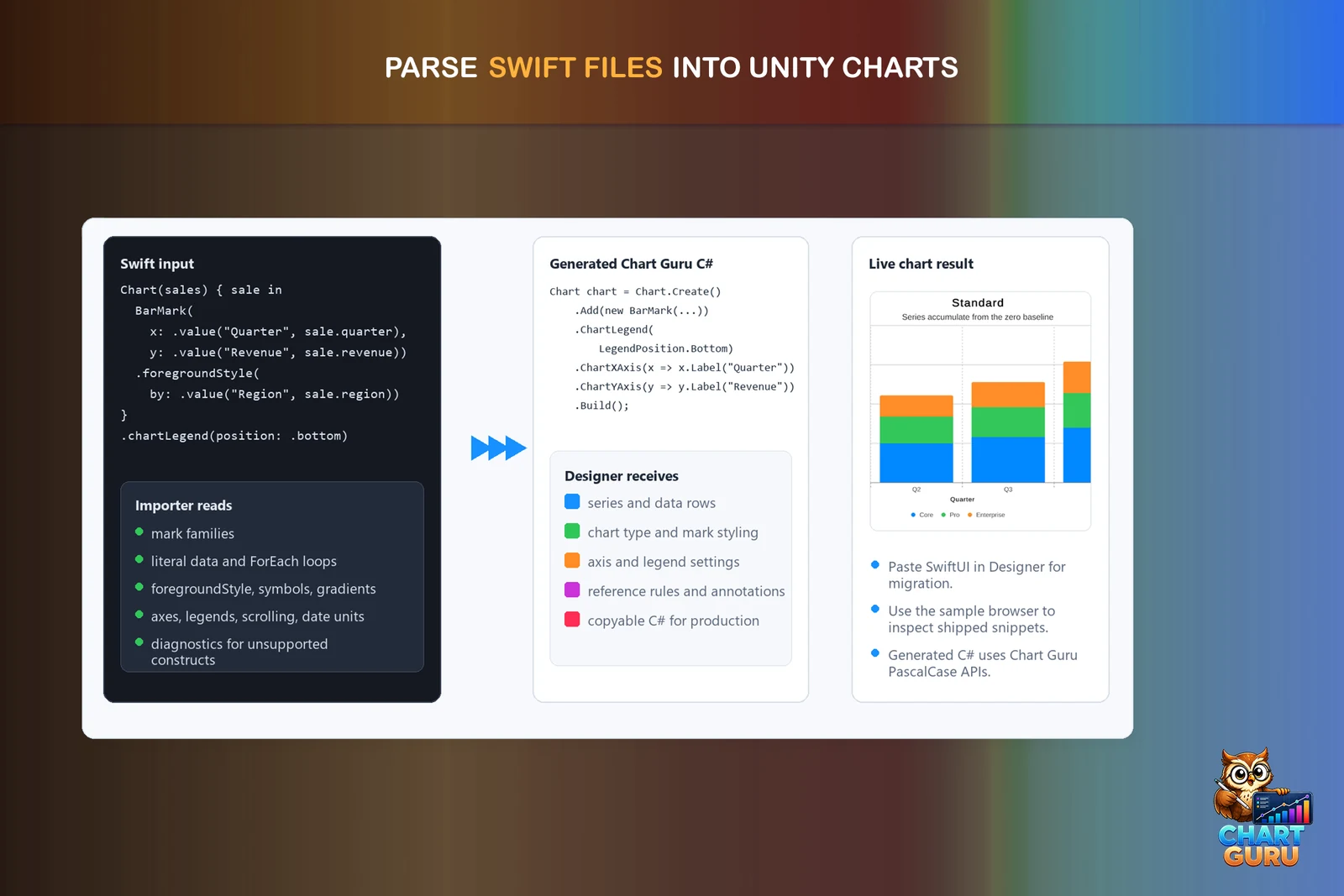 Article