Dot-matrix and retro LED displays in Unity
Build dot-matrix signs, pinball-style score displays and retro LED boards in Unity with chunky emitter grids, crisp bitmap text, round or square dots, bloom and wear.
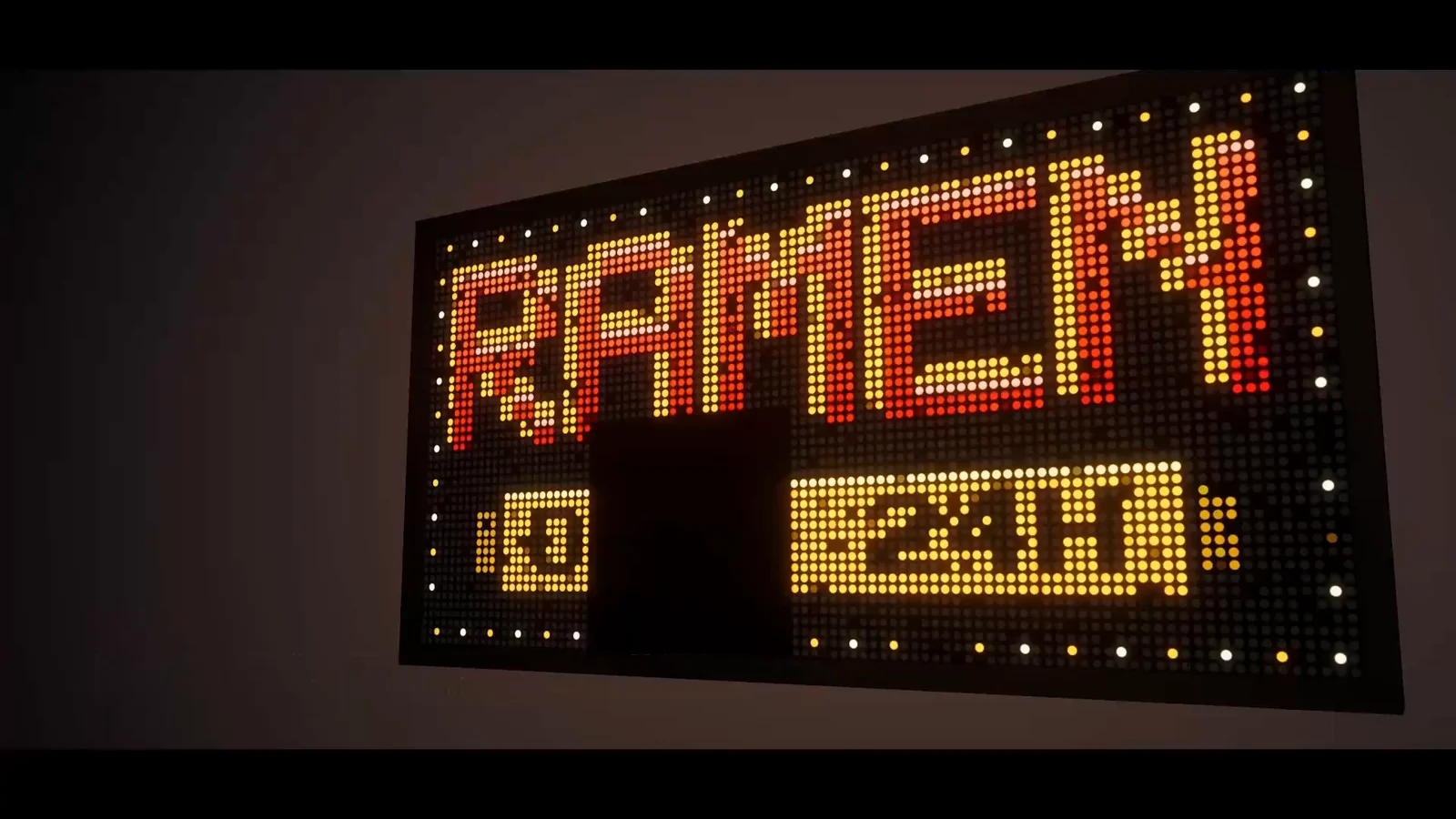
A dot-matrix display is all about the dots: every diode is visible, letters snap to the grid and the brightest dots bloom into their neighbors. Scaling pixel art up with point filtering gets the blocks but none of the hardware, with no round diodes, no dark gaps between them and no glow. LED Studio builds the display from emitters instead, so a ramen sign, a departure board or a pinball-style score display reads as real LED hardware from across the street and up close.
Start with a chunky grid
The Low Res preset in Tools > LED Studio > Board Wizard creates a 40 x 40 emitter board at P20, the classic blocky LED look. Pitch is the distance between emitters in millimeters, and the manual groups P10, P16 and P20 as chunky boards with an obvious diode pattern, suited to large outdoor signs, stylized retro displays and distant ribbons. Size follows from emitter count times pitch, so the Low Res board measures 0.8 m square.
The fewer the emitters, the more each content pixel becomes a visible dot. When a source is larger than the grid, a reduction mode decides how it is sampled, with Nearest, Box, Luma Priority, Edge Preserving Sharpen, Ordered Dither and Alpha Priority to choose from. Emitters are reconstructed in the LED Board shader rather than built from separate objects.
Text that snaps to the dots
The Internal text renderer draws built-in crisp 5 x 7 Western glyphs, the classic dot-matrix character size, with no font asset at all. For other typefaces, Font mode uses a TextMesh Pro font, and the examples ship LED TMP versions of pixel fonts such as Press Start 2P and Pixelify Sans. Set rasterization to Crisp so text pixels map to whole LEDs instead of half-lit antialiased edges; Smooth keeps the antialiasing and Auto picks the default for the font. Scrolling, seamless wrap and blinking in Flash or Fade mode work on the same sources, which covers marquee messages and flashing warnings.
Emitter shapes and close-ups
Each board picks an emitter shape: Circle for round diodes, Square for block pixels, Hexagon, or LCD RGB with red, green and blue subpixels in RGB or BGR order for screens the camera gets close to. Near the camera, optional close-up detail shows the diode lens. Far away, the board blends toward a smoother image to reduce aliasing and moire, so a coarse sign stays calm in a wide shot.
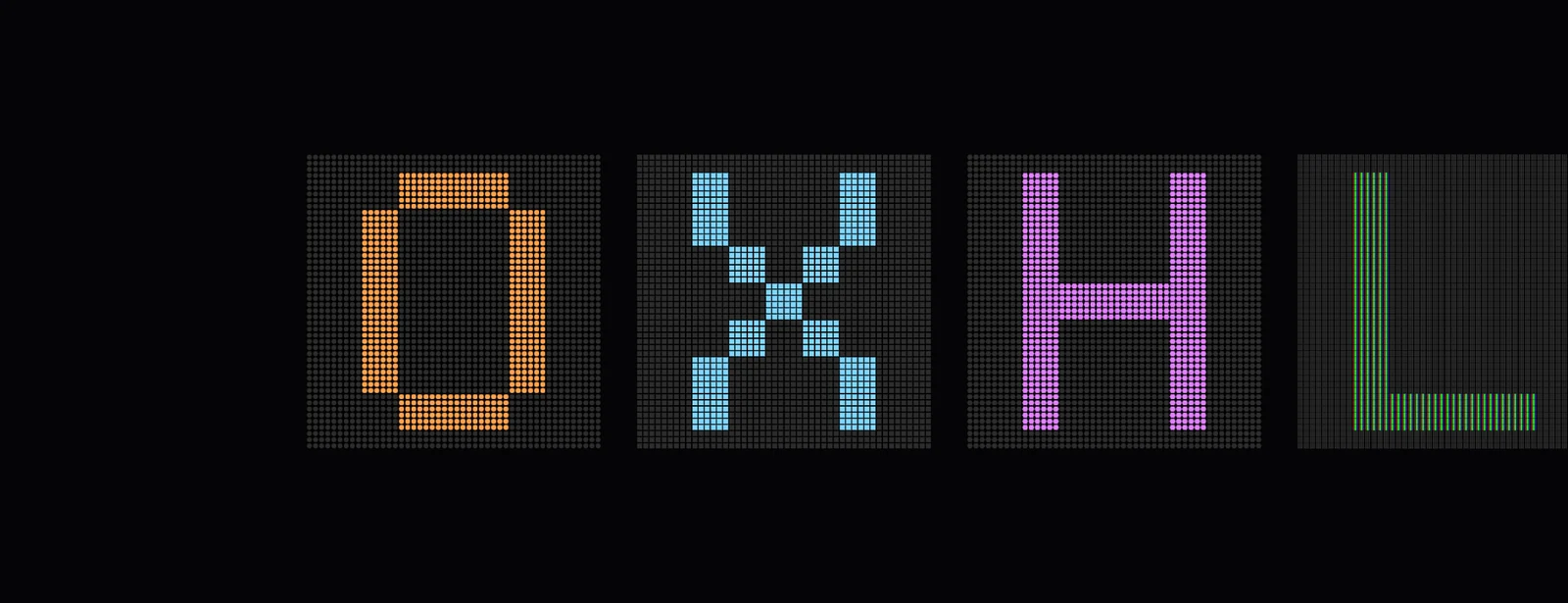 Letters O, X, H and L on four boards with different emitter shapes.
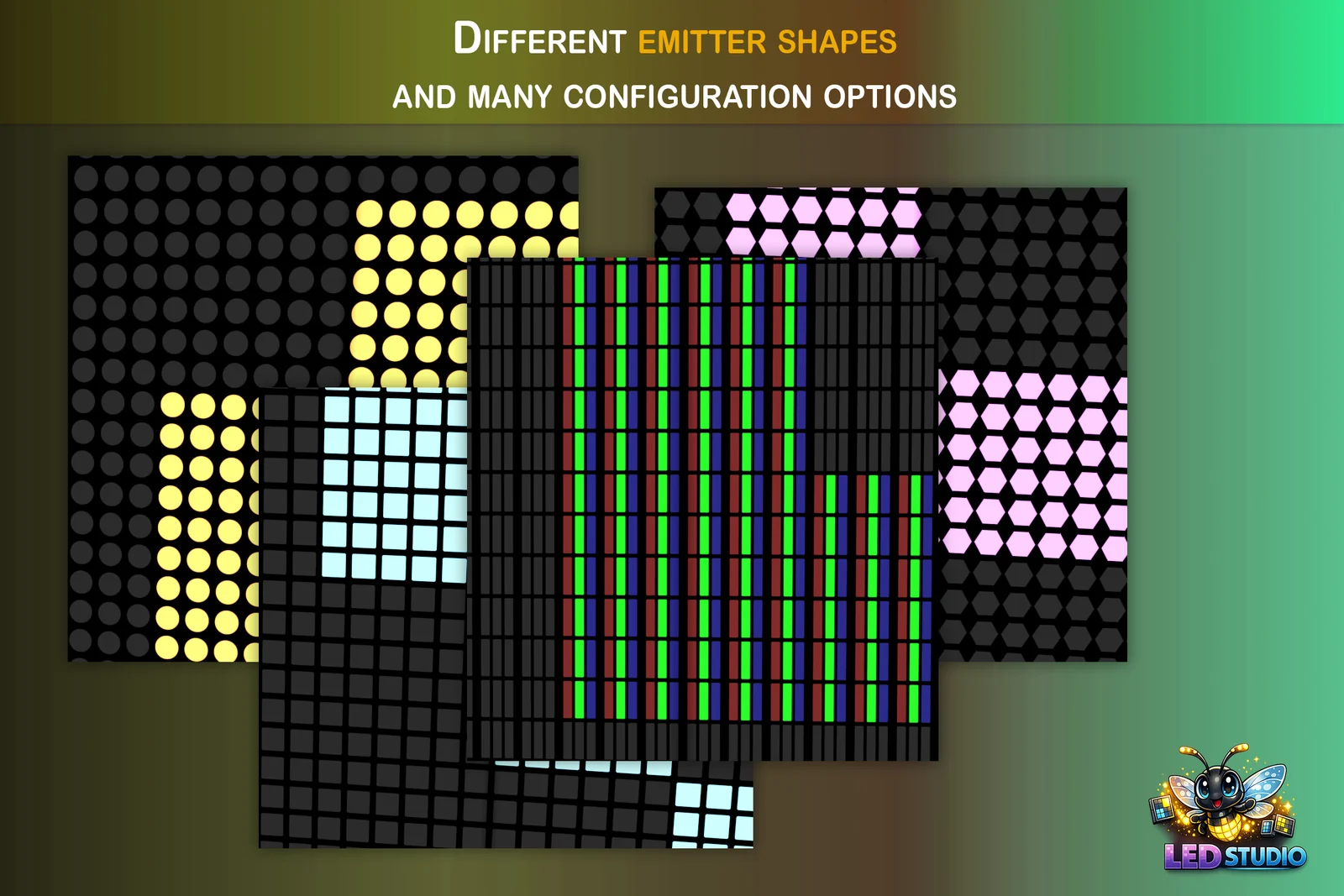 Asset Store slide: round, square, LCD RGB and hexagonal emitters side by side.
Glow, wear and the arcade look
Real LED signs are bright, so use HDR brightness and bloom in the camera or render pipeline; without bloom, dots look printed rather than lit. The brightness response, Linear, Gamma Biased or Venue Contrast, shapes how content maps to diode output. For a sign that has seen a few winters, keep Add Realistic Wear on in the wizard: it adds subtle dim LEDs, flicker and color drift, and the dead pixel and flicker guide goes further.
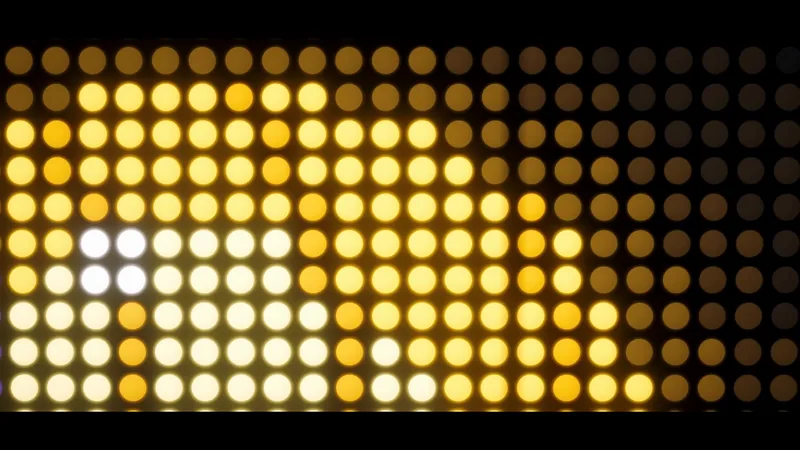
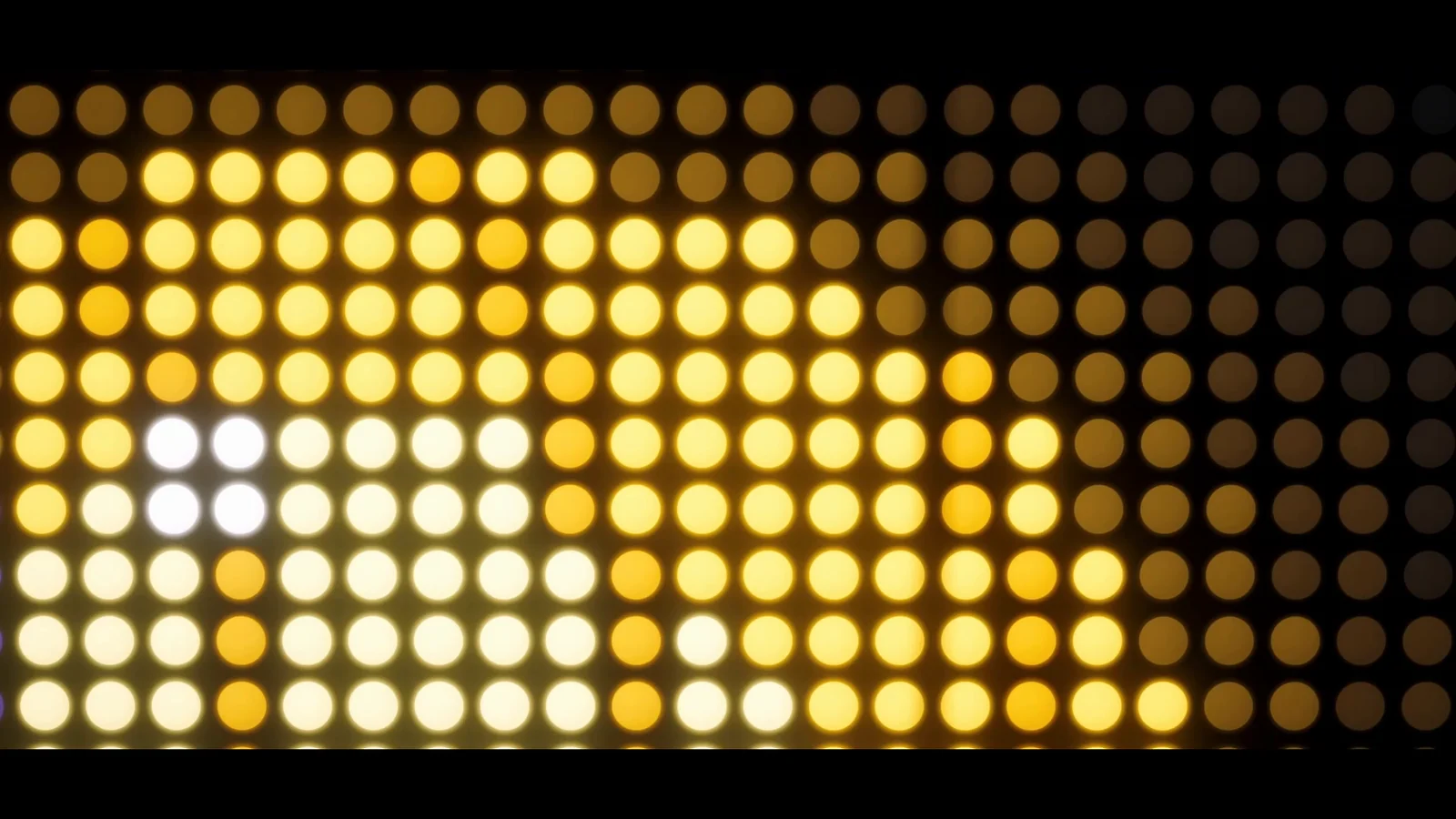 A macro shot from the arena film: warm round emitters, a few brighter than the rest.
Neon-themed and arcade scenes are a natural fit, and one Asset Store reviewer uses LED Studio in a neon-themed arcade game built with URP. LED Studio draws LED emitters, though, not glass tubes or marquee bulbs. For neon-style tubes, bulbs or solid 3D letters, use Text Studio 3D.
A pinball-style configuration
Classic pinball dot-matrix displays have 128 x 32 dots, which makes a good starting point. Try a Custom board with that emitter count, Circle emitters, amber text in the Internal font or a pixel font with Crisp rasterization, a dark presentation background and moderate bloom. Short score updates and blinking messages come from the same text sources, and a little wear makes the display feel like it has survived a few thousand games.
LED Display Basics explains pitch, emitters, brightness and bloom, and Content Sources covers text renderers, rasterization, scrolling and blinking.
Frequently asked questions
How do I make a dot matrix display in Unity?
Use a coarse emitter grid and draw content onto it. With LED Studio, start from the Low Res preset (40 x 40 emitters at P20), choose Circle or Square emitters and use the Internal bitmap font or Crisp rasterization so text lands on whole LEDs.
Is LED Studio a dot matrix shader?
It includes one, but the shader is the last step. Content is first composed into a logical emitter grid, then the LED Board shader reconstructs every emitter with pitch, shape, fill, falloff and bloom. Emitters are not separate objects.
Can LED Studio make neon signs?
No. LED Studio draws LED emitters, not glass tubes or marquee bulbs. For neon-style tubes, bulbs or solid 3D lettering, Text Studio 3D is the better fit.
How do I get a pinball-style display?
Treat it as a configuration: a low-resolution board with round amber emitters, a pixel font with Crisp rasterization and bloom. Classic pinball dot-matrix displays have 128 x 32 dots, which makes a good emitter count to start from.
LED screens, walls and signs that look like real hardware.
Keep reading
 Use case
Make a realistic LED screen in Unity
An emissive texture with a dot mask stops looking like an LED wall once the camera moves. LED Studio models pitch, emitters and cabinets first, then its LED Board shader presents them from close-ups to the far end of a venue.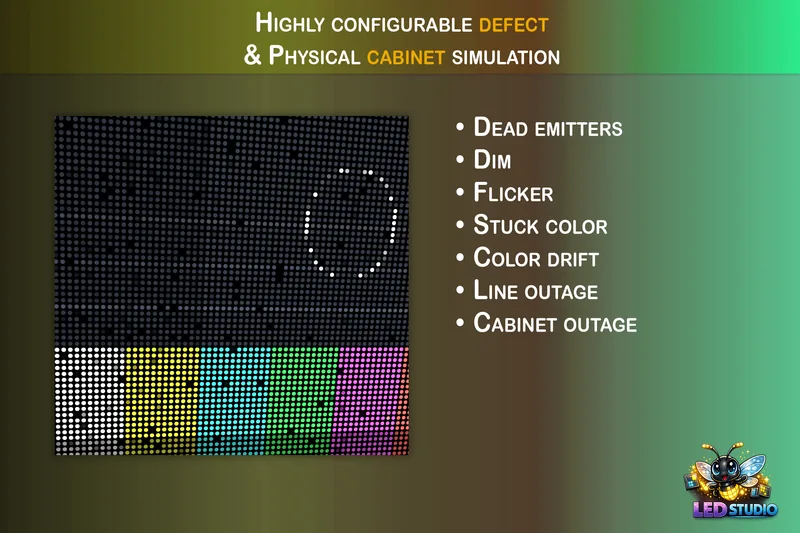 Use case
Dead pixels, flicker and failing LED screens in Unity
Worn screens sell horror, post-apocalyptic and sci-fi scenes. LED Studio simulates seven defect types on nine targets, from scattered dead emitters to whole cabinets going dark, with reusable profiles, a fault controller and runtime control.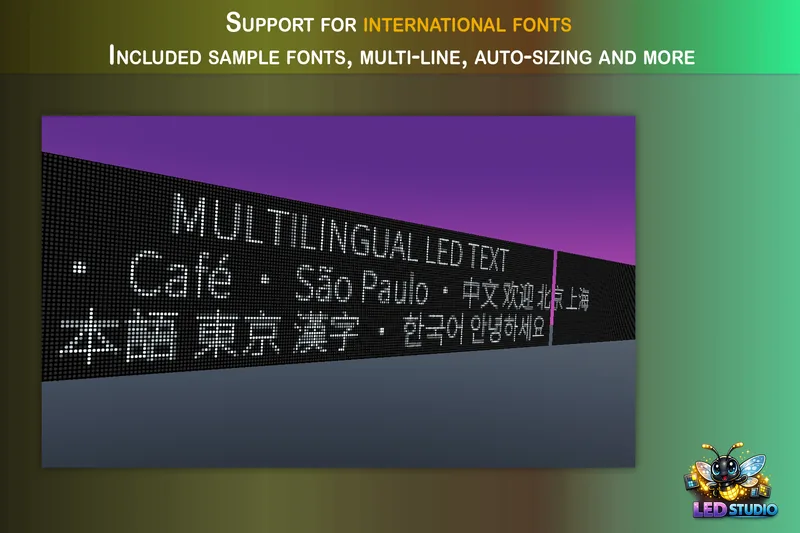 Use case