LED wall previsualization in Unity
Mock up LED walls, ribbons and stadium screens in Unity at real pitch and size, check readability from seats or cameras, play real content and record a video.
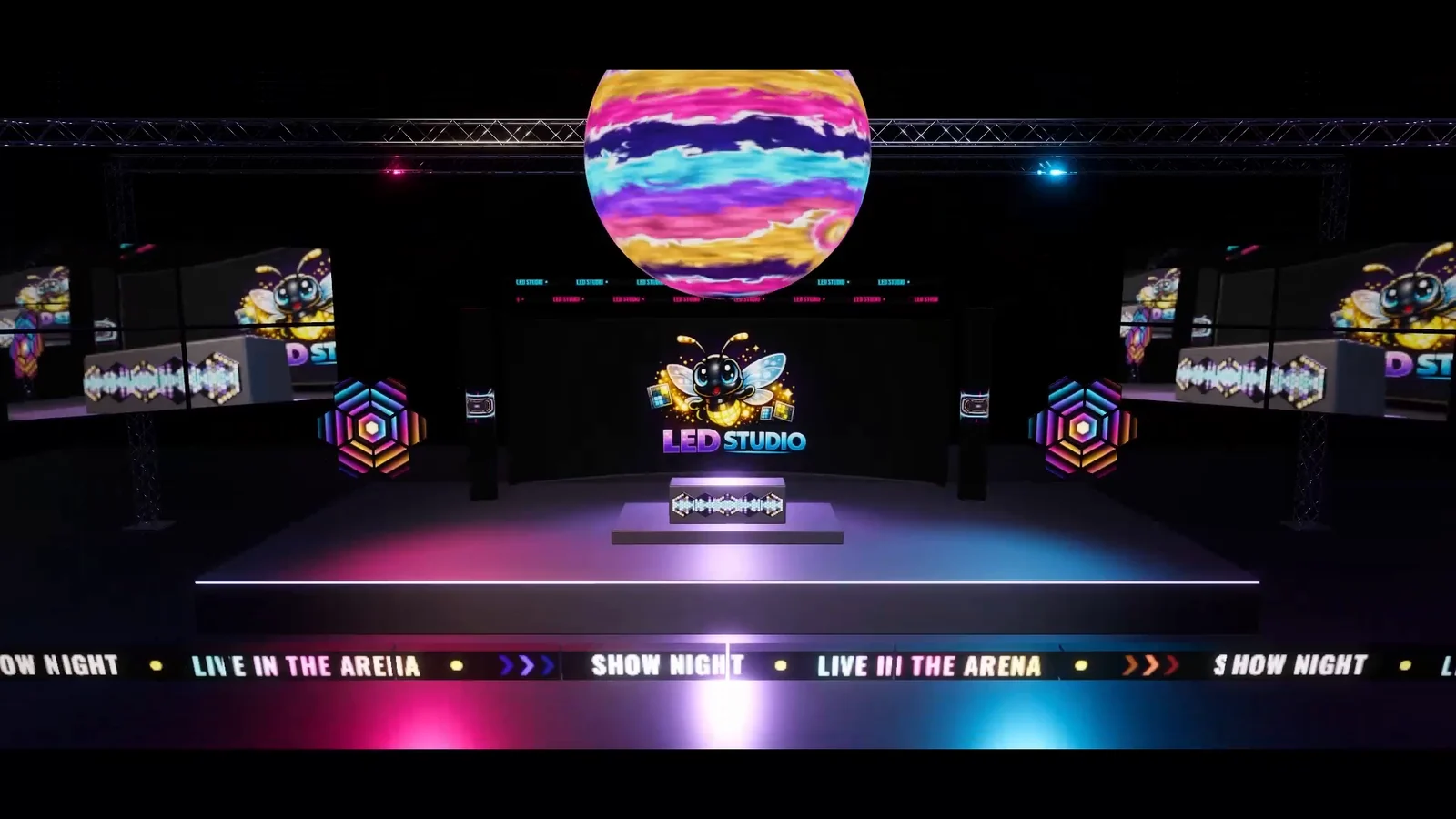
Before anyone commits to a curved wall, a ribbon or a center-hung screen, someone has to show what it will look like from the seats. A flat render with a video texture hides the questions that matter: is the pitch fine enough at this distance, does the text survive the emitter count, where do the cabinet seams fall? LED Studio builds boards from physical values inside a Unity scene, so you can move a camera through the venue, play the real content and record a mockup video. The last section is clear about what it does not do.
Plan in physical units
A board starts from numbers a supplier would recognize. Pitch comes in presets from P2.5 to P20, the emitter count sets the logical resolution, and physical size follows from count times pitch: 384 x 216 emitters at P10 make a 3.84 by 2.16 m wall, and the same wall at P5 needs 768 x 432 emitters. Auto Size From Pitch keeps the transform scale matched to resolution and pitch. Cabinet columns and rows should divide evenly into the emitter count, and seam width and bezel darkening set how visible the joints are. Rear Body adds cabinet depth in meters, and Front Frame adds a profile around the surface, with width and recess in small physical values.
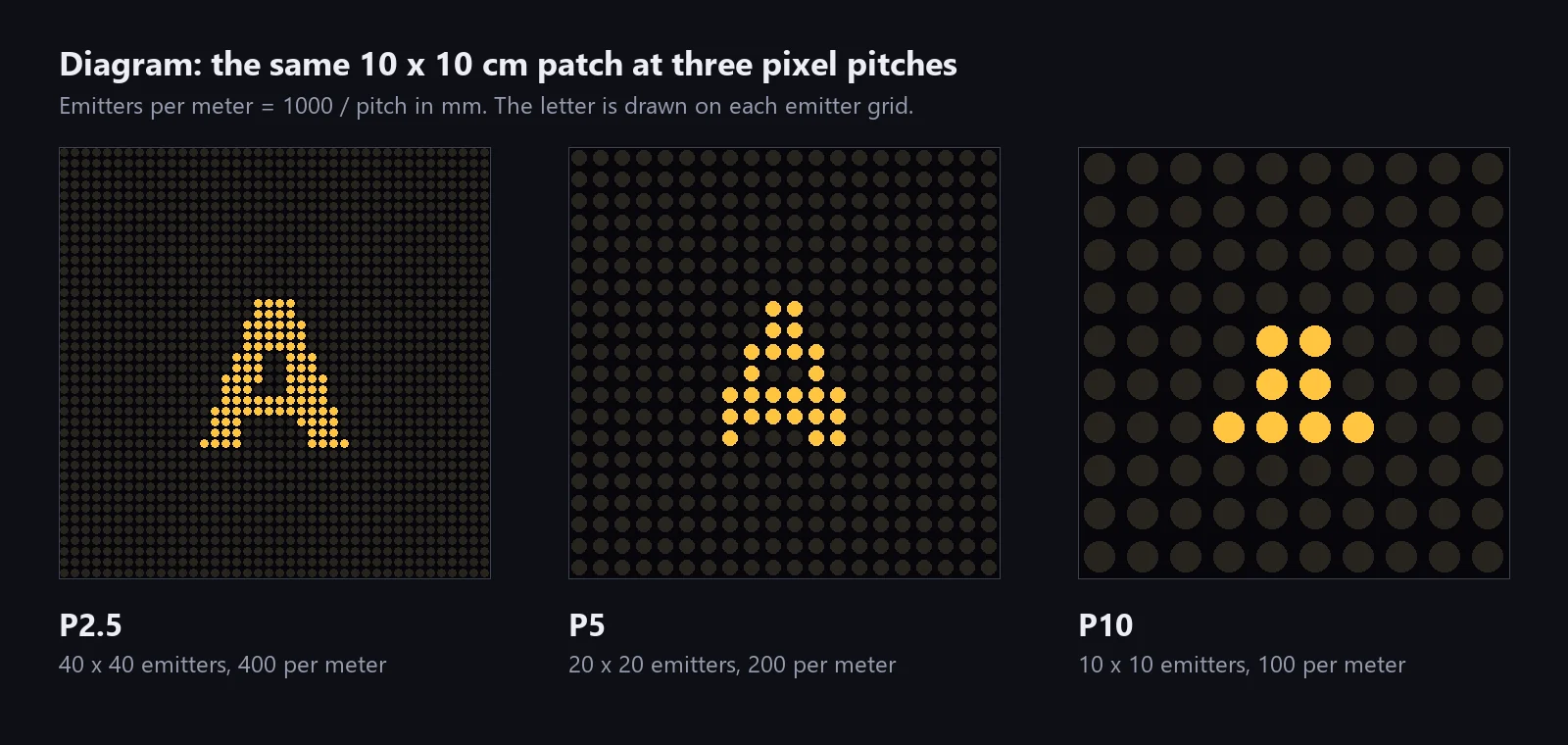 Diagram: one 10 x 10 cm patch at three pitches. Coarser pitch leaves fewer emitters for the same letter.
Judge readability from seats and cameras
Place cameras where people will actually sit or where broadcast cameras will stand, and look. The manual’s guidance pairs P2.5 and P3.9 with close viewing such as stage backdrops and hero screens, P5 and P6 with scoreboards and venue screens, and P10 to P20 with large outdoor boards and distant ribbons. Simple arithmetic helps with text: a glyph seven emitters tall is 35 mm high at P5 and 70 mm at P10. LED Studio’s Close-Up and Far Blend distances are calibrated to a reference camera with a 60-degree vertical field of view at 1080p and also follow emitter screen size, so a telephoto view keeps diode detail farther away, while distant content is averaged to reduce aliasing and moire. The pixel pitch article goes deeper.
Play the real content and the show
Mockups convince when they show the actual material. Video sources play a clip or URL, image sources show stills, Render Texture sources take any camera, and Canvas and UI Toolkit sources bring in interface graphics. Content larger than the emitter grid is reduced to it, so you see what the real emitter count does to fine type in the footage. Playlists sequence content with transitions and keep several boards on one clock through sync groups. For a timed show, a LedBoardTrack on the Timeline binds a board, and each clip switches its composition once the clip weight passes 0.5; the manual names venue previsualization as one of its uses.
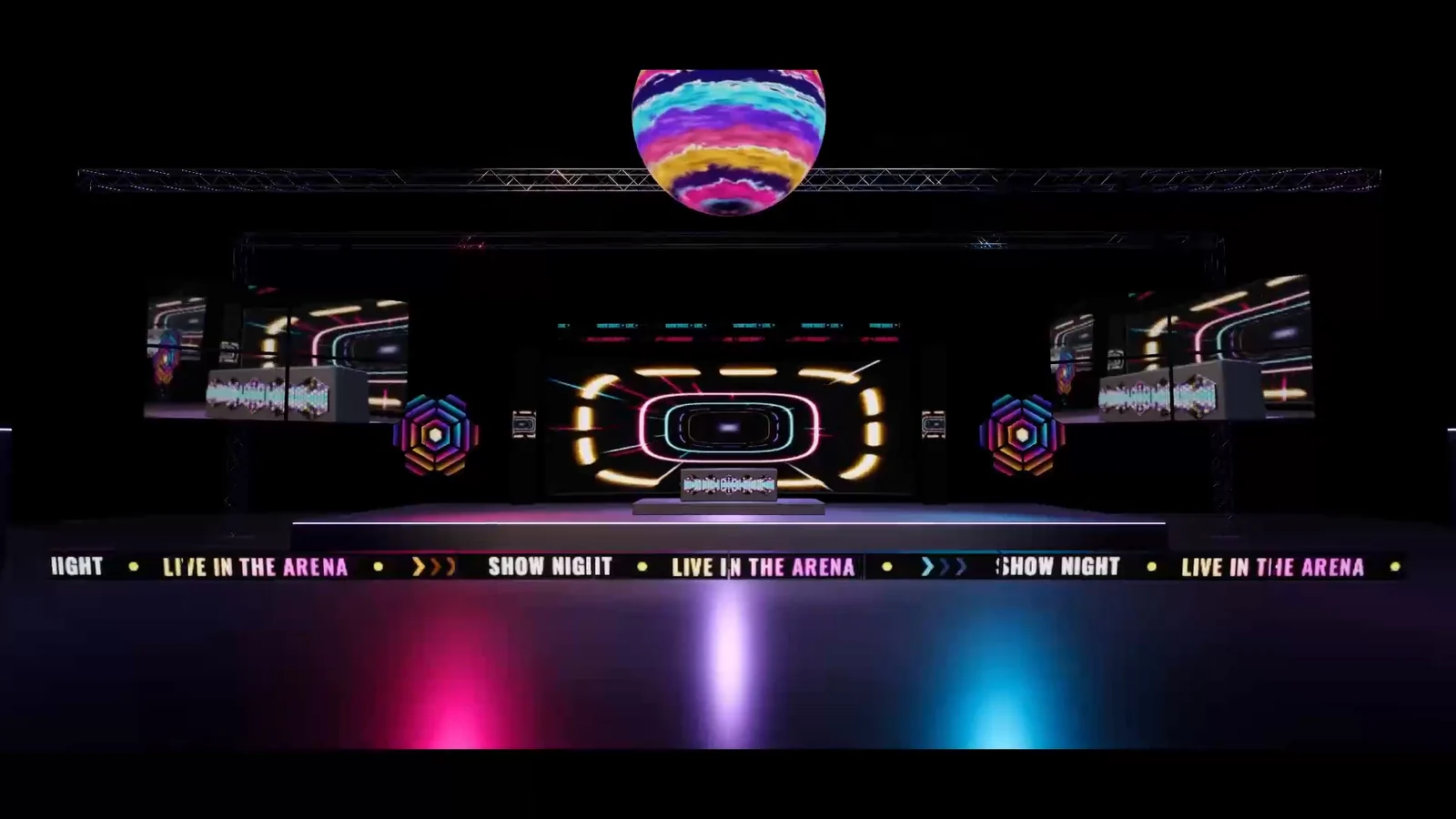 A frame from the arena film: many board types working together in one venue scene.
Record a mockup video
Unity’s Recorder package records the Game view to a video file, and a Recorder clip on the show’s Timeline captures the whole sequence in one pass. Wear is on by default, so untick Add Realistic Wear when you create the boards, or call SetDefectEnabled(false) on existing ones, and the preview shows a clean installation. Bloom in the camera or volume completes the look of bright LED surfaces, and generated frames and rear bodies keep the cabinets believable when the camera passes close by.
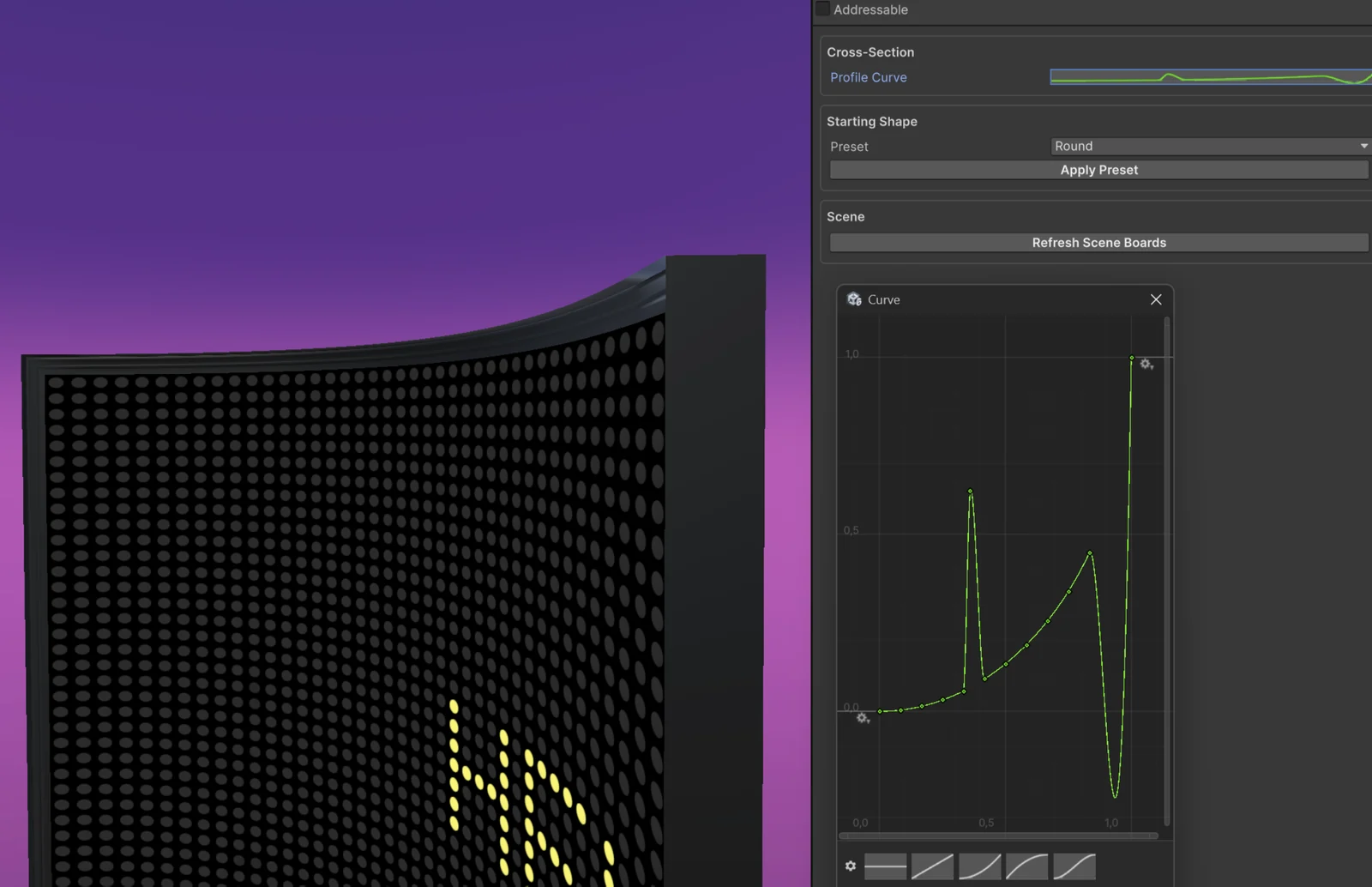 A curved board with a generated front frame and its profile curve editor.
What LED Studio does not do
LED Studio simulates how screens look inside Unity. It produces no processor pixel maps and no power, data or weight reports, offers no DMX or show control, does not drive real LED walls and is not meant for physical in-camera VFX stages. For planning and running a real show, dedicated suites are the better tool, and the comparison with LED previsualization software explains where each one fits.
The LED Display Basics manual page covers pitch, cabinets and viewing distance, and Timeline Integration walks through show sequencing.
Frequently asked questions
Can I use LED Studio as an LED screen simulator?
For how screens look in a space, yes: boards are built from pitch, emitter counts and cabinets, play real content and can be judged from any camera position. It does not simulate processors, power or data paths, and it does not drive real LED hardware.
How do I make a stadium LED screen mockup video in Unity?
Build the screens as LED Studio boards at their real pitch and size, sequence the content with playlists or a Timeline, turn off wear and record the Game view with Unity's Recorder package.
Does LED Studio create pixel maps or power reports?
No. There are no processor pixel maps, no power, data or weight reports and no DMX or show control. Dedicated previsualization suites cover those jobs.
LED screens, walls and signs that look like real hardware.
Keep reading
LED Studio vs LED previsualization software
Show previsualization suites plan real LED walls down to processors, power and data. LED Studio simulates LED screens inside Unity scenes. They solve different jobs, and some combine.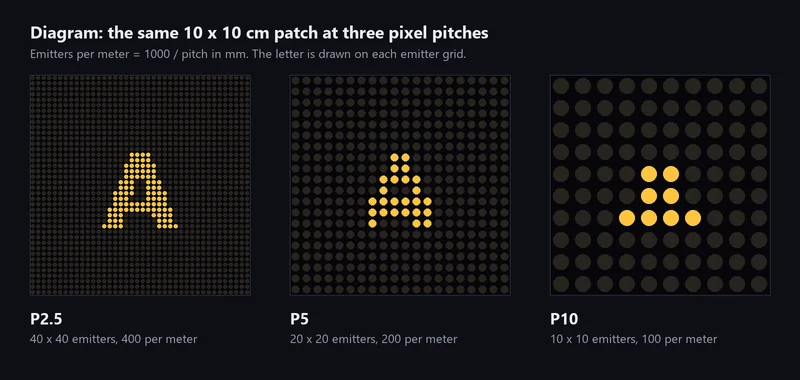 Article
Pixel pitch for game developers
What P2.5, P3.9 and P10 mean, how to turn pitch into emitters per meter and cabinet resolutions, why vendors' viewing distance rules disagree, and how to size an emitter grid for a game camera.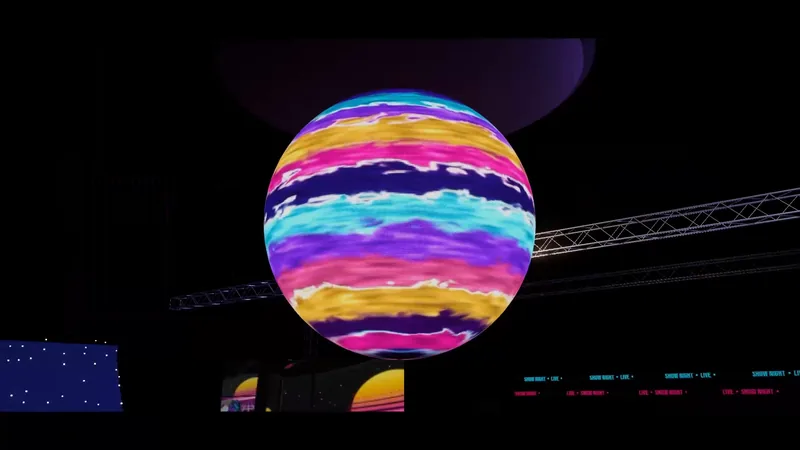 Use case