Audio Tools Documentation
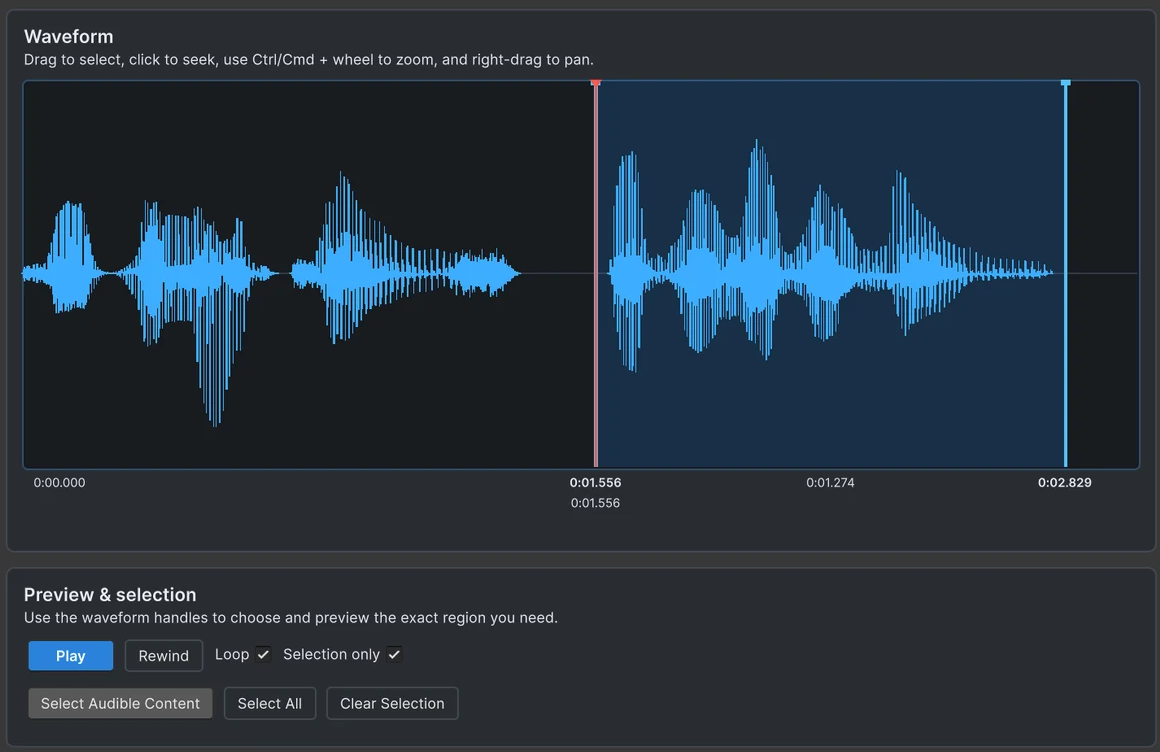
A free audio editor inside Unity. Trim, cut silence, fade, normalize to a peak or LUFS and make seamless loops for one clip or a folder, saved as new WAV files.
Manual sections
Section titled “Manual sections”Prefer a continuous document? Download the complete PDF manual.