Choose Output and Performance
Choose an Output Mode
- Combined Mesh: the simplest static and animated dimensional output.
- Chunked Combined Mesh: efficient updates when only part of changing text needs rebuilding.
- Per Letter GameObjects: independent objects for authored per-letter workflows.
- Hybrid: combined readability with selected independent behavior.
- LOD Group: the authored mesh plus up to two reduced detail levels that Automatic Quality can select once they are certified.
- Physical Letters: pooled letters with convex collision proxies for physics.
Mesh Output also offers Vertex Upload. Keep the default, Float. The packed option is an experimental prototype: devices and material groups that cannot use it keep Float automatically, so confirm visuals and performance on the target device before relying on it.
Start from a Performance Profile
Static Quality favors final detail. Realtime balances changing text and effects. Massive Text lowers cost for large populations. Interactive keeps one raycastable combined mesh and turns on Automatic Quality, which reduces detail only after you set an error budget. Physical prepares pooled independent letters. Adjust lower-level quality only after the closest profile has been measured in the real scene.
Mesh Detail Presets
The Authored Detail presets Draft, Balanced, High, and Hero coordinate curve tolerance, bevel rings, cap and relief subdivisions, body steps, decoration detail, contour tubes, and depth-sweep sampling. Use Draft while shaping and arranging, Balanced for ordinary real-time content, High for close readable text, and Hero for final capture or unusually close presentation. Choose Custom only when the coordinated presets cannot express the measured requirement.
Mesh Detail answers how finely geometry is built. Performance Profile answers how that geometry is owned and updated. Keep those decisions independent: a Hero title can be static or frozen, while a dense interactive menu can use Balanced detail with the Interactive workload profile.
Changing Text and Runtime Overrides
Appended and changed text can reuse existing chunks and unchanged detailed letters. Runtime overrides can change visibility, depth, tint, material, and quality without rewriting the authored style. For repeated temporary labels, use TextStudioEmitter with a complete 3D host so the normal Text Studio lifecycle, profiles, aggregation, stacking, follow behavior, and Unity-backed pooling remain shared with flat text. Prewarm the characters and emitter hosts that must appear without a first-use build; the reusable geometry workspace starts smaller and grows only when detailed lettering requires more capacity.
Dense combined 3D text now responds more quickly when several effects update most of a detailed mesh. Three-dimensional effects and shared animation channels restore automatically across repeated Fast Enter Play Mode sessions, while player-build validation checks the bundled materials, Material Sets, shaders, and default font data.
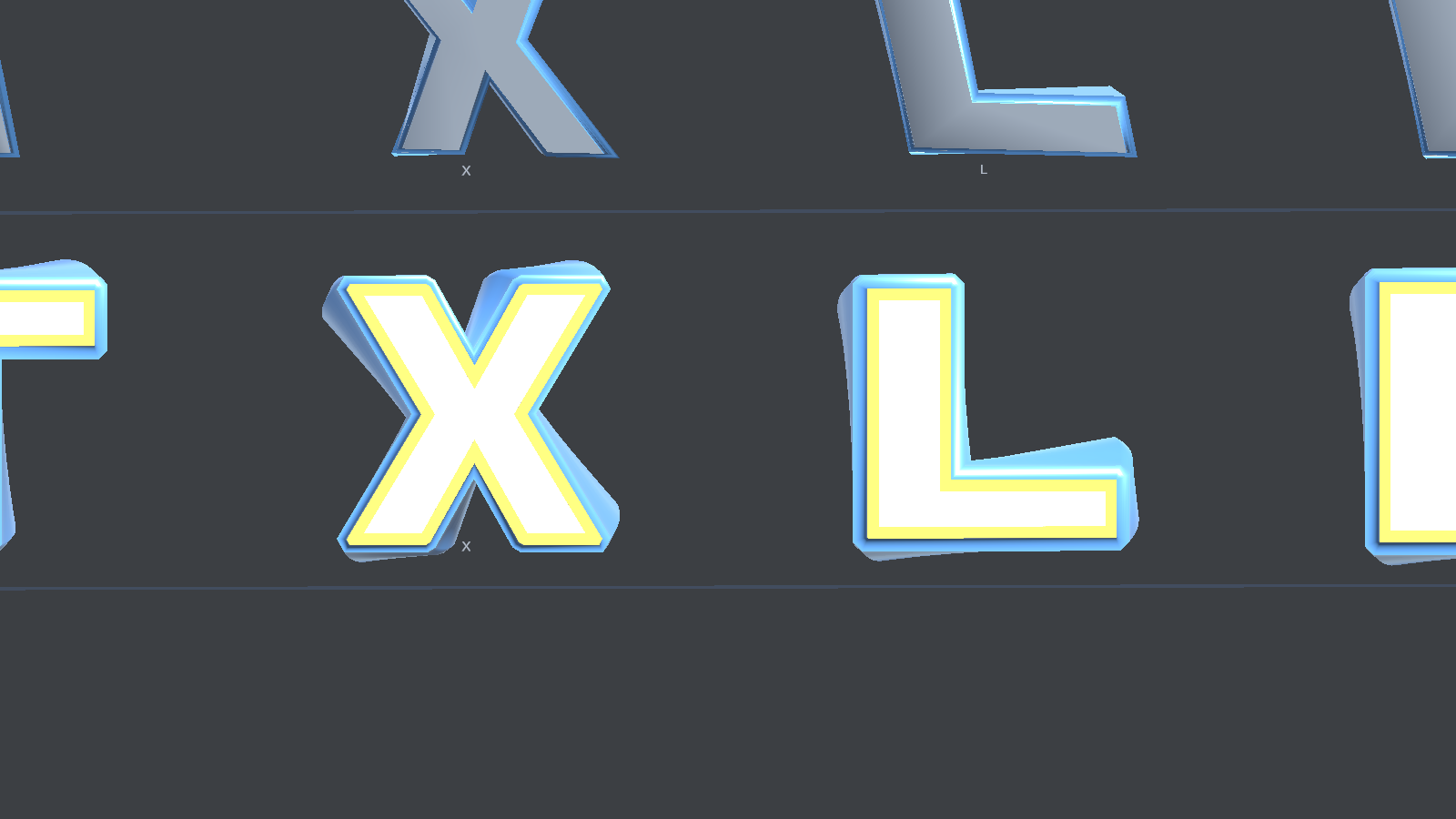
Combined output remains readable under a large changing-text workload.
Freeze a Finished Title
Strict Freeze captures the exact visible frame as persistent static geometry. Choose Freeze Current Appearance in the Static Output section after setting the desired preview progress. The current glyphs, colors, transparency, placement, deformation, materials, LOD membership, and mesh colliders remain, while Text Studio generation, animation, tags, events, sockets, Scramble progression, and runtime text changes stop. Live 3D Writing and GPU-driven prepared or retained effects, including settled Snow and Electric Arc, cannot be stored by Strict Freeze. Turn them off or remove them before freezing; use Render Studio for an image or animation of those effects.
Use Unfreeze to restore live editing. The generated snapshot is removed after the last frozen copy is restored. Freeze works on one selected scene object or prefab instance, not a Prefab Mode asset. Physical letters keep their captured poses and colliders, but rigidbody simulation stops.
Select the frozen snapshot to inspect its validity, source, renderer count, vertices, triangles, and collider count. Selectable generated mesh and material references help trace the static output. Resolve validity diagnostics before treating the snapshot as finished.
Choose Output by Workload
Combined Mesh is the simplest static and fully compatible output. Chunked Combined Mesh limits replacement work when changing text preserves parts of the previous output. Per Letter GameObjects provide independent objects. Hybrid combines retained output with selected independent behavior. LOD Group produces distance-based detail. Physical Letters adds pooled rigidbody-ready objects.
- Static title or sign: Combined Mesh or Strict Freeze.
- Frequently changing short label: Realtime profile with Chunked Combined Mesh.
- Large passage or many glyphs: Massive Text with measured chunk size.
- Raycastable sign or control: Interactive profile and one root collider where possible, or collider-free surface queries.
- True collisions or falling letters: Physical profile and Physical Letters.
Performance Profiles
Static Quality favors final detail. Realtime balances changing text and effects. Massive Text lowers cost for large populations. Interactive keeps one raycastable combined mesh and turns on Automatic Quality without setting a budget. Physical configures independent letter behavior. Profiles never replace authored layers or materials. Apply the closest workload first, then tune measured bottlenecks.
Quality, LOD, and Topology Effects
Curve Detail controls outline sampling when Authored Detail is Custom. Smooth Angle controls normal continuity for Inline styles. Parallel Threshold decides when the automatic animation backend can profitably use parallel work. Geometry Effect Rate and Geometry Value Steps bound Contour Bloom and Bevel Pulse.
Automatic Quality reduces detail only when it can prove the visible error stays within your budget. Turn it on in Mesh Detail to show its settings. Set Error Reference to Authored Output, enter a positive Surface Error (px) for the largest on-screen displacement you accept, set Normal Error (degrees) to the shading change you accept, and add up to two Reduced Detail Levels (Bevel Segments and Curve Tolerance), ordered from more to less detail. Authored Detail stays the ceiling: reduced levels never add detail.
Open Advanced Quality to set Certificate Limits (Surface Error (glyph units), Normal Error (degrees), Triangle Check Limit, Subdivision Limit, and Working Memory (bytes)); each reduced level is checked within these limits, and a missing or exhausted limit keeps the authored mesh. Reduction Margin and Reduction Delay (s) control how eagerly detail drops, Current Diagnostics explains the current choice, and Quality Camera limits the check to one camera; leave it empty to protect every active camera.
Reduced levels can currently be certified only for straight, solid extrusions with closed front and back faces and no bevel, contour expansion, trim, or extrusion path. Other styles, and frames that use modules, deformers, material channel effects, prepared 3D effects, Writing, or physical letters, keep the authored mesh. Automatic Quality applies to Combined Mesh and LOD Group output; chunked, per-letter, hybrid, and physical output always use authored detail. The Realtime, Massive Text, and Interactive profiles turn Automatic Quality on but never set a budget, and GeneratedLodOverride lets a script hold the Primary, Medium, or Low level instead of Automatic.
Runtime Statistics
Use glyph, entry, vertex, triangle, mesh, renderer, and material counts to understand output size. Use topology and visual update times to distinguish rebuild work from warmed animation. Use cache hits, misses, replacements, and evictions to understand reuse. Use output-object and collider counts to detect hierarchy growth. Use geometry validation only when diagnosing integrity.
Prewarming and Bounded Caches
PrewarmCharacters(string characters, int maxGlyphs = 64) synchronously warms a bounded set of Unicode scalars without replacing the visible mesh, with a maximum of 256 glyphs per call. Use loading screens or pool warm-up, not a frame with strict responsiveness. Runtime Preparation is the durable solution for Prepared only players; PrewarmCharacters is a runtime readiness tool, not a substitute for build coverage.
Reusable Geometry stores raw topology. Placement, surface mapping, materials, supported deformation, and runtime visual channels are applied afterward, so compatible objects can share the expensive base without sharing presentation. Mutable custom paths without durable identity, grouped Word or Line or Whole Text contours, pre-geometry modules, and topology-changing post-geometry modules can prevent reuse or Prepared only compatibility.
The shared geometry cache is bounded by entry count and 64 MiB of estimated mesh payload. Local outline and codepoint caches are also bounded. Frequent eviction usually means too many simultaneous fonts, quality levels, path identities, styles, or topology variants. Reduce unnecessary variability before retaining more data.
When the operating system reports low memory, Text Studio 3D trims its shared geometry caches, outline data, and pooled working memory without removing visible text or output that is still in use; later builds regenerate what they need. A trim also cancels geometry builds requested with ScheduleGeometryBuild that have not started. Call TextStudio3DMemoryPressure.RequestTrim to trim at a content boundary, and read TextStudio3DMemoryPressure.LastTrimReport to see what was released.
Schedule Versus Rebuild
RebuildGeometry requests topology through the normal hub refresh. ScheduleGeometryBuild coalesces repeated requests and can be canceled before dispatch. Cacheable per-glyph builds can generate on workers while the last valid mesh remains visible. Unity-dependent modules, grouped layers, prefab repeats, custom paths, and topology effects can require main-thread work. Scheduling does not guarantee that every configuration runs in the background. Do not call either method every frame.
Strict Freeze
Freeze Current Appearance captures the exact visible frame as persistent static geometry. The snapshot retains current glyphs, colors, transparency, placement, deformation, materials, LOD membership, and mesh colliders. Text Studio generation, animation, tags, events, sockets, Scramble progression, and runtime text changes stop. Live 3D Writing and GPU-driven prepared or retained effects, including settled Snow and Electric Arc, cannot be stored by Strict Freeze. Turn them off or remove them before freezing; use Render Studio for an image or animation of those effects.
Unfreeze restores live editing and removes generated snapshot data after its last frozen owner is restored. Freeze is an editor transaction for a selected scene object or prefab instance, not a runtime API for Prefab Mode assets. Treat frozen output as ordinary static meshes in player code.
Measure on Phones and Tablets
Phones, tablets and standalone headsets usually run out of GPU time and heat headroom before CPU time. Measure on the device before tuning, and check the render pipeline first.
- On a Galaxy Tab S7 FE at 2560 x 1600, a URP asset with HDR, 4x MSAA and the camera opaque texture took about 25 ms of GPU time per frame before anything else was drawn, and about 4 ms with them turned off (Text Studio Performance Lab, October 2026). Turn them off in the mobile URP asset unless the game needs them.
- Measure in a release build, look at GPU time as well as main-thread time, and let the device run for a minute first, because heat lowers its clock speed.
- Devices without structured-buffer support in shaders, such as WebGL 2 and many OpenGL ES 3 phones, read prepared 3D effect and URP Writing data from textures instead; URP OpenGL ES 3 builds also skip the deferred GBuffer passes, because URP renders forward there.
- The first player build after updating Text Studio compiles more specialized shader variants and takes longer; later builds reuse Unity's shader cache.