Appendix: Effect Gallery
Use this appendix when you want to browse the complete built-in palette. Each card is a real Text Studio render chosen to keep the words readable while still showing the motion or color treatment.
Everyday Motion
Wave
Canonical tag: <wave>. Search aliases: none. Key controls and defaults: Amplitude (0.12), Direction (up), Frequency (0.65), Speed (1.05), Duration (1), Playback (infinite).
Travelling motion for magical words and friendly headings. Start with <wave>WAVE MOTION</wave> and tune it in Preview.
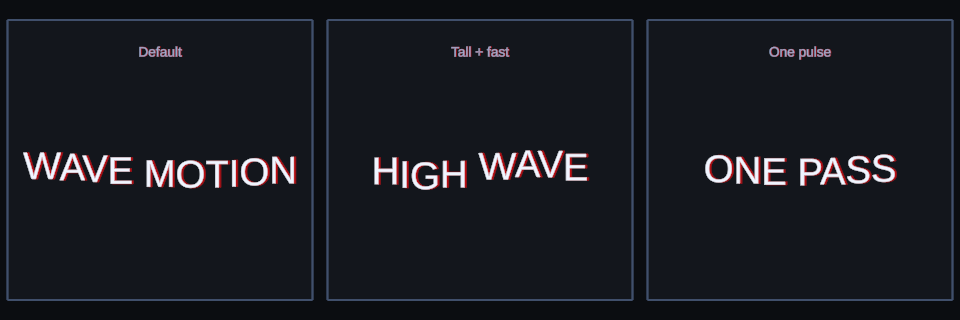
Wave: three useful starting points rendered by Text Studio.
Shake
Canonical tag: <shake>. Search aliases: jitter, tremble, rumble. Key controls and defaults: Strength (0.08), Speed (10), Progress Index With Time (true), Duration (1), Playback (infinite).
Deterministic impact and instability for damage, warnings, and broken systems. Start with <shake a=.025>UNSTABLE</shake> and tune it in Preview.
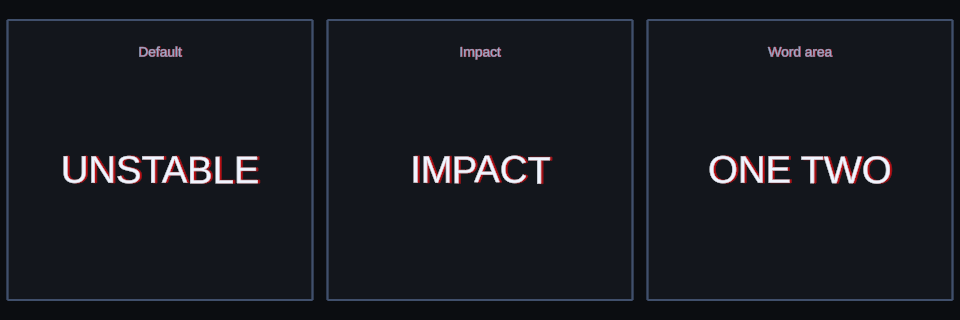
Shake: three useful starting points rendered by Text Studio.
Wiggle
Canonical tag: <wiggle>. Search aliases: wobble, wiggly. Key controls and defaults: Position Strength (0.04), Rotation Degrees (3), Speed (1.2), Progress Index With Time (true), Duration (1), Playback (infinite).
Small organic position and rotation changes for playful text. Start with <wiggle>PLAYFUL</wiggle> and tune it in Preview.
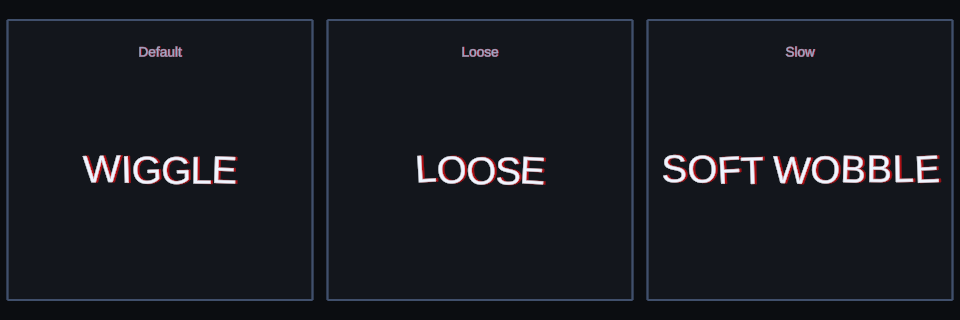
Wiggle: three useful starting points rendered by Text Studio.
Bounce
Canonical tag: <bounce>. Search aliases: hop, jump. Key controls and defaults: Height (0.14), Direction (up), Speed (1.05), Stagger (0.045), Duration (1), Playback (infinite).
Lively hops for pickups, rewards, and upbeat prompts. Start with <bounce>BOUNCE</bounce> and tune it in Preview.
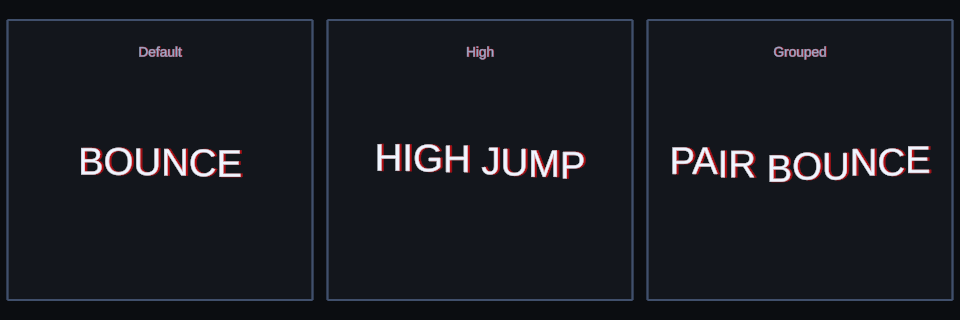
Bounce: three useful starting points rendered by Text Studio.
Swing
Canonical tag: <swing>. Search aliases: sway. Key controls and defaults: Max Degrees (12), Speed (1), Duration (1), Playback (infinite), Pivot (new Vector2(0.5, 1)).
Rotational motion for hanging signs and soft menu movement. Start with <swing>SWING</swing> and tune it in Preview.
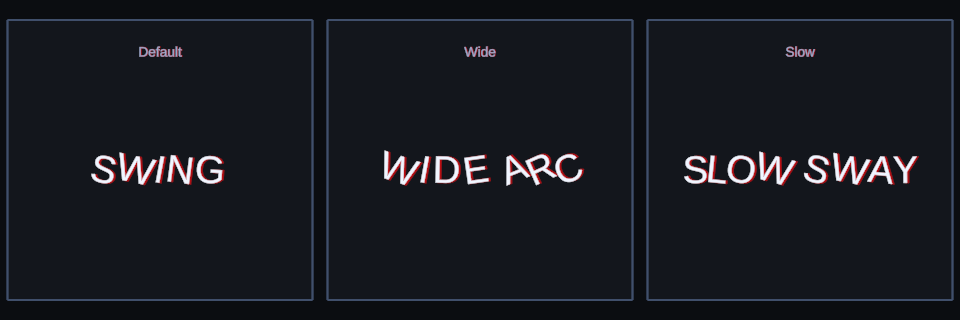
Swing: three useful starting points rendered by Text Studio.
Pendulum
Canonical tag: <pendulum>. Search aliases: none. Key controls and defaults: Max Degrees (16), Speed (0.34), Duration (1), Playback (infinite), Pivot (new Vector2(0.5, 1)).
A slower, more uniform hanging motion across the selected range. Start with <pendulum>PENDULUM</pendulum> and tune it in Preview.
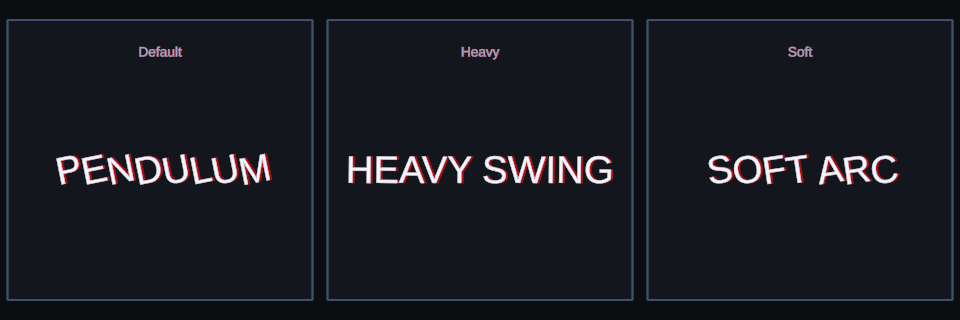
Pendulum: three useful starting points rendered by Text Studio.
Dangle
Canonical tag: <dangle>. Search aliases: hanging. Key controls and defaults: Max Degrees (8), Speed (1), Duration (1), Playback (infinite), Pivot (new Vector2(0.5, 1)), Horizontal (string.Empty), Vertical (string.Empty).
Loose glyphs with staggered hanging movement. Start with <dangle>DANGLE</dangle> and tune it in Preview.
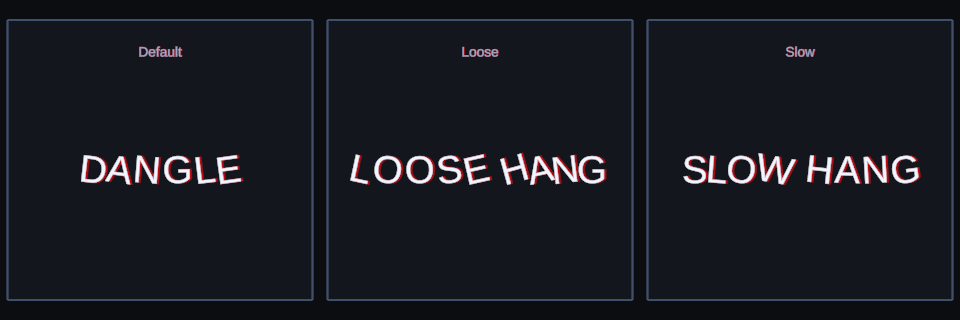
Dangle: three useful starting points rendered by Text Studio.
Float
Canonical tag: <float>. Search aliases: drift, hover, levitate. Key controls and defaults: Vertical Amplitude (0.16), Horizontal Amplitude (0.04), Speed (0.75), Spread (1.25), Duration (1), Playback (infinite).
Ambient drift for magic, dreams, holograms, and underwater text. Start with <float>MAGIC WORDS</float> and tune it in Preview.
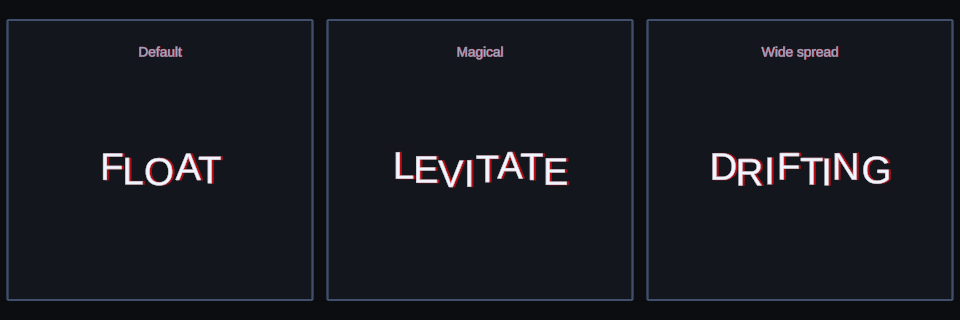
Float: three useful starting points rendered by Text Studio.
Color and Emphasis
Pulse
Canonical tag: <pulse>. Search aliases: breathe, breathing, beat. Key controls and defaults: Scale Amplitude (0.08), Alpha Amplitude (0.08), Speed (1.35), Glyph Phase Offset (0.18), Duration (1), Playback (infinite).
A readable heartbeat for active choices and continue prompts. Start with <pulse>PRESS START</pulse> and tune it in Preview.
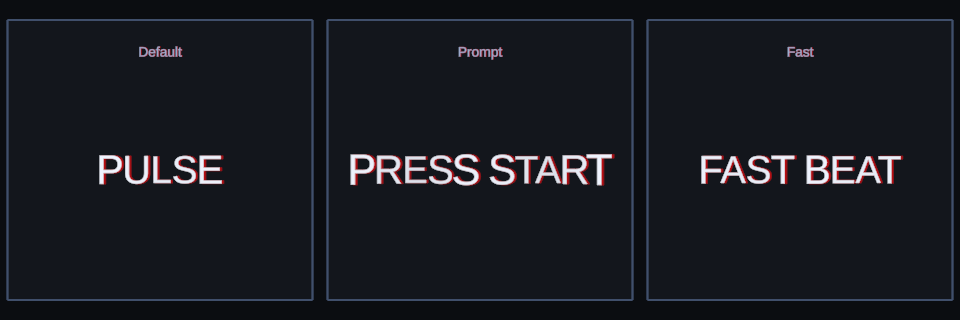
Pulse: three useful starting points rendered by Text Studio.
Blink
Canonical tag: <blink>. Search aliases: flash, flicker. Key controls and defaults: Frequency (1.75), Duty Cycle (0.55), Duration (1), Playback (infinite).
On and off emphasis for cursors and warnings. Use a calm Reduced Motion alternative. Start with <blink>WARNING</blink> and tune it in Preview.
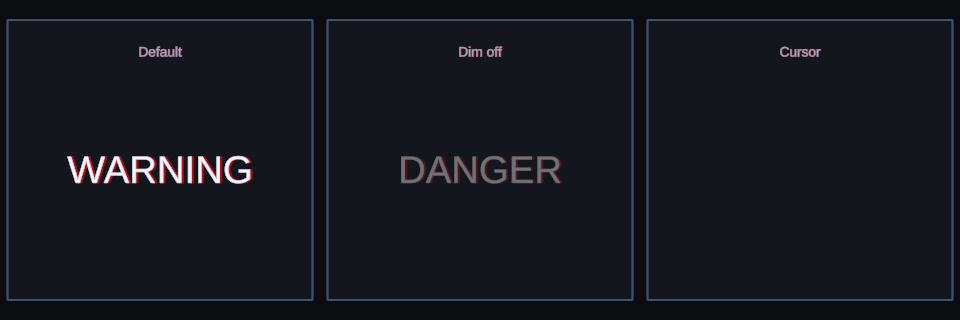
Blink: three useful starting points rendered by Text Studio.
Vertex Shimmer
Canonical tag: <shimmer>. Search aliases: shine, sparkle, highlight. Key controls and defaults: Highlight Color (RGBA 255, 246, 190, 255), Speed (0.65), Width (0.16), Scale Boost (0.035), Wrap (true).
A moving highlight band for rare items and premium labels. Start with <shimmer>LEGENDARY</shimmer> and tune it in Preview.
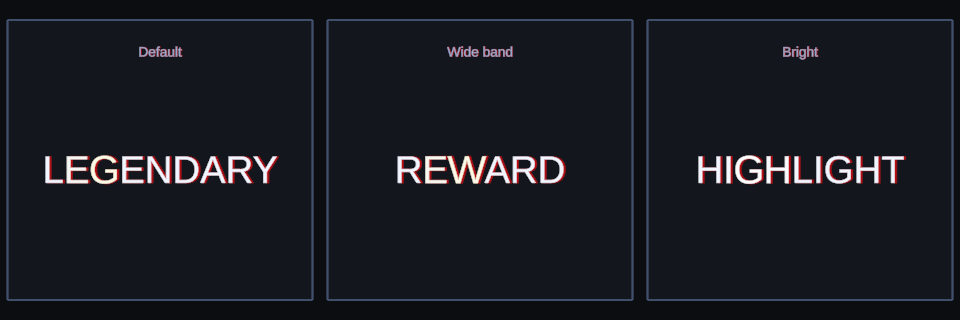
Vertex Shimmer: three useful starting points rendered by Text Studio.
Gradient Flow
Canonical tag: <gradientFlow>. Search aliases: gradient flow, gradient sweep. Key controls and defaults: Color A (RGBA 70, 214, 255, 255), Color B (RGBA 255, 92, 184, 255), Speed (0.35), Spread (1).
An animated two-color treatment across a title or phrase. Start with <gradientFlow>GRADIENT FLOW</gradientFlow> and tune it in Preview.
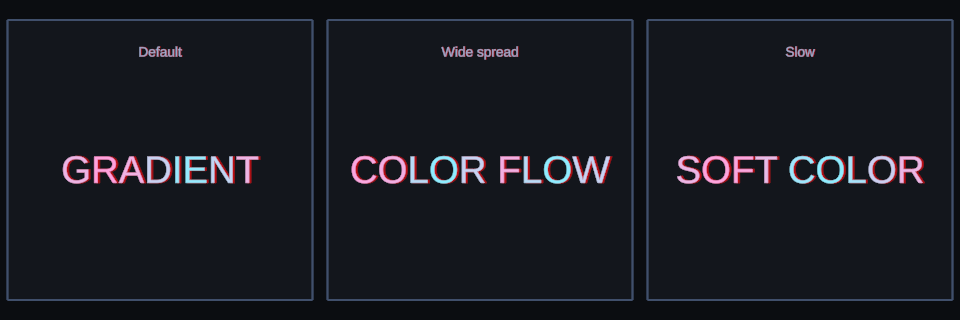
Gradient Flow: three useful starting points rendered by Text Studio.
Color Sweep
Canonical tag: <colorSweep>. Search aliases: progressive highlight, paint on, karaoke sweep. Key controls and defaults: Color (RGBA 88, 255, 218, 255), Softness (0.14).
A progressive paint-on highlight for karaoke, progress, and guided reading. Start with <colorSweep color=#58ffda>PAINT ON</colorSweep> and tune it in Preview.
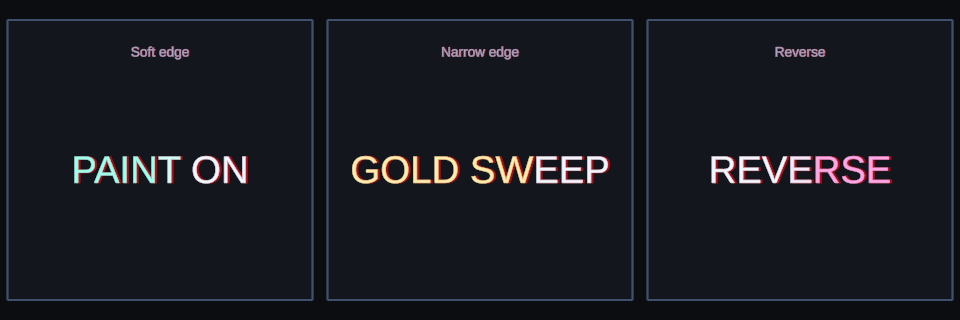
Color Sweep: three useful starting points rendered by Text Studio.
Color Pulse
Canonical tag: <colorPulse>. Search aliases: color cycle, palette pulse, tint pulse. Key controls and defaults: Color A (RGBA 255, 255, 255, 255), Color B (RGBA 255, 211, 72, 255), Speed (1.2).
A color-to-color pulse for danger, rarity, magic, and status changes. Start with <colorPulse from=#ff3355 to=#ffffff>CRITICAL</colorPulse> and tune it in Preview.
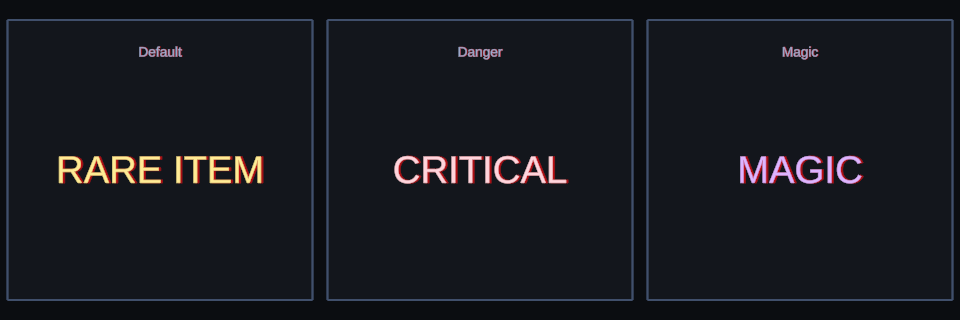
Color Pulse: three useful starting points rendered by Text Studio.
Rainbow
Canonical tag: <rainbow>. Search aliases: none. Key controls and defaults: Saturation (0.85), Value (1), Speed (0.25), Spread (0.8).
Celebratory hue movement for arcade and party moments. Start with <rainbow>RAINBOW</rainbow> and tune it in Preview.
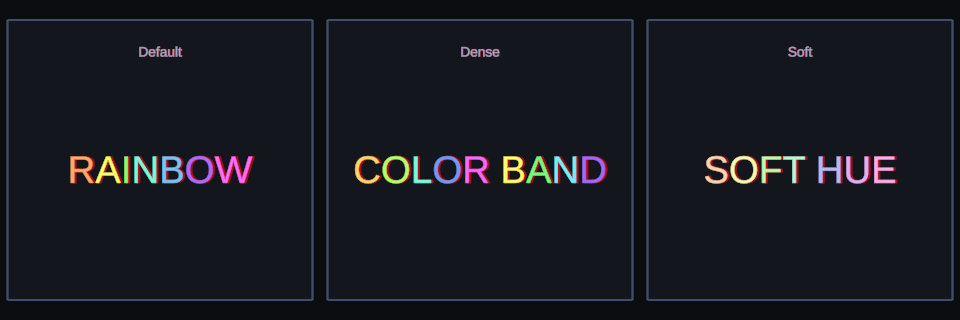
Rainbow: three useful starting points rendered by Text Studio.
Emphasis
Canonical tag: <emphasis>. Search aliases: em, important, bold. Key controls and defaults: Amplitude (0.08), Speed (4), Duration (1), Playback (infinite).
A gentle pulse that draws attention inside dialogue or instructions. Start with This is <emphasis>important</emphasis> and tune it in Preview.
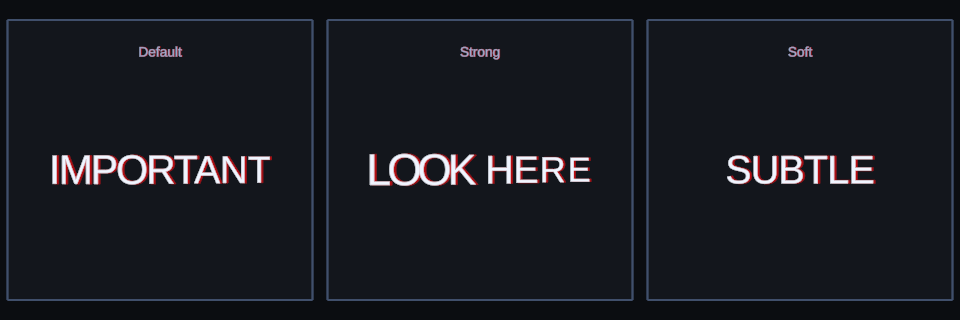
Emphasis: three useful starting points rendered by Text Studio.
Reveals and Transformations
Pop
Canonical tag: <pop>. Search aliases: popIn, punch, overshoot. Key controls and defaults: Start Scale (0.15), Overshoot (0.24).
A punchy overshoot for rewards and short entrances. Start with <pop>BONUS!</pop> and tune it in Preview.
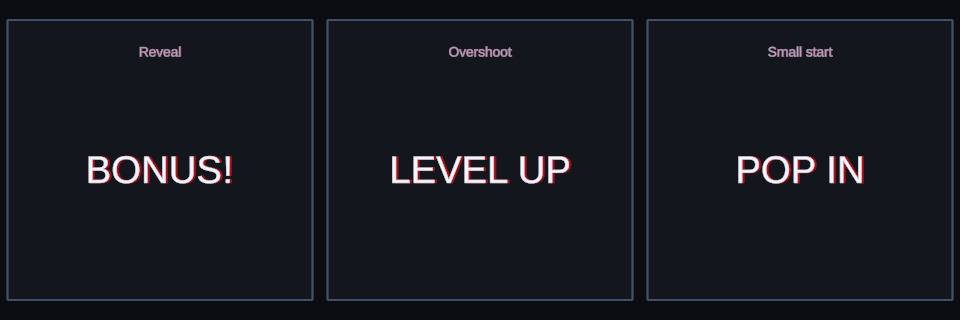
Pop: three useful starting points rendered by Text Studio.
Fade
Canonical tag: <fade>. Search aliases: alpha, fade in, fade out. Key controls and defaults: Max Alpha (1), Duration (1), Playback (pingpong), Color (RGBA 255, 255, 255, 255), Mode (full).
A soft entrance, exit, or breathing treatment. Start with <fade>SOFT REVEAL</fade> and tune it in Preview.
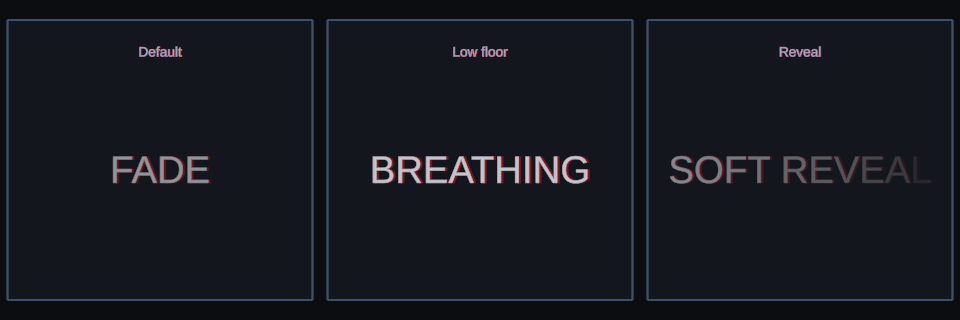
Fade: three useful starting points rendered by Text Studio.
Size
Canonical tag: <size>. Search aliases: big, small, grow, shrink. Key controls and defaults: Start Scale (0.85), End Scale (1), Pulse Amplitude (0.08), Pulse Speed (1), Duration (1), Playback (infinite), Scale (string.Empty).
Grow, shrink, or pulse without changing the authored text. Start with <size>BUILD IN</size> and tune it in Preview.
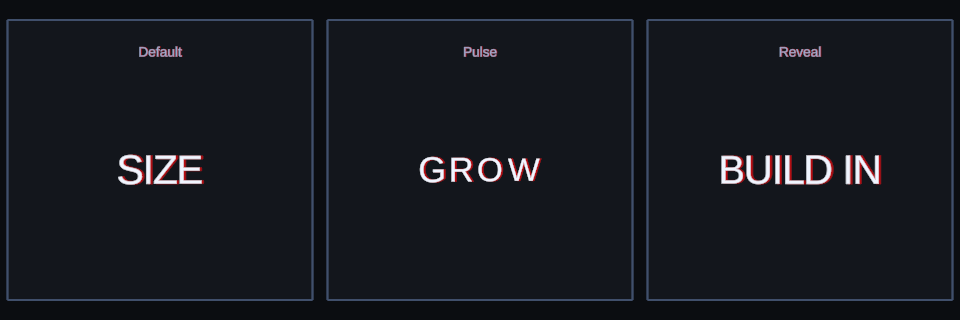
Size: three useful starting points rendered by Text Studio.
Rotate In
Canonical tag: <rotate>. Search aliases: spin, rotate in. Key controls and defaults: Start Degrees (45), Speed (0.34), Loop Degrees (360), Axis (z), Duration (1), Playback (infinite), Pivot (new Vector2(0.5, 0.5)).
Kinetic rotation for energetic captions and reveals. Start with <rotate>SPIN IN</rotate> and tune it in Preview.
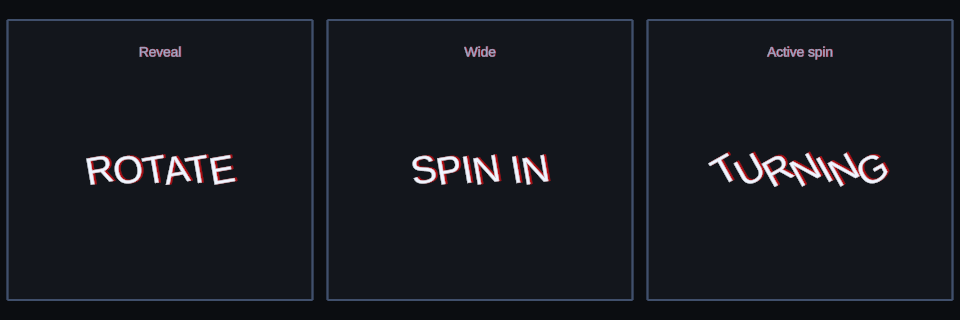
Rotate In: three useful starting points rendered by Text Studio.
Shear
Canonical tag: <shear>. Search aliases: skew. Key controls and defaults: Amplitude (1), Horizontal (0), Vertical (allSides), Speed (1), Duration (1), Playback (infinite).
An angled, speed-focused distortion that keeps layout intact. Start with <shear horizontal=5>SHEAR</shear> and tune it in Preview.
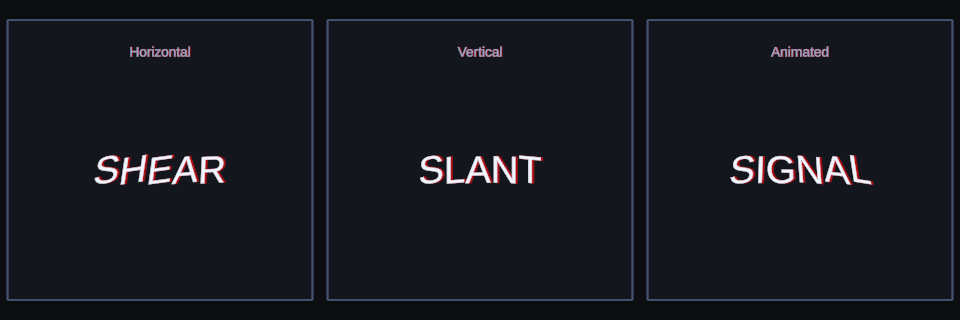
Shear: three useful starting points rendered by Text Studio.
Slide Horizontal
Canonical tag: <slideHorizontal>. Search aliases: slide, slideH, slideX. Key controls and defaults: Distance (0.22), Speed (1), Stagger (0.03), Duration (1), Playback (infinite), Horizontal (string.Empty), Vertical (string.Empty).
A side entrance or restrained horizontal drift. Start with <slide>FROM LEFT</slide> and tune it in Preview.
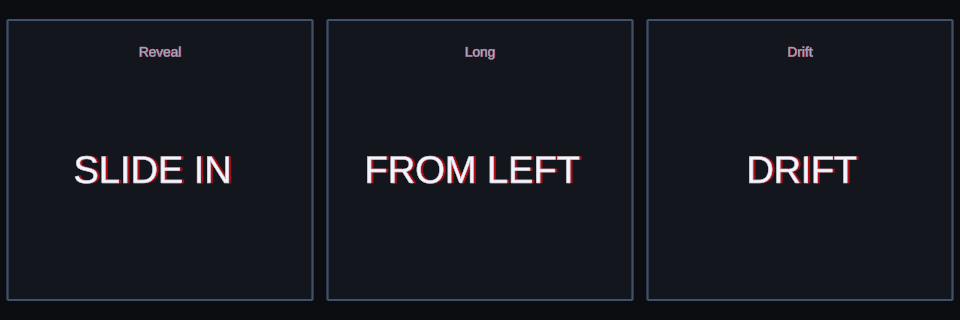
Slide Horizontal: three useful starting points rendered by Text Studio.
Slide Vertical
Canonical tag: <slideVertical>. Search aliases: slideV, slideY, rise, drop. Key controls and defaults: Distance (0.16), Speed (1), Stagger (0.03), Duration (1), Playback (infinite), Horizontal (string.Empty), Vertical (string.Empty).
A rise, drop, or gentle vertical movement. Start with <slideV>RISE UP</slideV> and tune it in Preview.
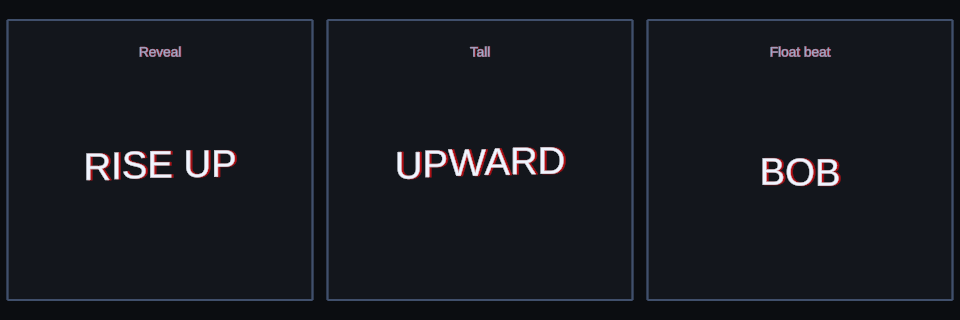
Slide Vertical: three useful starting points rendered by Text Studio.
Expand
Canonical tag: <expand>. Search aliases: scale fade, soft pop. Key controls and defaults: Amplitude (1), Mode (both), Origin (center), Pulse Speed (1), Duration (1), Playback (infinite).
A soft entrance that combines transparency and scale. Start with <expand>EXPAND</expand> and tune it in Preview.
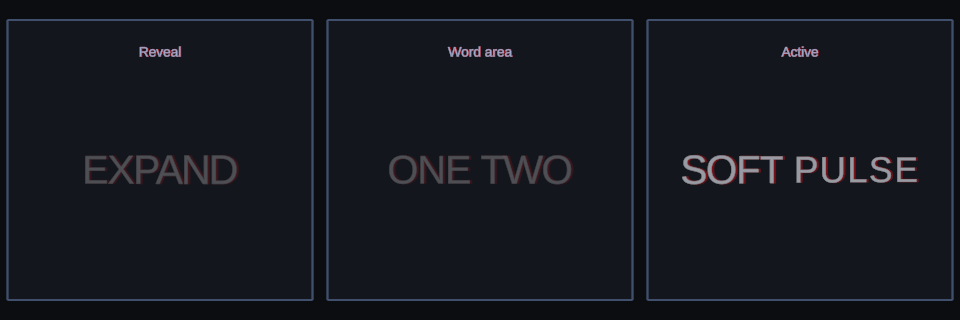
Expand: three useful starting points rendered by Text Studio.
Typewriter
Canonical tag: <typewriter>. Search aliases: typewriter reveal, appear. Key controls and defaults: use the Tag Browser for typed controls.
Hides unrevealed glyphs inside the selected range. Start with <typewriter>REVEAL THIS</typewriter> and tune it in Preview.
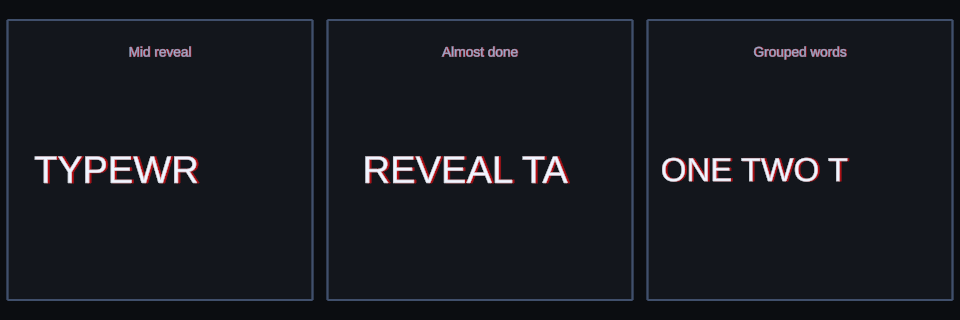
Typewriter: three useful starting points rendered by Text Studio.
Decrypt
Canonical tag: <decrypt>. Search aliases: scramble, decode. Key controls and defaults: Shake Strength (0.12), Shake Speed (32).
A terminal-like lock-in during reveal. Start with <decrypt>ACCESS GRANTED</decrypt> and tune it in Preview.
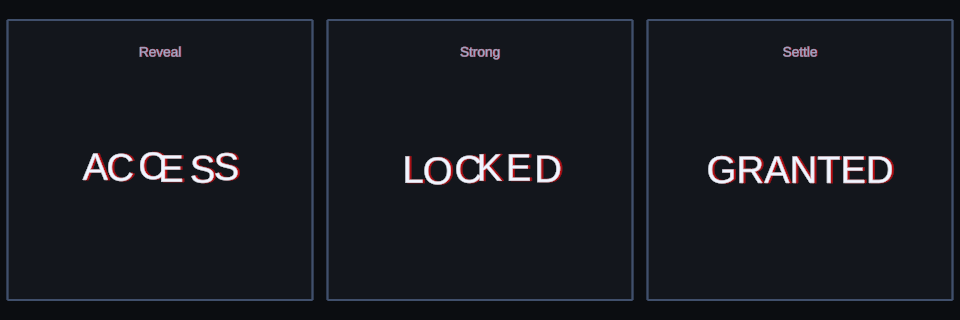
Decrypt: three useful starting points rendered by Text Studio.
Glitch
Canonical tag: <glitch>. Search aliases: corrupt, digital noise. Key controls and defaults: Strength (0.1), Frequency (8), Seed (2719), Activity (0.18).
Controlled signal loss and digital instability. Start with <glitch>SIGNAL LOST</glitch> and tune it in Preview.
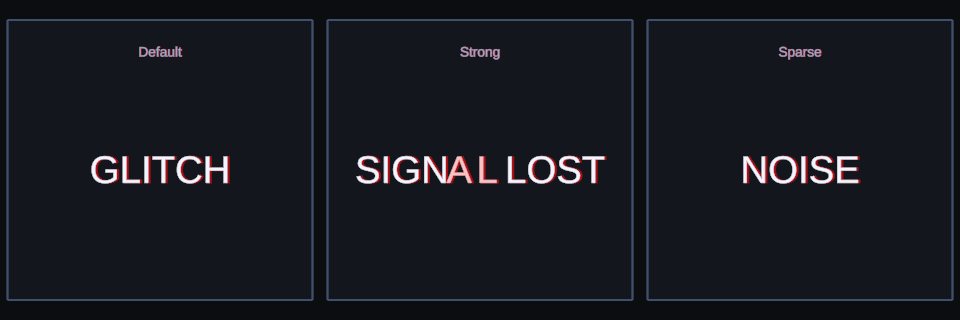
Glitch: three useful starting points rendered by Text Studio.
Production 2D
Elastic
Canonical tag: <elastic>. Search aliases: squash stretch, jelly. Key controls and defaults: Strength (0.32), Oscillations (2.25), Damping (5.5), Anticipation (0.12), Preserve Area (true).
Squash and stretch for combat text, buttons, rewards, and dialogue beats. Start with <elastic>CRITICAL!</elastic> and tune it in Preview.
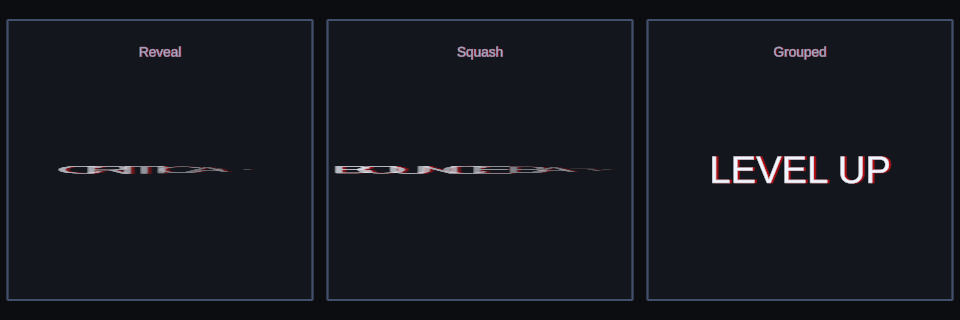
Elastic: three useful starting points rendered by Text Studio.
Scatter 2D
Canonical tag: <scatter2D>. Search aliases: fly, burst, explode. Key controls and defaults: Distance (0.65), Direction (up), Cone Angle (120), Radial (true), Seed (1729), Overshoot (0.08).
Directional or radial assembly with a repeatable seed. Start with <scatter2D>ASSEMBLE</scatter2D> and tune it in Preview.
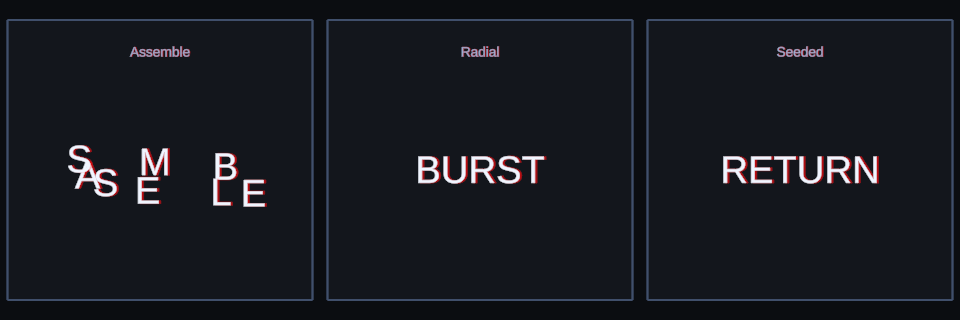
Scatter 2D: three useful starting points rendered by Text Studio.
Visual Tracking
Canonical tag: <tracking>. Search aliases: letter spacing, title tracking. Key controls and defaults: Amount (0.35), Anchor (center).
Cinematic letter-spacing movement without text reflow. Start with <tracking amount=.7>CINEMATIC</tracking> and tune it in Preview.
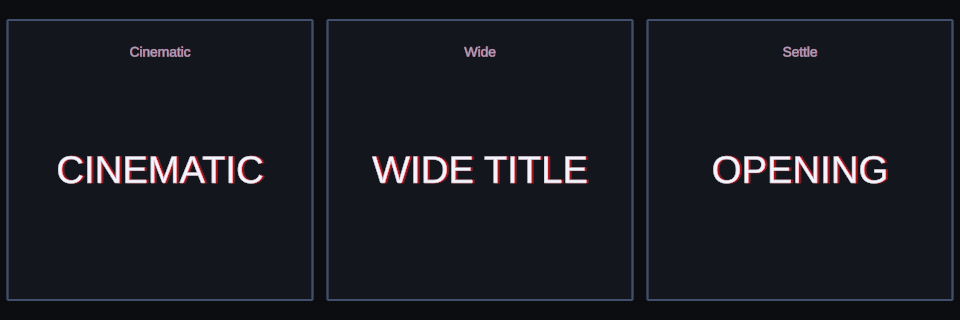
Visual Tracking: three useful starting points rendered by Text Studio.
Corner Warp
Canonical tag: <cornerWarp>. Search aliases: flag, ripple, quad warp. Key controls and defaults: Mode (ripple), Strength (0.12), Speed (0.8), Spread (1.1).
Flag, ripple, jelly, squeeze, and bulge deformation from one effect. Start with <cornerWarp mode=flag>ORGANIC</cornerWarp> and tune it in Preview.
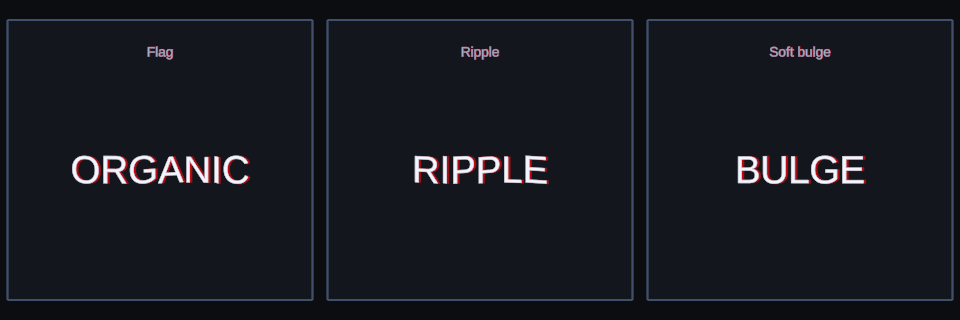
Corner Warp: three useful starting points rendered by Text Studio.
Focus
Canonical tag: <focus>. Search aliases: none. Key controls and defaults: Amount (1).
A defocused-to-sharp reveal for cinematic titles and target acquisition. Start with <focus>IN FOCUS</focus> and tune it in Preview.
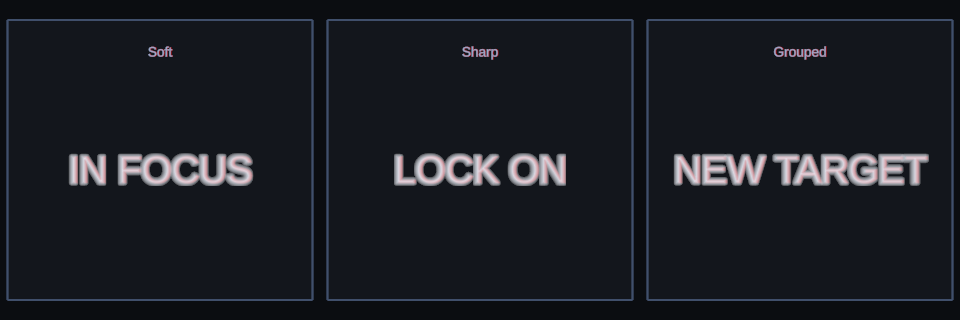
Focus: three useful starting points rendered by Text Studio.
Dissolve
Canonical tag: <dissolve>. Search aliases: none. Key controls and defaults: Softness (0.12), Space (glyph).
A threshold reveal or hide with an adjustable soft edge. Glyph mapping treats characters independently; Text mapping creates one continuous edge across the complete range. Start with <dissolve softness=.18 space=text>DISSOLVE</dissolve> and tune it in Live Preview.
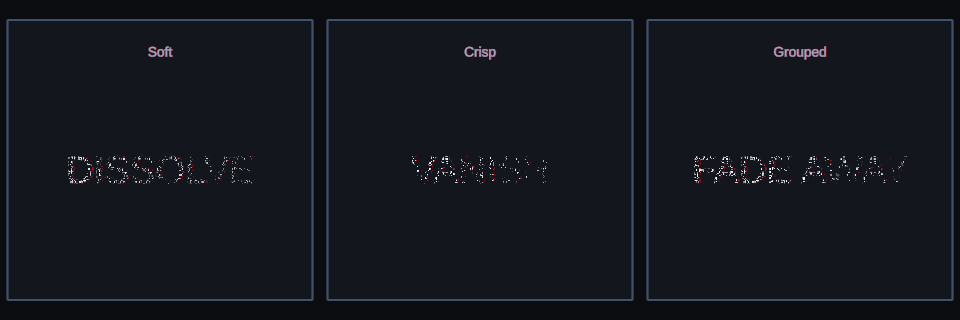
Dissolve: three useful starting points rendered by Text Studio.
Burn
Canonical tag: <burn>. Search aliases: burn away, embers, char burn. Key controls and defaults: Softness (0.16), Space (text).
A deterministic hot-edge and ember reveal or hide for magical damage, danger, and disintegration. Text mapping travels continuously across the complete range; Glyph mapping burns each character independently. Start with <burn softness=.16 space=text>BURN AWAY</burn> and tune it in Live Preview.
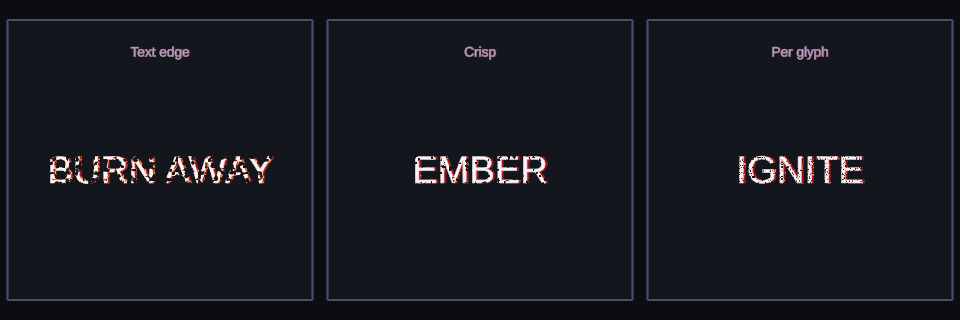
Burn: text-wide, crisp, and per-glyph starting points rendered by Text Studio.
Outline and Glow
Canonical tag: <outlineGlow>. Search aliases: none. Key controls and defaults: Outline (0.25), Glow (0.65), Speed (1).
Readable selected, neon, and reward emphasis over busy backgrounds. Start with <outlineGlow>SELECTED</outlineGlow> and tune it in Preview.
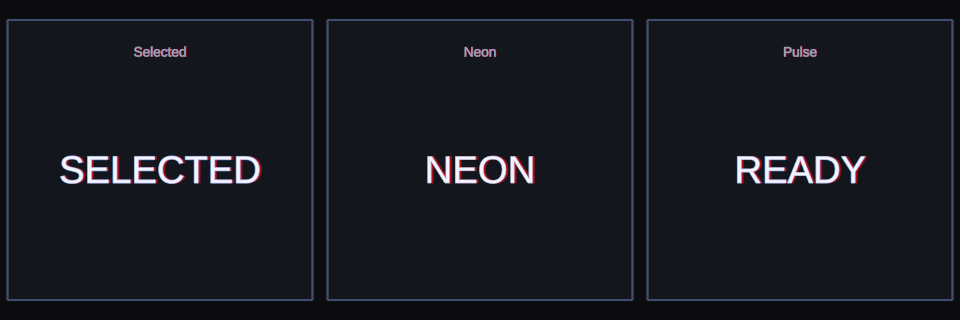
Outline and Glow: three useful starting points rendered by Text Studio.
Surface Sweep
Canonical tag: <surfaceSweep>. Search aliases: none. Key controls and defaults: Speed (0.55), Width (0.15).
A true material highlight for polished titles and premium rewards. Start with <surfaceSweep>LEGENDARY</surfaceSweep> and tune it in Preview.
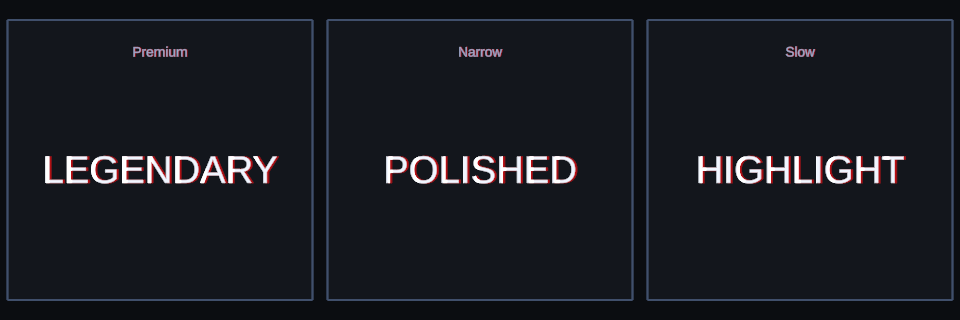
Surface Sweep: three useful starting points rendered by Text Studio.
Chromatic Glitch
Canonical tag: <chromaticGlitch>. Search aliases: none. Key controls and defaults: Strength (0.08), Frequency (7).
Restrained RGB separation and digital slicing. Start with <chromaticGlitch>SIGNAL</chromaticGlitch> and tune it in Preview.
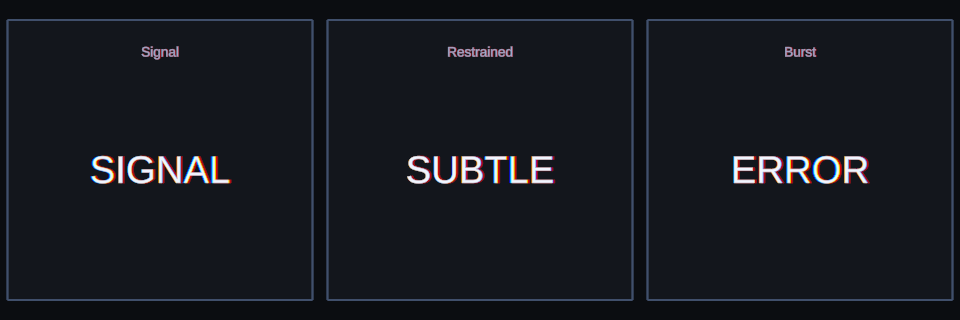
Chromatic Glitch: three useful starting points rendered by Text Studio.
Pixel Grid
Canonical tag: <pixelGrid>. Search aliases: pixelate, retro, low resolution. Key controls and defaults: Cell Size (8), Active Amount (1), Transition Amount (1), Space (screen), Quality (preserve), Min Cell Size (4), Max Cell Size (10).
True TextMeshPro SDF cell pixelation for retro UI, digital reveals, and stylized game text. Screen space keeps cells aligned to render pixels; Glyph space follows each character; Preserve protects thin strokes, while Crisp favors hard-edged cells. Start with <pixelGrid cellSize=8 space=screen quality=preserve>PIXEL GRID</pixelGrid> and tune it in Preview. Unsupported material and renderer paths keep readable unchanged text.
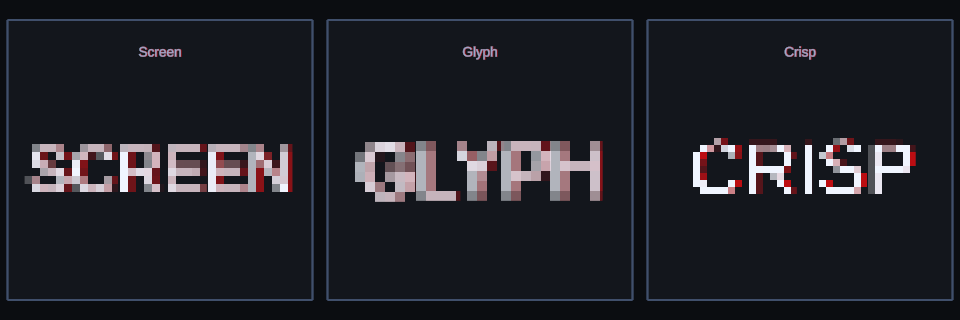
Pixel Grid: screen-stable, glyph-anchored, and crisp starting points rendered by Text Studio.
Squiggle
Canonical tag: <squiggle>. Search aliases: none. Key controls and defaults: Strength (0.035), Detail (4), Redraw Rate (6), Seed (17).
Stepped, hand-drawn contours inside flat TextMeshPro glyphs for sketchbook and cartoon lettering. Redraw Rate sets how many new shapes appear per second, and zero freezes the shape; Reduced Motion turns the effect off. Start with <squiggle strength=.035 detail=4 rate=6>SQUIGGLE</squiggle> and tune it in Preview.
Lens Magnifier
Canonical tag: <lensMagnifier>. Search aliases: magnifying glass, lens. Key controls and defaults: Radius (123.5), Center Magnification (2.1), Edge Magnification (1.75), Bulge (0.45), Aperture Feather (0.02).
Target-centered optical magnification with radial spacing, bending, and apparent glyph rotation for magnifying-glass reading and inspection. The lens follows the Shared Spatial Target in Placement and leaves the text unchanged until a target is assigned; the Text Magnifier example builds a complete reading lens from it. Start with <lensMagnifier>MAGNIFY</lensMagnifier> and tune it in Preview.
Spatial Motion
Hero Depth Rise
Canonical tag: <heroDepthRise>. Search aliases: none. Key controls and defaults: Strength (0.75), Lift (0.16), Tilt (24).
A cinematic rise from depth with a restrained tilt. Start with <heroDepthRise>HERO TITLE</heroDepthRise> and tune it in Preview.
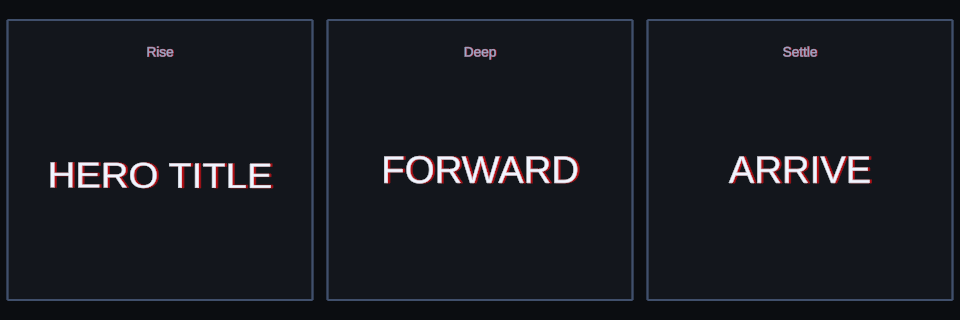
Hero Depth Rise: three useful starting points rendered by Text Studio.
Card Flip Y
Canonical tag: <cardFlipY>. Search aliases: none. Key controls and defaults: Angle (92), Depth (0.12).
A vertical-axis turn inspired by premium cards and dimensional tiles. Start with <cardFlipY>FLIP CARD</cardFlipY> and tune it in Preview.
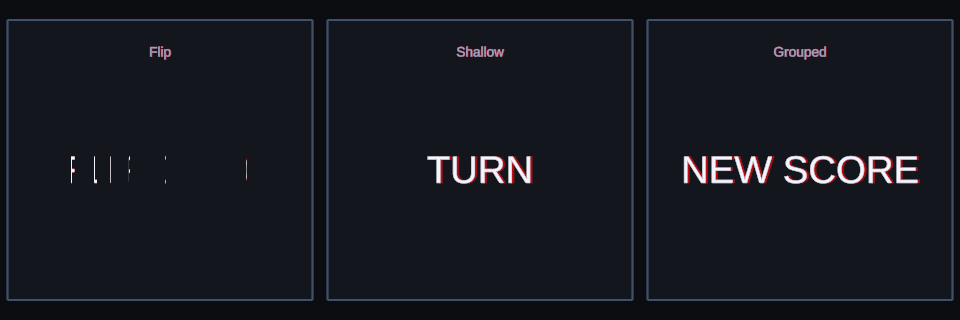
Card Flip Y: three useful starting points rendered by Text Studio.
Top Hinge
Canonical tag: <topHinge>. Search aliases: none. Key controls and defaults: Angle (-88).
Letters unfold from their top edge. Start with <topHinge>HINGE</topHinge> and tune it in Preview.
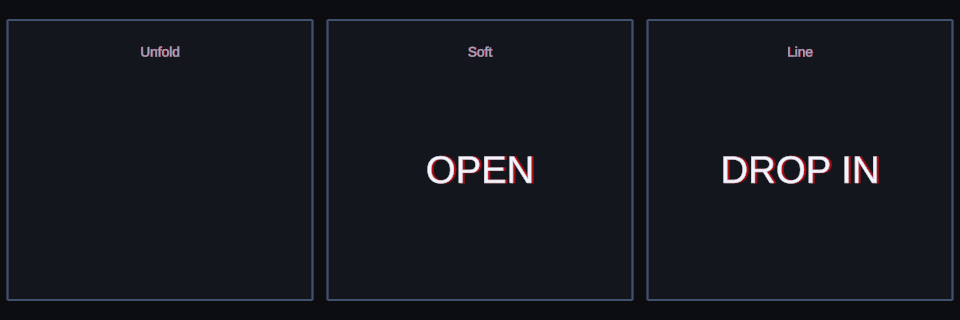
Top Hinge: three useful starting points rendered by Text Studio.
Domino Line
Canonical tag: <dominoLine>. Search aliases: none. Key controls and defaults: Angle (72), Depth (0.08).
A stagger-ready sideways fall and recovery. Start with <dominoLine>DOMINO</dominoLine> and tune it in Preview.
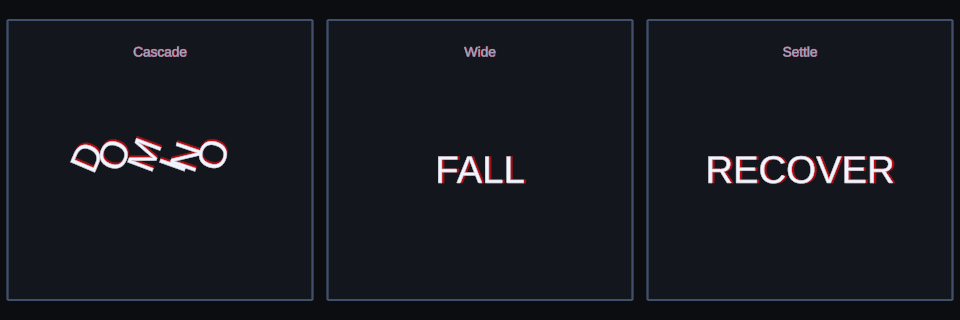
Domino Line: three useful starting points rendered by Text Studio.
Spiral Assemble
Canonical tag: <spiralAssemble>. Search aliases: none. Key controls and defaults: Radius (0.65), Depth (0.8), Turns (1.25).
Letters arrive from a three-dimensional spiral. Start with <spiralAssemble>ASSEMBLE</spiralAssemble> and tune it in Preview.
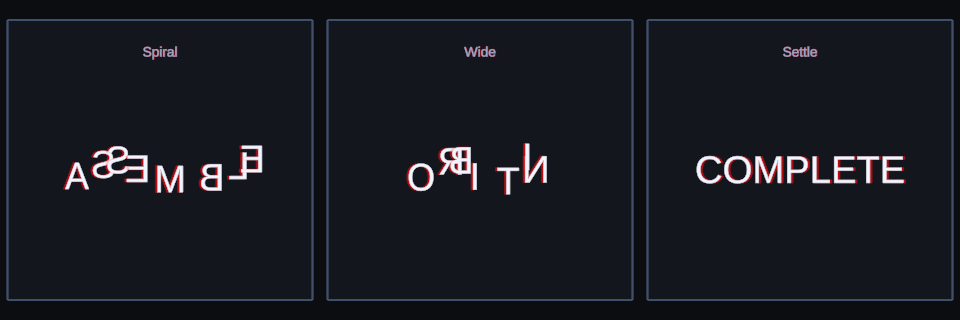
Spiral Assemble: three useful starting points rendered by Text Studio.
3D Scatter and Return
Canonical tag: <spatialScatter>. Search aliases: none. Key controls and defaults: Strength (0.85), Seed (1729).
Repeatable scattering through volume followed by a clean return. Start with <spatialScatter>SCATTER</spatialScatter> and tune it in Preview.
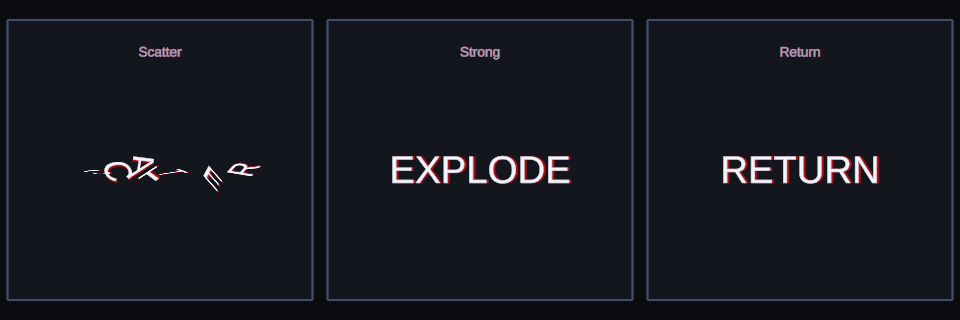
3D Scatter and Return: three useful starting points rendered by Text Studio.
Fold Away
Canonical tag: <foldAway>. Search aliases: none. Key controls and defaults: Angle (90), Depth (0.35).
A refined hide that folds letters backward into depth. Start with <foldAway>GOODBYE</foldAway> and tune it in Preview.
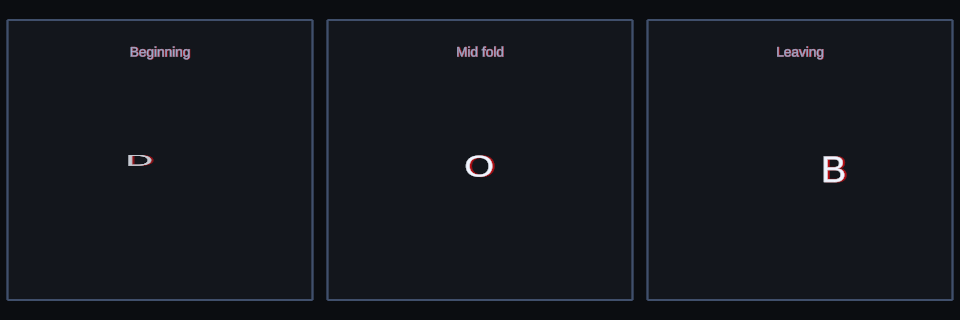
Fold Away: three useful starting points rendered by Text Studio.
Rolling Ribbon
Canonical tag: <rollingRibbon>. Search aliases: none. Key controls and defaults: Strength (0.16), Angle (18), Speed (0.75), Spread (0.8).
A broadcast-style wave through position and orientation. Start with <rollingRibbon>RIBBON</rollingRibbon> and tune it in Preview.
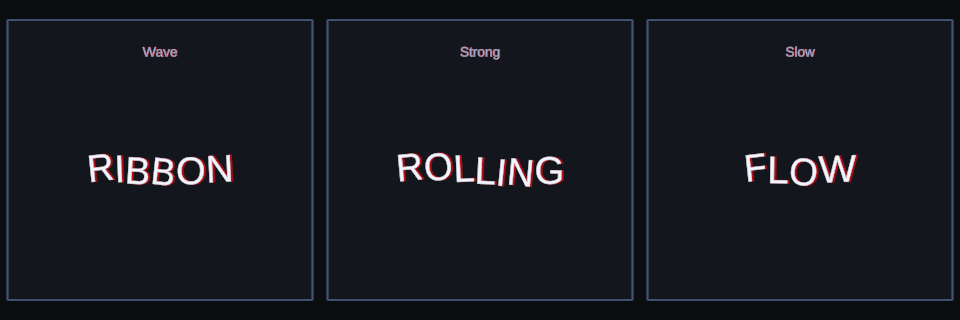
Rolling Ribbon: three useful starting points rendered by Text Studio.
Soft Spatial Float
Canonical tag: <softSpatialFloat>. Search aliases: none. Key controls and defaults: Strength (0.075), Speed (0.32), Spread (0.45).
Slow three-axis drift with a still Reduced Motion alternative. Start with <softSpatialFloat>AMBIENT</softSpatialFloat> and tune it in Preview.
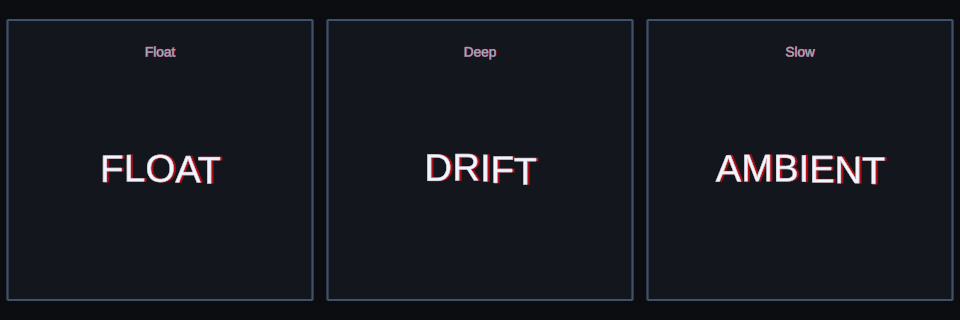
Soft Spatial Float: three useful starting points rendered by Text Studio.
Accordion
Canonical tag: <accordion>. Search aliases: none. Key controls and defaults: Compression (0.72), Depth (0.28).
Alternating width and depth compression before opening into place. Start with <accordion>ACCORDION</accordion> and tune it in Preview.
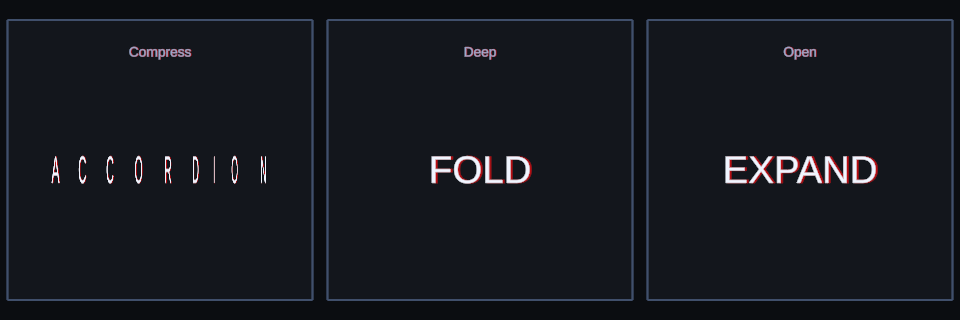
Accordion: three useful starting points rendered by Text Studio.
Orbit
Canonical tag: <orbit>. Search aliases: none. Key controls and defaults: Radius (0.12), Speed (0.55), Spread (0.85), Face Motion (true).
Letters orbit their authored positions while remaining editable. Start with <orbit>ORBIT</orbit> and tune it in Preview.
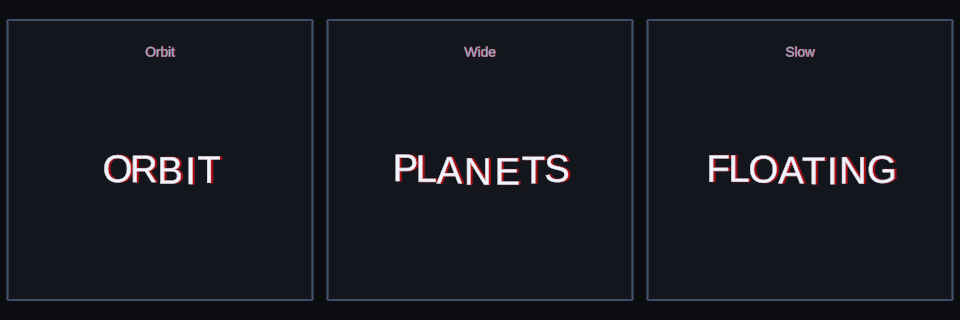
Orbit: three useful starting points rendered by Text Studio.